Best YouTube Summarizer in 2026: SnapVee vs NoteGPT vs Eightify vs Glasp vs Notta
Compare five YouTube AI summarizers for videos without captions, multilingual output, timestamps, follow-up chat, mind maps, batch jobs, and export.
What is the best YouTube summarizer in 2026?
For an hour-long interview, lecture, or product review, most people first want to know what it says, which sections matter, whether the conclusion holds up, and whether they can question and save the result in their own language.
This guide compares SnapVee, NoteGPT, Eightify, Glasp, and Notta across captionless videos, multilingual output, timestamps, follow-up chat, mind maps, batch processing, and exports. There is no universal winner: the right choice depends on whether you need a one-off summary, an assistant inside YouTube, or a reusable research workflow.
Quick comparison
| Tool | Best for | Input | Multilingual workflow | Main output | Main limitation |
|---|---|---|---|---|---|
| SnapVee | Cross-platform research | Links, local files, up to 3 links per batch | Choose output language separately | Overview, chapters, transcript, keywords, actions, chat, mind map, Markdown | Free videos are capped at 60 minutes |
| NoteGPT | Playlists and batch study | YouTube, playlists, files, pages | Advertises translation in 60+ languages | Summary, transcript, custom prompts | Advanced models and batch limits vary by plan |
| Eightify | Reading alongside YouTube | Extension, web, mobile apps | Advertises 40+ languages | Timestamped insights, transcript, comment overview | Primarily a YouTube workflow |
| Glasp | Highlights and a personal knowledge base | Extension and Reader | Multilingual transcripts | Summary, transcript, timestamp highlights, exports | Best if you adopt Glasp's extension workflow |
| Notta | Meetings plus occasional YouTube | Web, upload, Chrome extension | Multilingual transcription and translation | Transcript, summary, workspace record | Extension requires captions and matching video/summary language |
Features and plans change. This comparison reflects public product pages checked in September 2026. Recheck pricing, privacy terms, and quotas before submitting sensitive or important material.
Five tests that matter
- Can it handle a video with no caption track? Caption scrapers are fast but fail when the track is missing.
- Are source and output languages separate? A translated interface is not the same as summarizing a Japanese interview into English notes.
- Can you verify the summary? Timestamped chapters and a transcript make claims traceable.
- Can you ask questions and export? Research needs more than a disposable paragraph.
- Does it fit your volume? One video, a playlist, local recordings, and batch URLs need different workflows.
1. SnapVee: best for structured, multilingual, cross-platform output
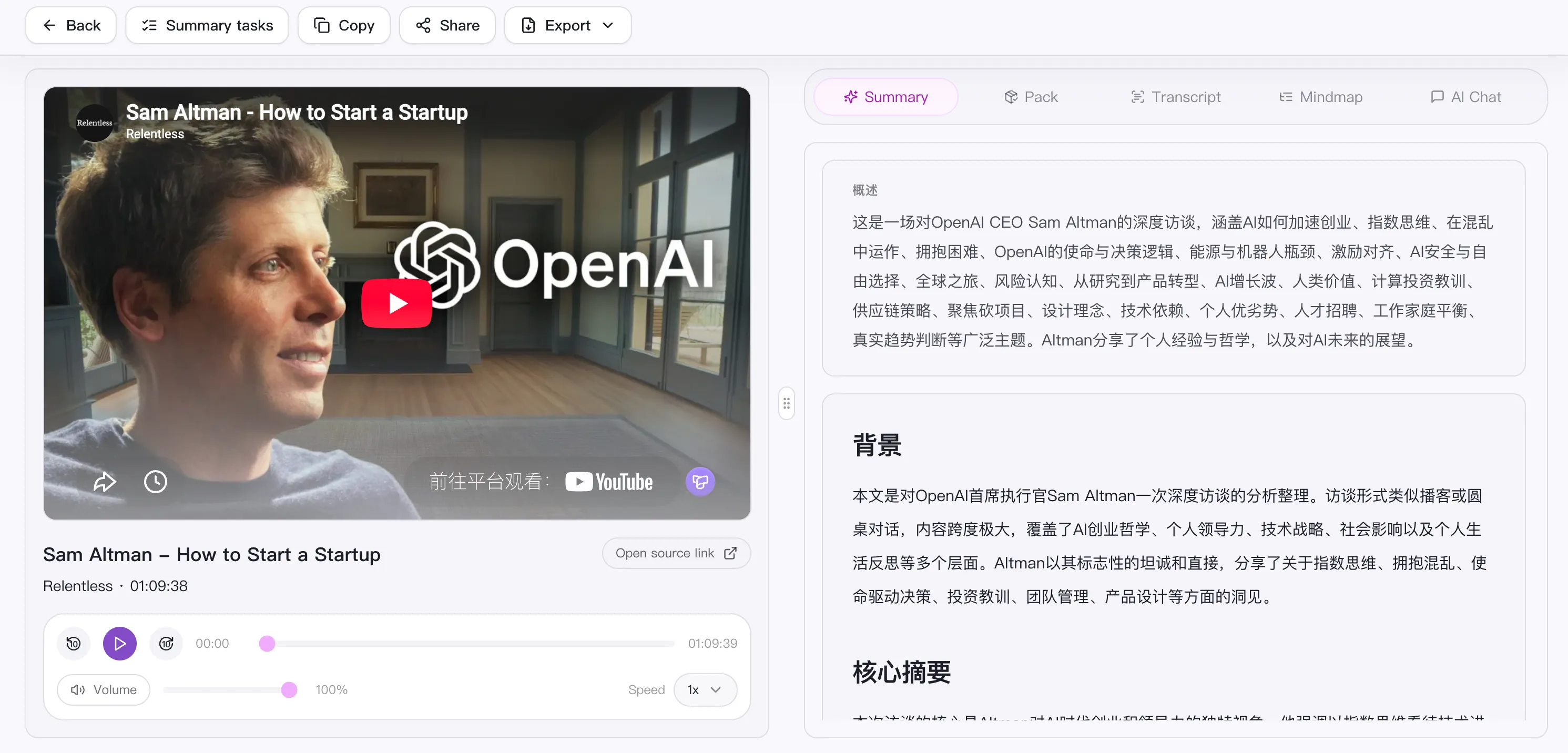
SnapVee's YouTube summarizer accepts public links and local audio or video. It produces an overview, timestamped chapters, a source-language transcript, keywords, action items, and a Mermaid mind map. You can ask follow-up questions against the full content, export notes as Markdown, and export the map as SVG.
The source and output languages can be selected separately, which helps with foreign-language lectures, interviews, and competitive research. The same workflow supports TikTok, Bilibili, Xiaoyuzhou, Apple Podcasts, and Ximalaya, with up to three links in one batch.
Best for: students, researchers, and creators who want reusable notes in Notion, Obsidian, or team docs.
Watch for: the free plan caps each item at 60 minutes and Pro at 180 minutes; processing consumes credits by duration.
2. NoteGPT: best for playlists and large study sets
NoteGPT covers YouTube videos and playlists, files, audio, PDFs, webpages, and long text. Its public page advertises batches of up to 20 videos, transcription for captionless videos, customizable prompts, and subtitle translation across 60+ languages.
That breadth suits course playlists and mixed research packs. Treat claims such as “free” or “unlimited length” carefully: premium models, file size, and concurrency can still depend on the current plan.
Best for: course playlists and mixed-format study material.
3. Eightify: best beside the YouTube player
Eightify places key insights, timestamps, and transcripts close to the viewing experience, with browser, iOS, and Android options. Its site advertises summaries and translations in 40+ languages plus an overview of top comments.
It minimizes context switching: scan chapters, then jump to the useful moment. That is excellent if nearly everything starts on YouTube. For podcasts, local media, and export-heavy research, SnapVee or NoteGPT offers a broader path.
Best for: everyday tutorials, tech reviews, and news explainers.
4. Glasp: best for highlights and long-term knowledge management
Glasp combines YouTube summaries and transcripts with timestamped highlights and annotations. It can export to Notion, Obsidian, and Roam or download Markdown, HTML, CSV, and JSON. For people who already build knowledge from highlights, the summary-to-annotation-to-review loop is more useful than a one-off paragraph.
It works through its Reader and browser extensions. The tradeoff is adopting Glasp's organization model; it is heavier than simply pasting several links for mind maps and action items.
Best for: academic reading, lifelong learning, and a personal knowledge base.
5. Notta: best when meetings are the primary job
Notta remains centered on meetings, recordings, and team transcription, but it also offers an online YouTube summarizer and Chrome extension. Summaries can live beside meeting records in the Notta workspace.
One important constraint appears in Notta's 2026 extension documentation: the YouTube video must have closed captions, and the summary language must match the video language. The web tool exposes more language choices, but free usage and full workspace features are limited. It makes sense for an existing Notta team, less so as a dedicated cross-language YouTube purchase.
Best for: teams whose main need is meeting notes and whose YouTube use is secondary.
What multilingual users should verify
- Confirm that recognition language and output language are independent.
- Check whether timestamps survive translation.
- Verify names, products, acronyms, numbers, and quotations against the source.
- Test code-switching and multiple speakers, not only clean single-language audio.
- Export a sample to confirm Chinese, Japanese, Korean, Hindi, Vietnamese, and accented characters render correctly.
Choose by scenario
- For cross-platform links, multilingual output, chapters, chat, mind maps, and Markdown: choose SnapVee.
- For playlists or a large mixed study set: choose NoteGPT.
- For the fastest timestamped overview inside YouTube: choose Eightify.
- For highlights and a personal knowledge base: choose Glasp.
- If you already manage meetings and team transcripts in one system: choose Notta.
Verdict
The best YouTube summarizer in 2026 should do more than produce a fluent paragraph. It should let you verify against timestamps, understand across languages, ask follow-up questions, and carry the result into your next tool.
For the most complete content workflow, SnapVee is the most balanced option. NoteGPT is stronger for large study sets, Eightify for in-player speed, Glasp for knowledge management, and Notta for meeting-first teams.
Test the same familiar video in two tools. Compare omissions, timestamps, names, and exports—not just how polished the prose sounds.
Related guides:
About the author

Jason Jiang
Product and engineering lead
Maintains SnapVee's core product features, ships platform support and product updates, and writes official tutorials and comparison content.