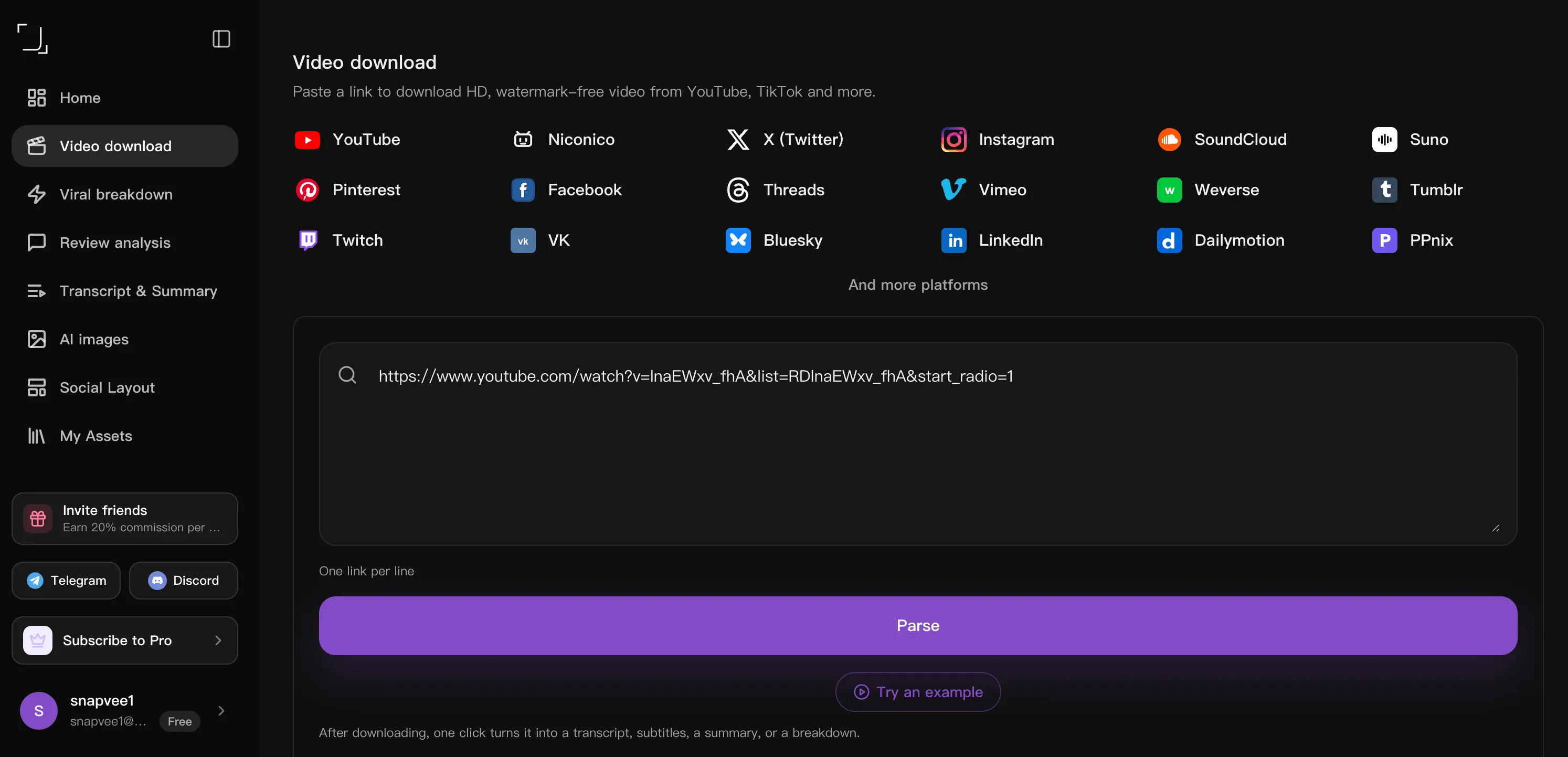
Copy the video link
Open the post you want and tap Share → Copy link. Any public video URL works, on desktop or mobile.
Online Suno download. Save Suno AI songs as MP3 audio or the official MP4 cover video. Paste a public link in your browser — no software, no signup. Fast, simple, and ready to save when you need it.
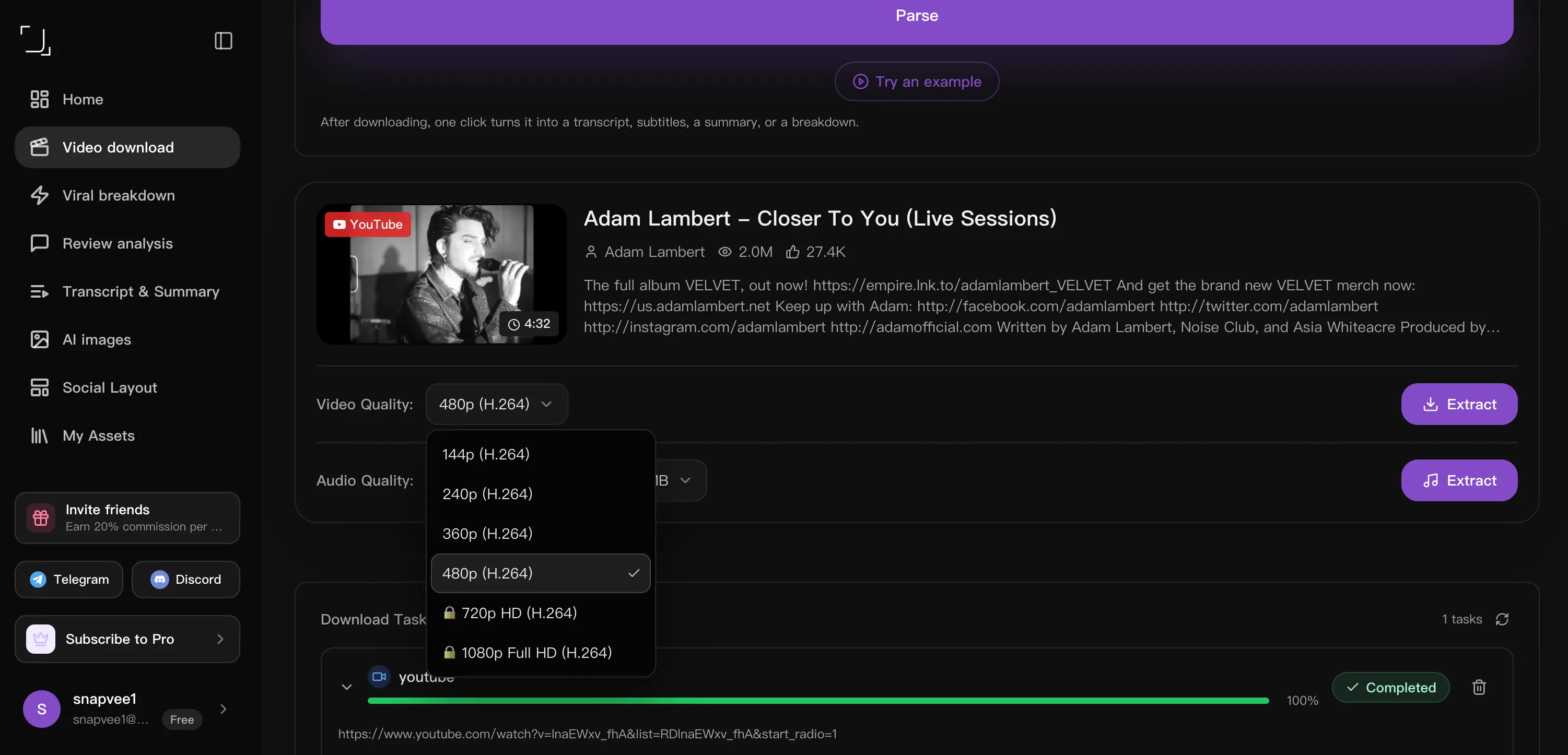
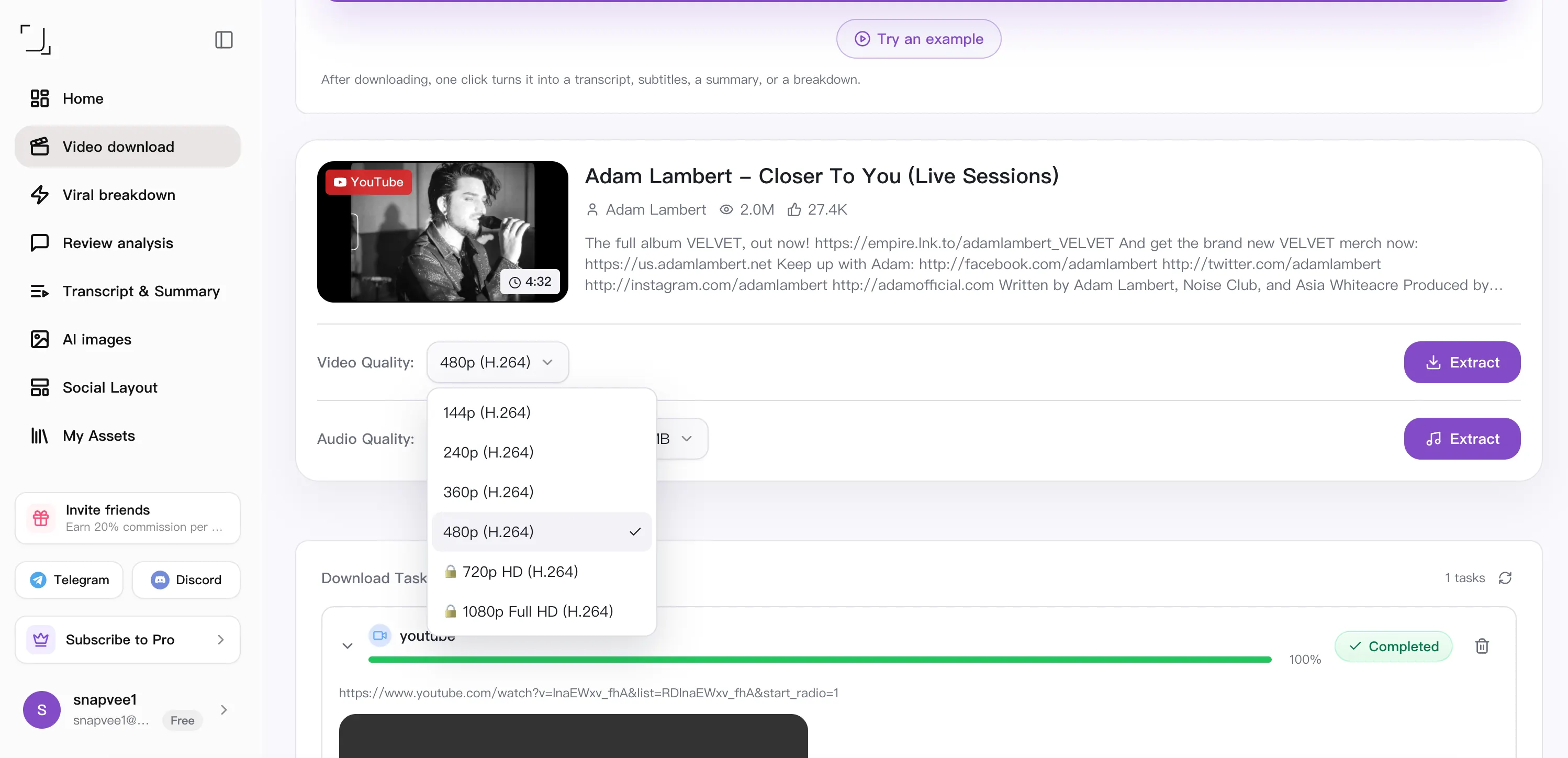
Free downloads support up to 720p and videos up to 1 hour. 1080p and 4K require a paid plan and an available source stream; paid plans support videos up to 2 hours. Check pricing for your download allowance.
Download Videos - SnapVee Universal Video Downloader
After downloading, one click turns it into a transcript, subtitles, a summary, or a breakdown.
No tasks
It works in any browser on desktop or mobile — nothing to install, and no account needed to start.
Open the post you want and tap Share → Copy link. Any public video URL works, on desktop or mobile.
Paste the URL above. SnapVee reads the title, duration and every quality the source offers, then lets you choose MP4 video or MP3 audio.
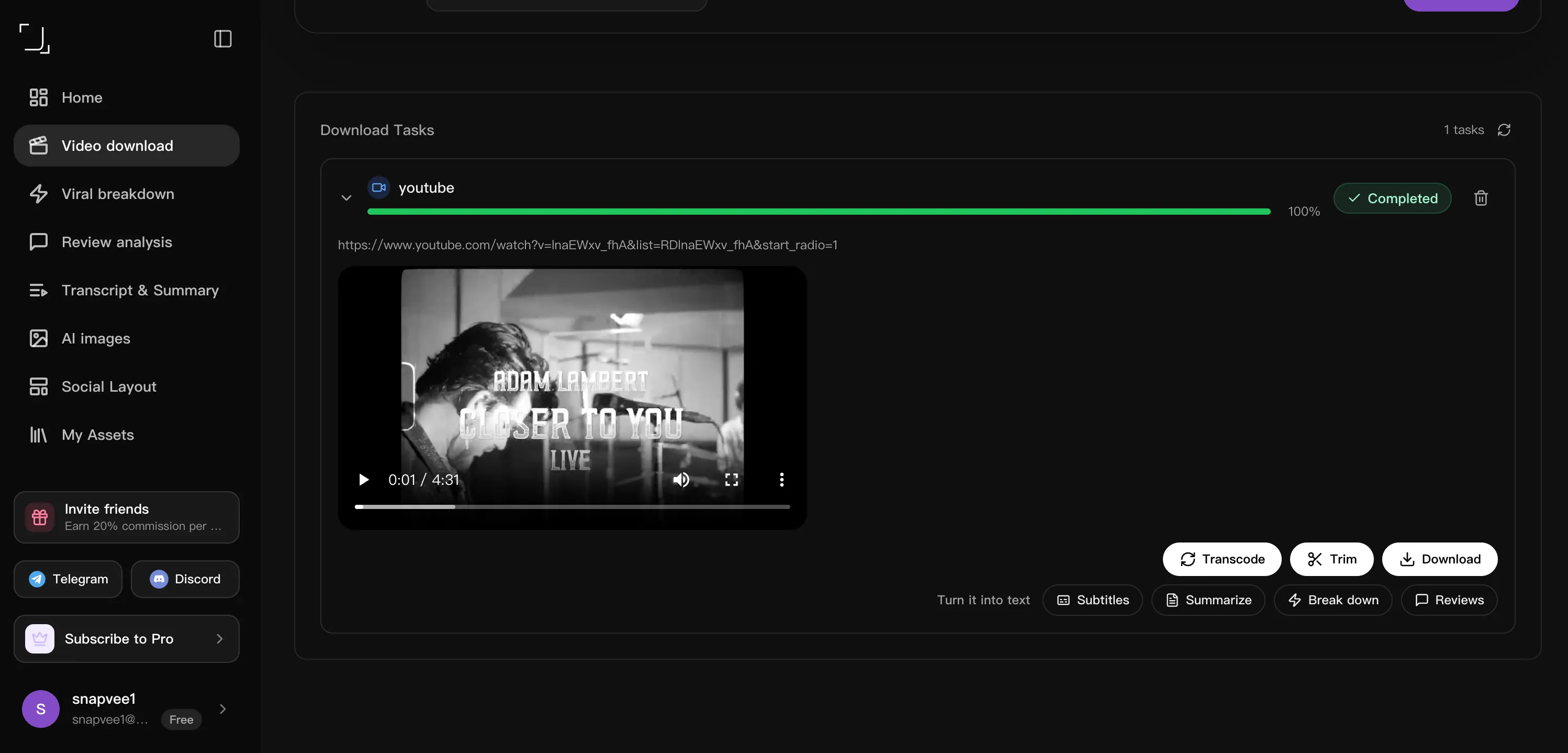
Hit download and the file saves straight to your device. Task history keeps every link, so you can re-download or batch more without pasting twice.
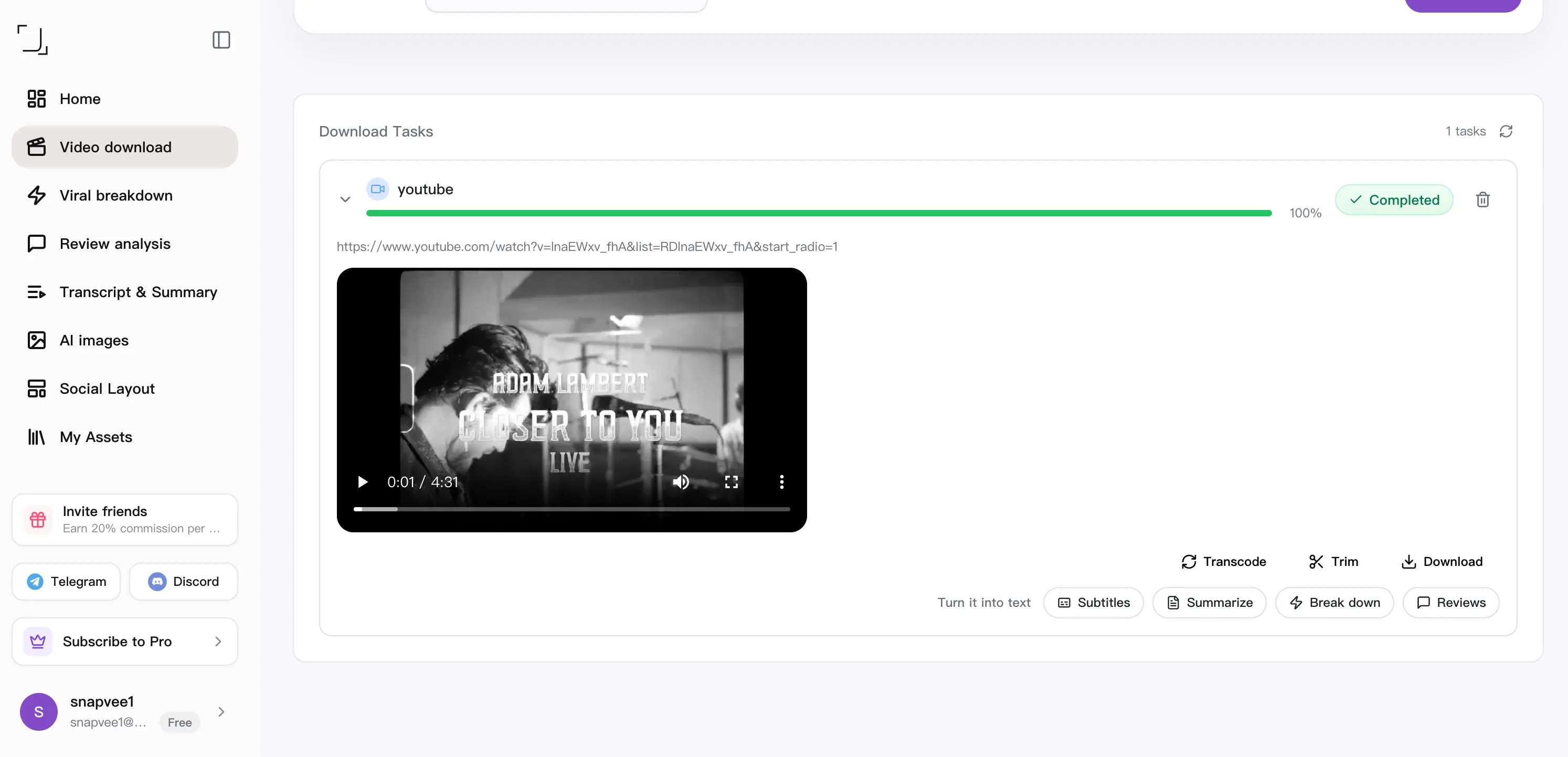
Downloaded it. Now what?
Downloading is step one. The same link can become subtitles, a summary, a fresh script, or your next content idea — without leaving SnapVee.
Side by side
How a downloader that lives in the browser compares with a desktop app (4K Video Downloader), a Windows download manager (IDM) and the URL-trick sites (SSYouTube).
| What matters | SnapVee | 4K Video Downloader | IDM | SSYouTube |
|---|---|---|---|---|
| Getting started | Paste a link in the browser | Install a desktop app | A Windows app plus a browser extension | Edit the URL, follow redirects |
| Devices | Any browser, phone included — plus a desktop app | One install per computer | Windows only, licensed per machine | Browser, depends on the redirect |
| Quality control | Pick 4K, 1080p or MP3 explicitly | Up to 4K / 8K when the source allows | Whatever stream the extension catches | Whatever the redirect target offers |
| After the download | Transcript, summary, convert, clip — same place | Local offline library | Download manager only — resume and accelerate | Download only |
| Account | Usage depends on your plan and remaining allowance | Basic tier has limited features | Paid licence after the trial | No account needed |
Compared against each product's publicly observable behaviour, checked August 2026. For offline batch downloads and playlist management, 4K Video Downloader is still a strong pick, and IDM remains the most reliable way to resume a broken large-file download.
Read the full comparison
Copy the Suno song link (suno.com/song/... or a suno.com/s/... share link), paste it into SnapVee, and pick MP3 for the audio or MP4 for the official cover video.
Yes. MP3 is the default format — SnapVee saves the original audio file Suno generated, without re-encoding it.
Yes, when a song has an official MP4 cover video, SnapVee offers it as a second format next to MP3.
No. SnapVee works with public songs and share links — no Suno login required. Private songs that were never shared cannot be parsed.
That depends on the Suno plan the song was created under and on the creator's rights. SnapVee only saves the file — check Suno's terms before commercial use.