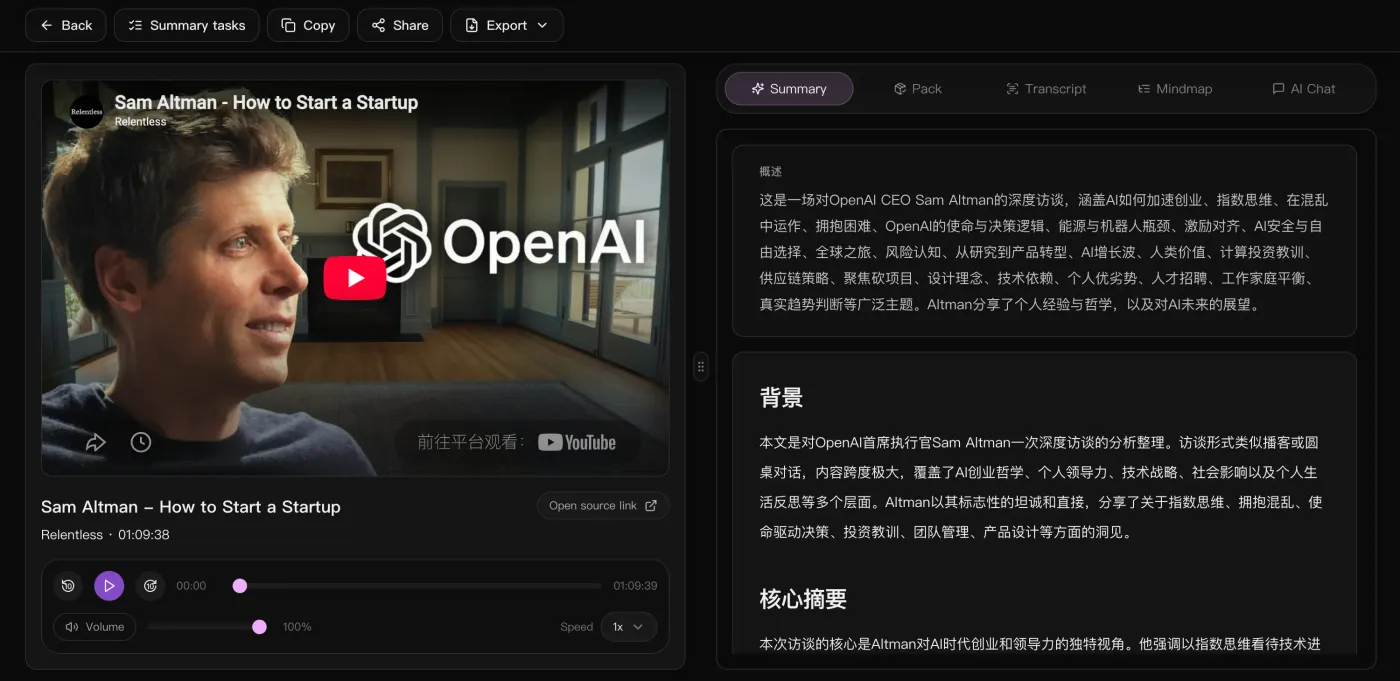
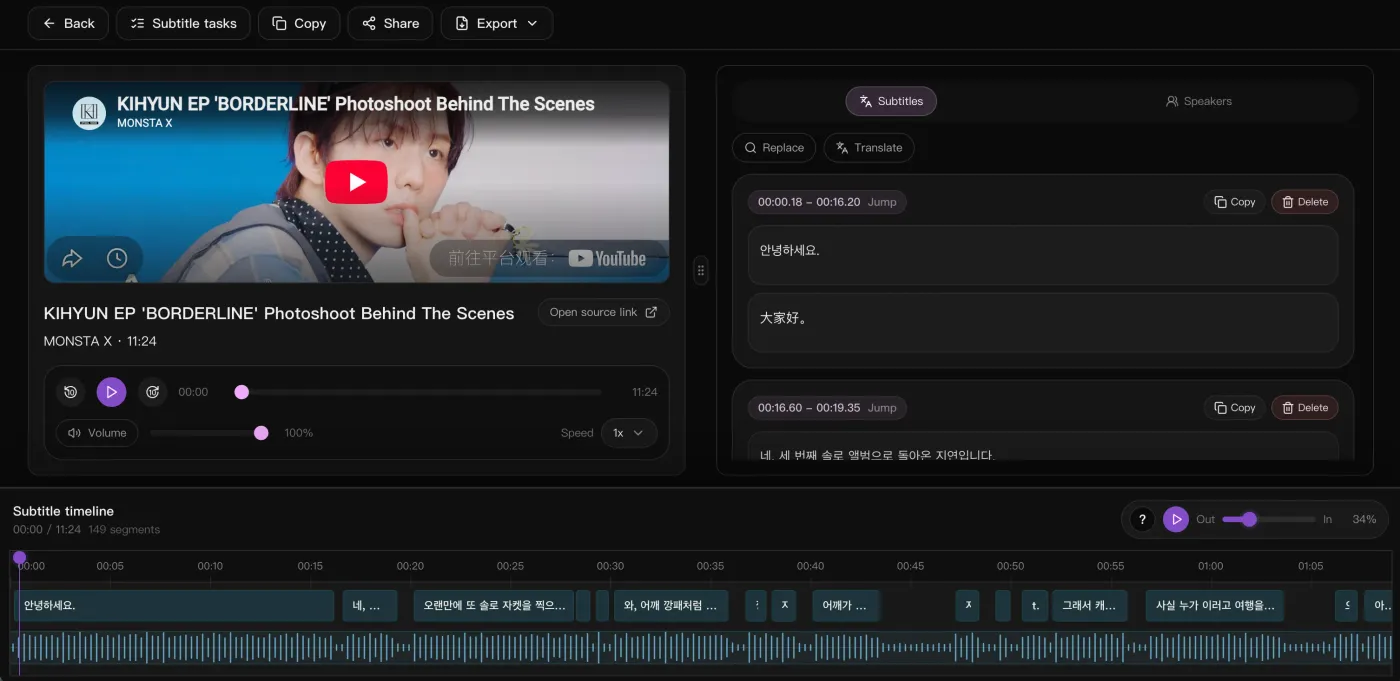




“Drop in a podcast or interview link and the timestamped transcript, bilingual subtitles, and summary come back together. Prep before publishing dropped by half.”

Thomas Wright
Content Lead · Northwave Media
Download HD, watermark-free from YouTube, TikTok, Instagram and more. Then transcribe, subtitle, summarize or break it down in one click.
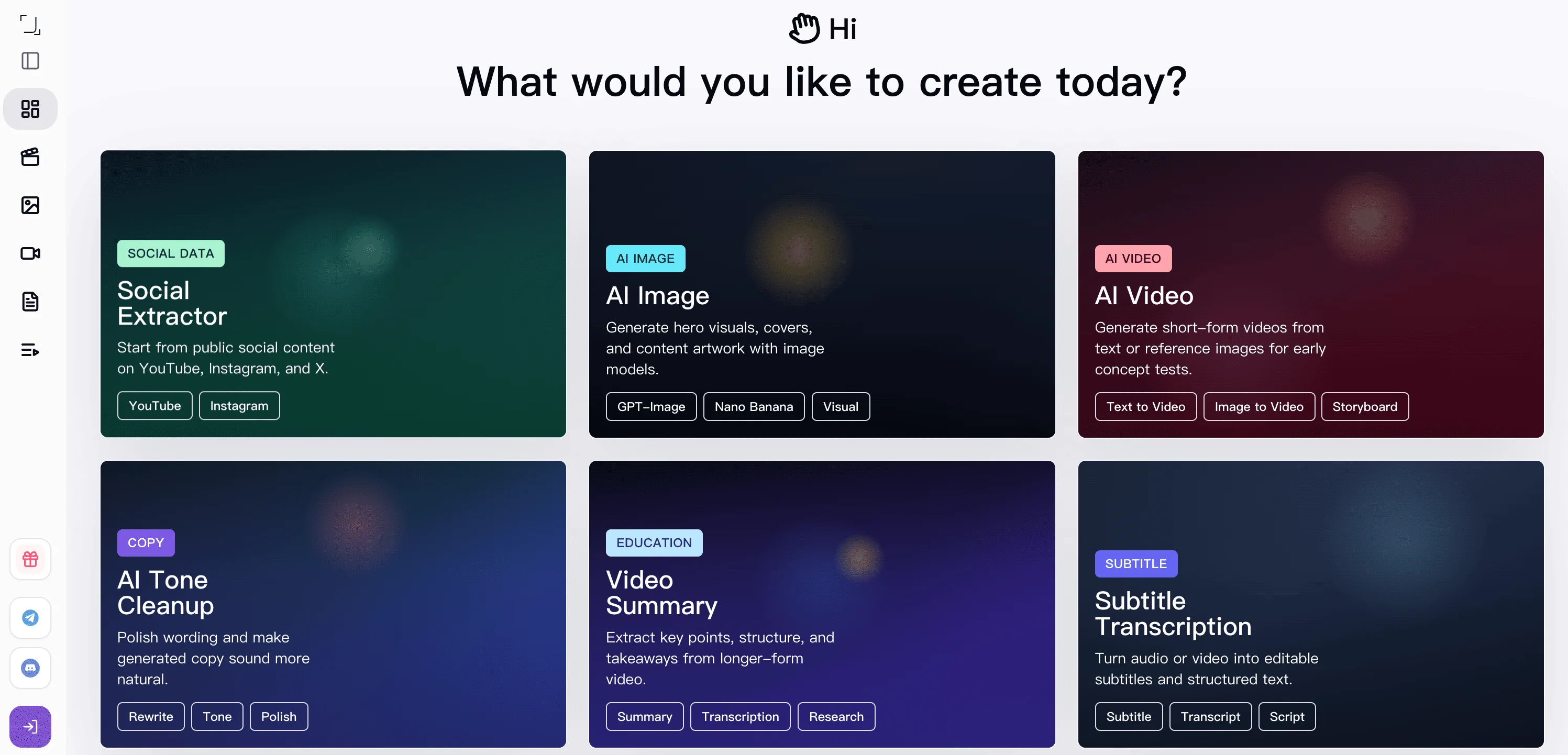
From video downloading and review analysis to summaries, subtitles, and visual generation, SnapVee helps unblock the creative steps that usually slow you down.
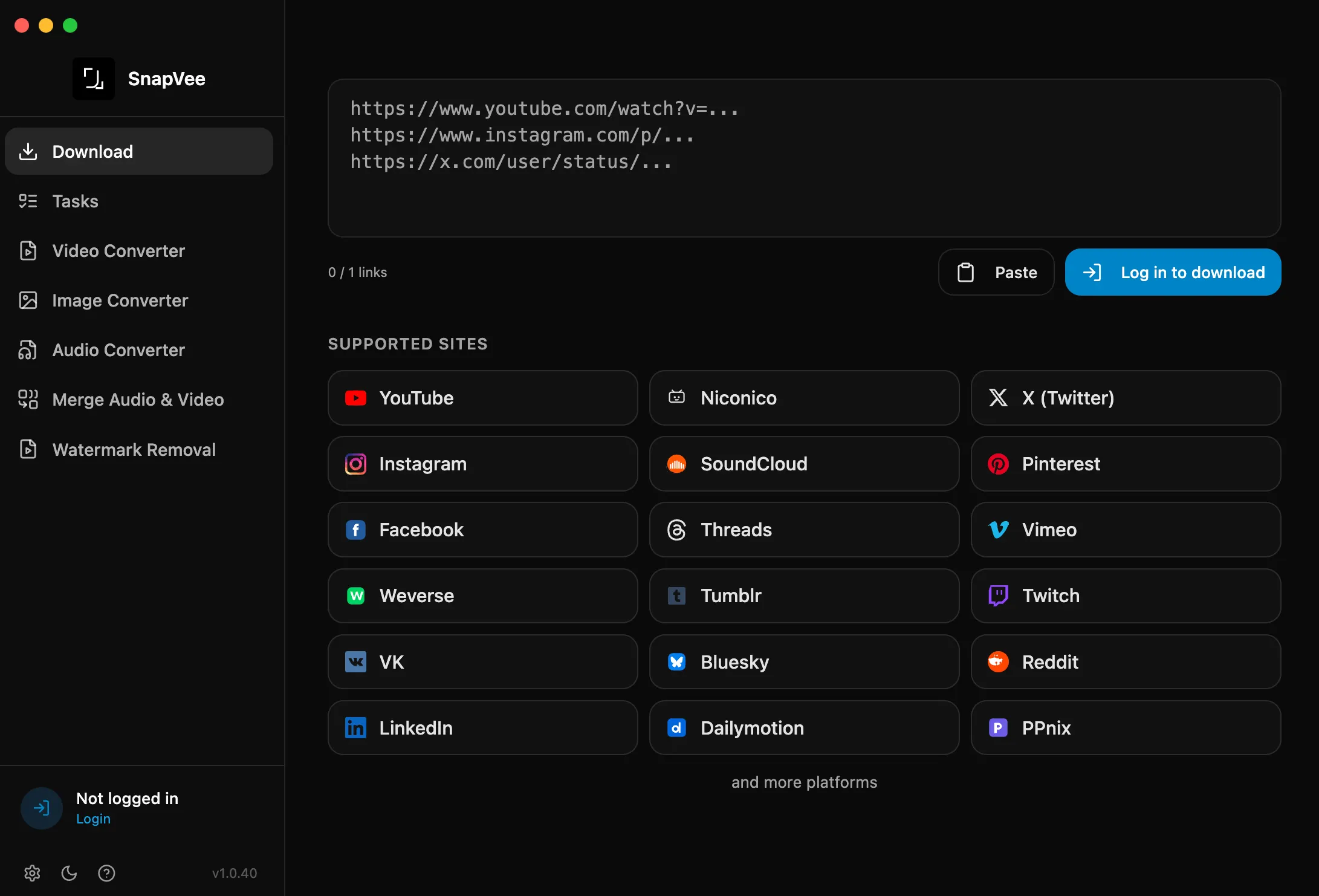
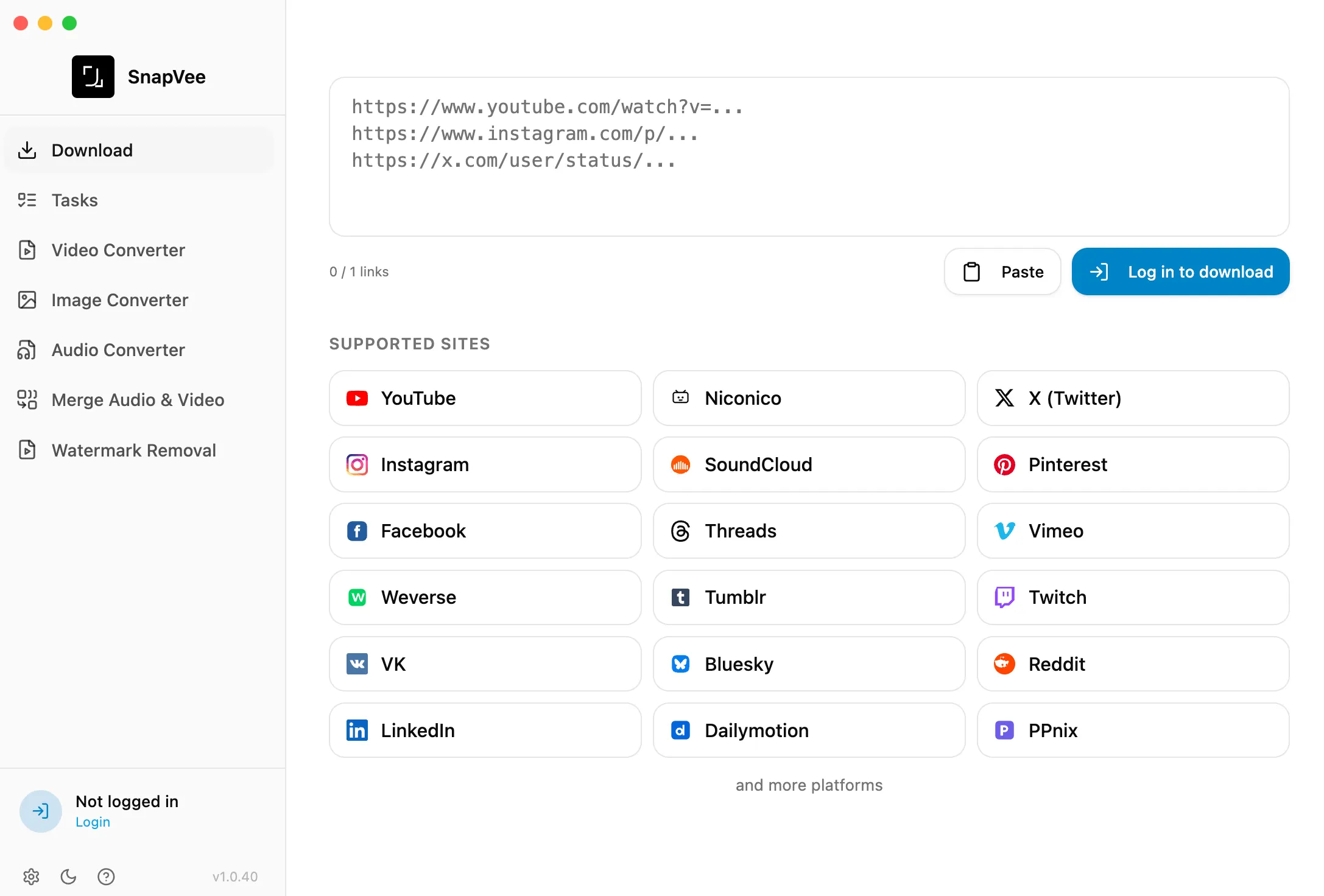
Paste links on web or desktop and download HD, watermark-free video, audio, and subtitles from YouTube, TikTok, Instagram, X, and more in one click.
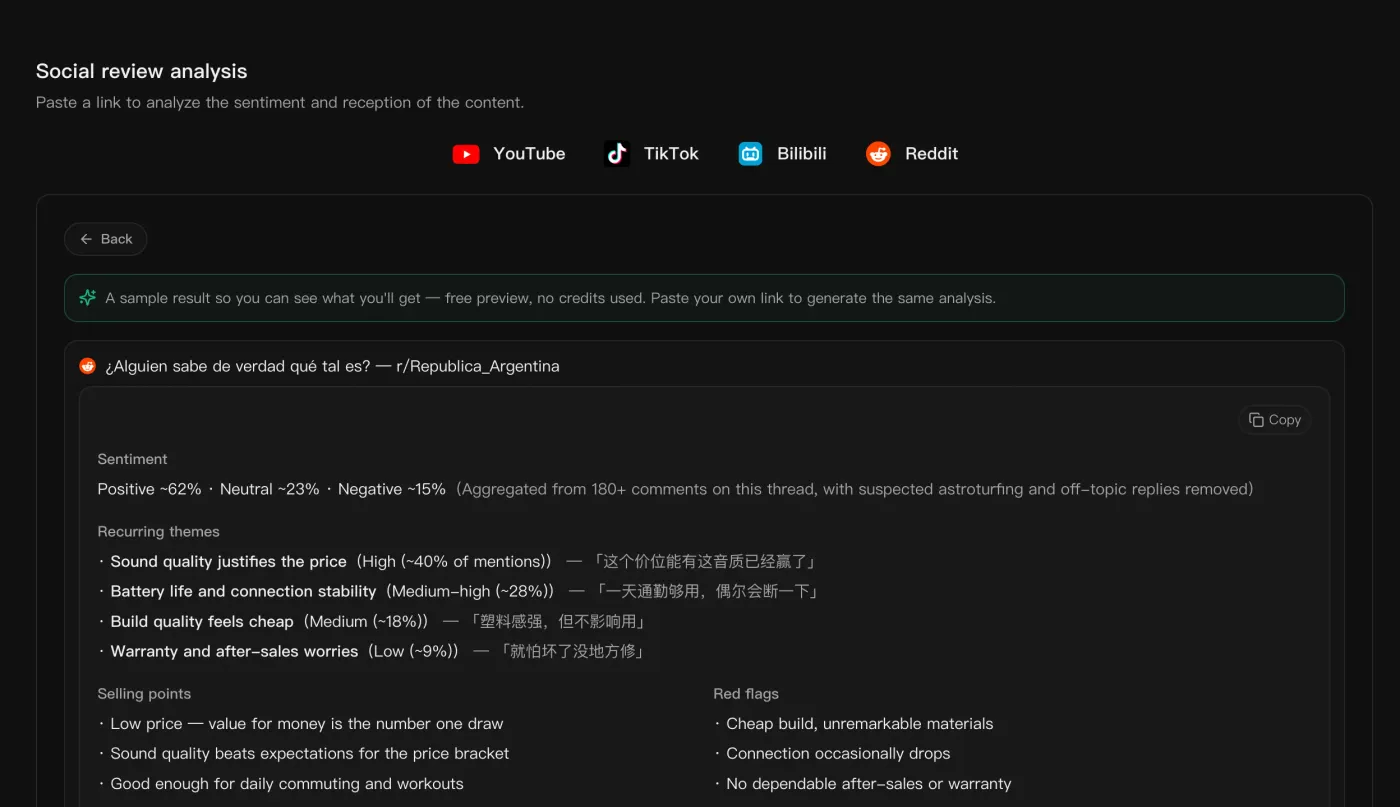
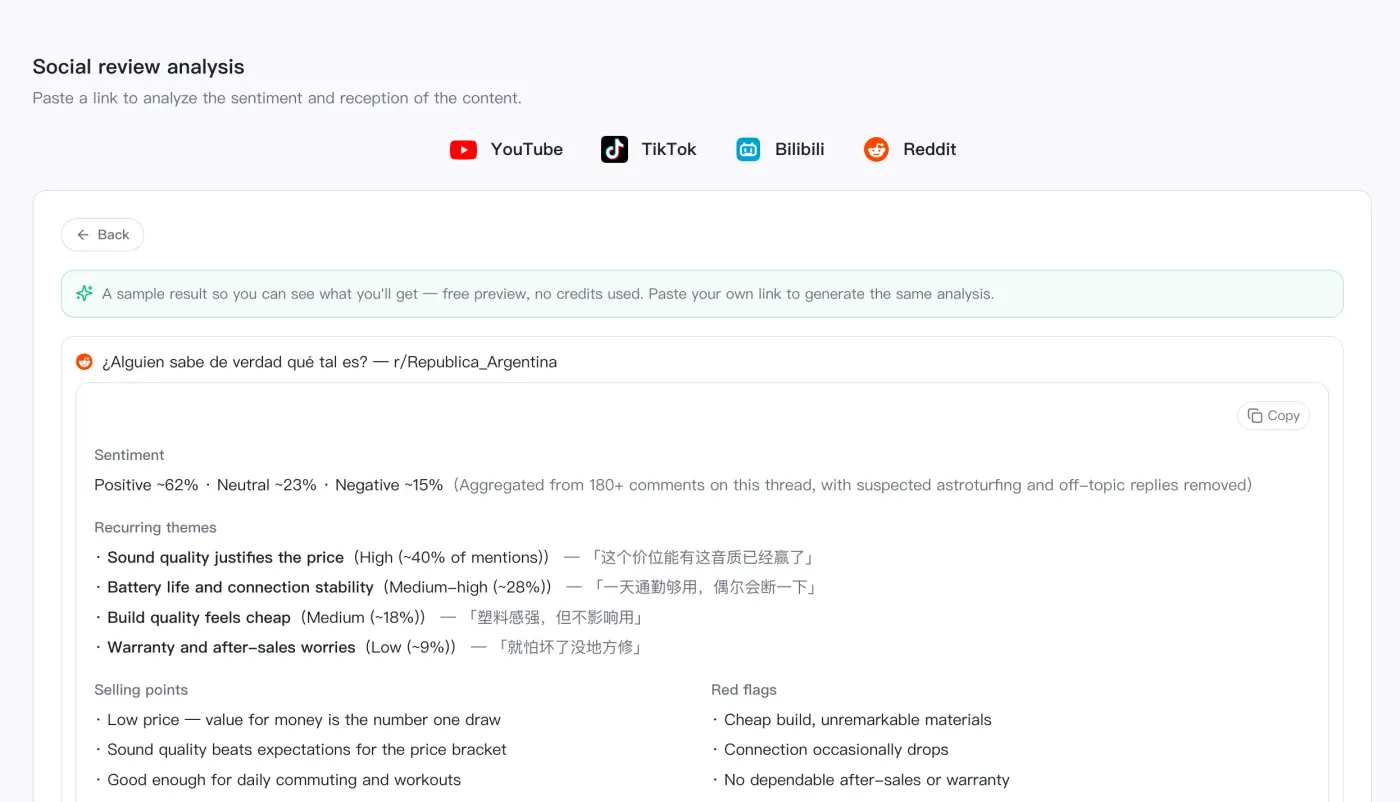
Paste a video or post link and SnapVee aggregates comments and reviews into sentiment, selling points, and red flags so you can gauge reception fast.
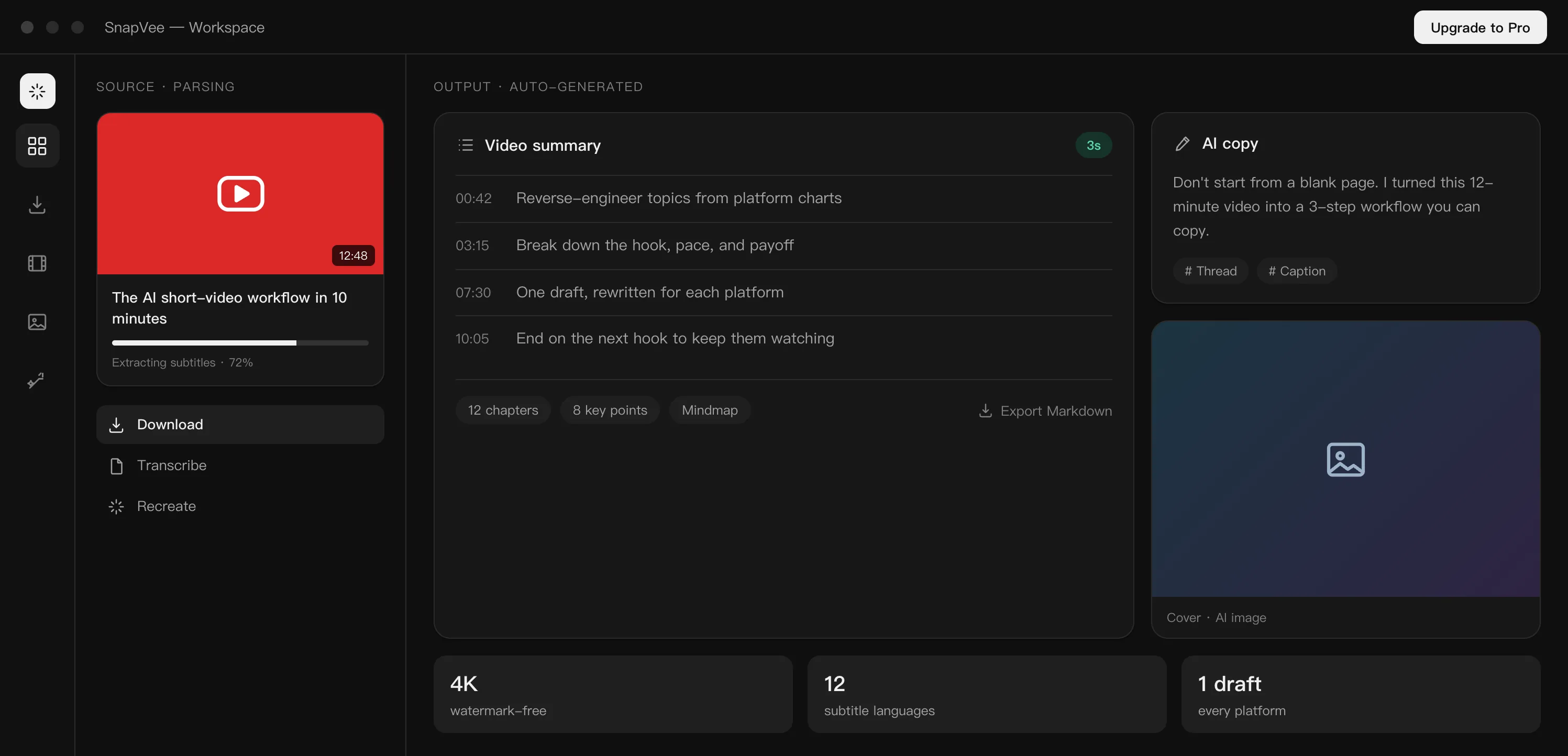
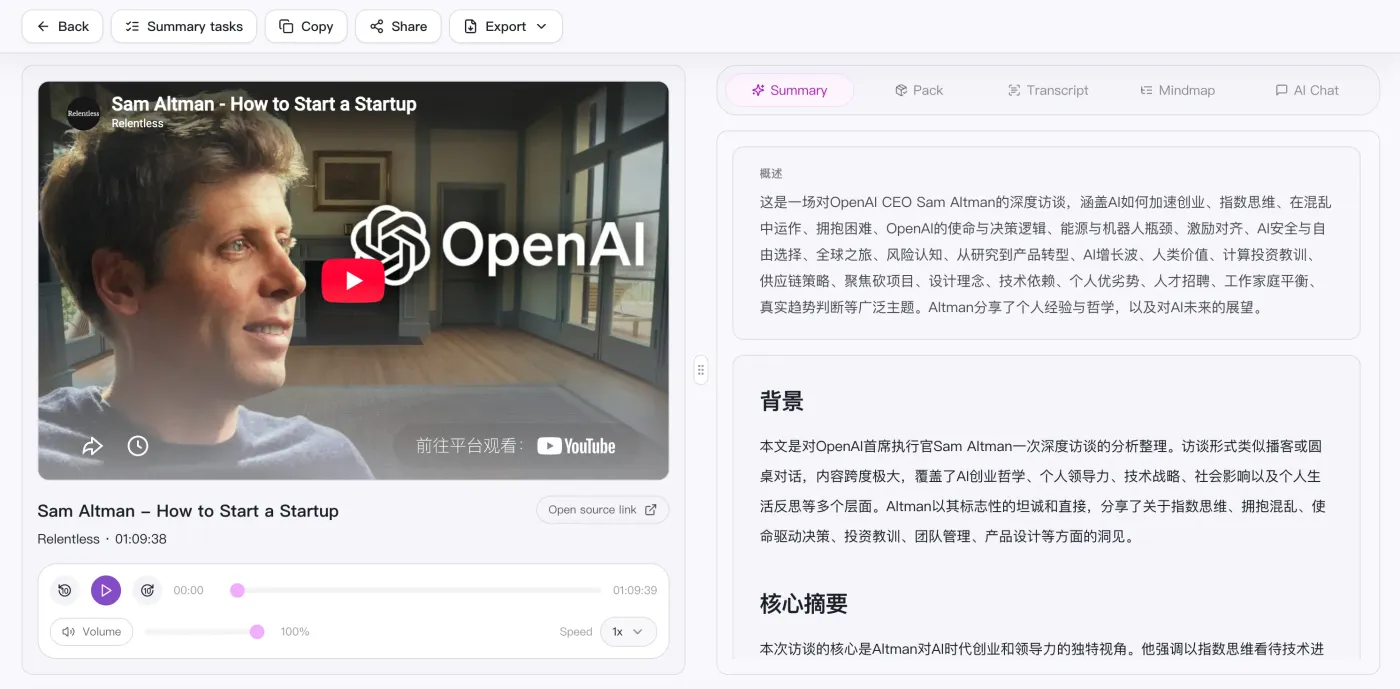
Turn long videos into summaries, chapters, and key points so you can understand the material before editing or remixing it.
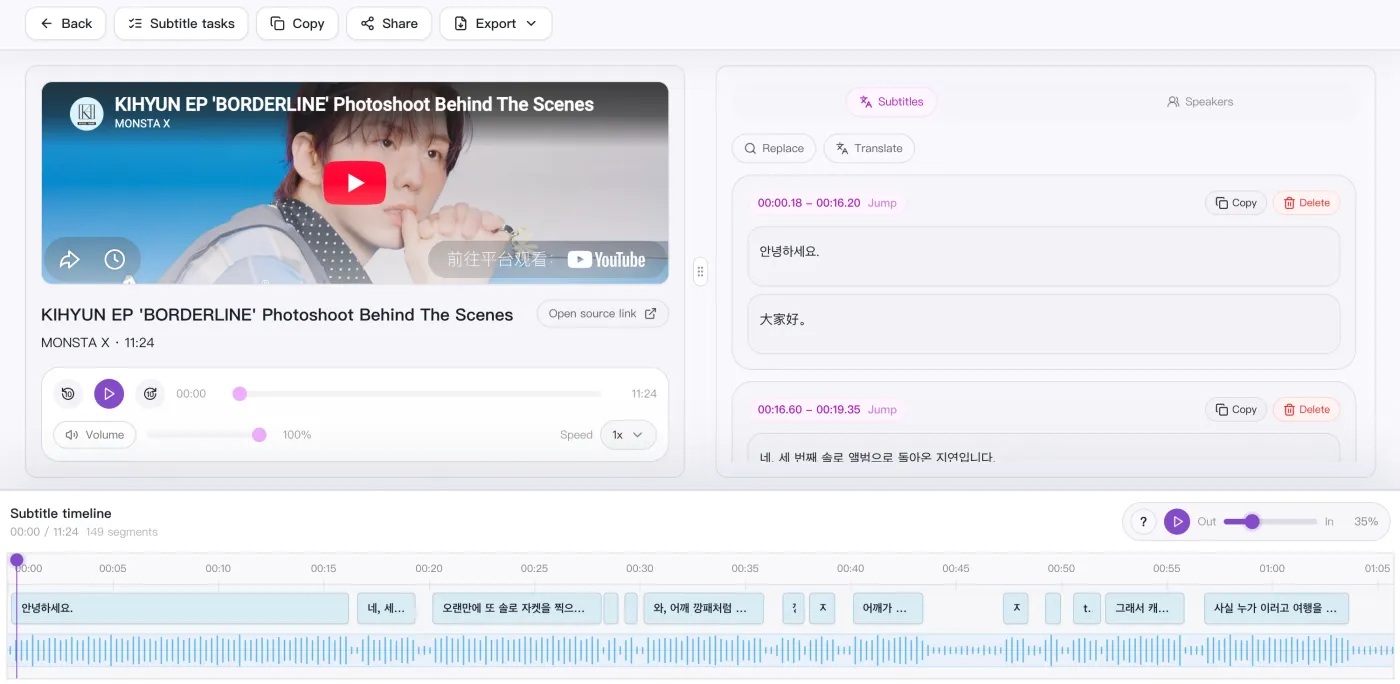
Convert video or audio into editable subtitles and transcripts for review, clipping, quote extraction, and distribution.
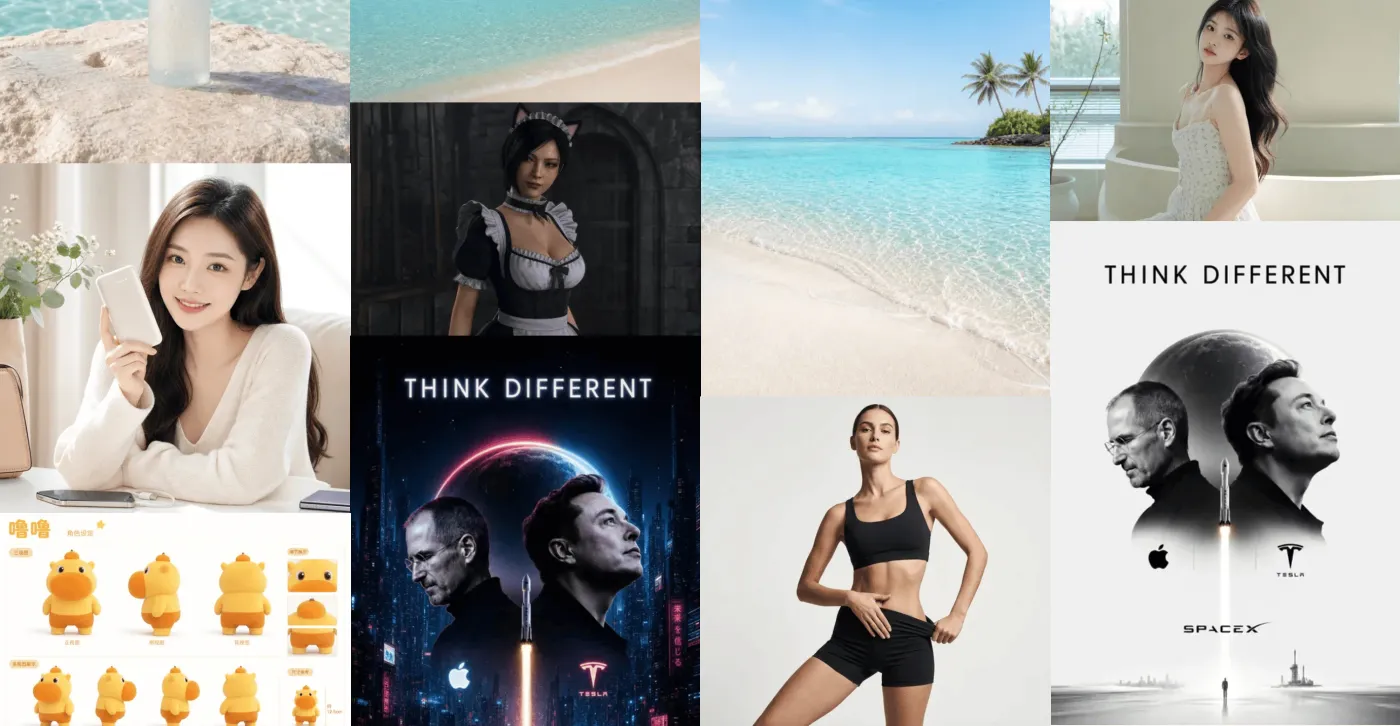
Generate covers, post visuals, and creative image assets from prompts when the content direction is ready.
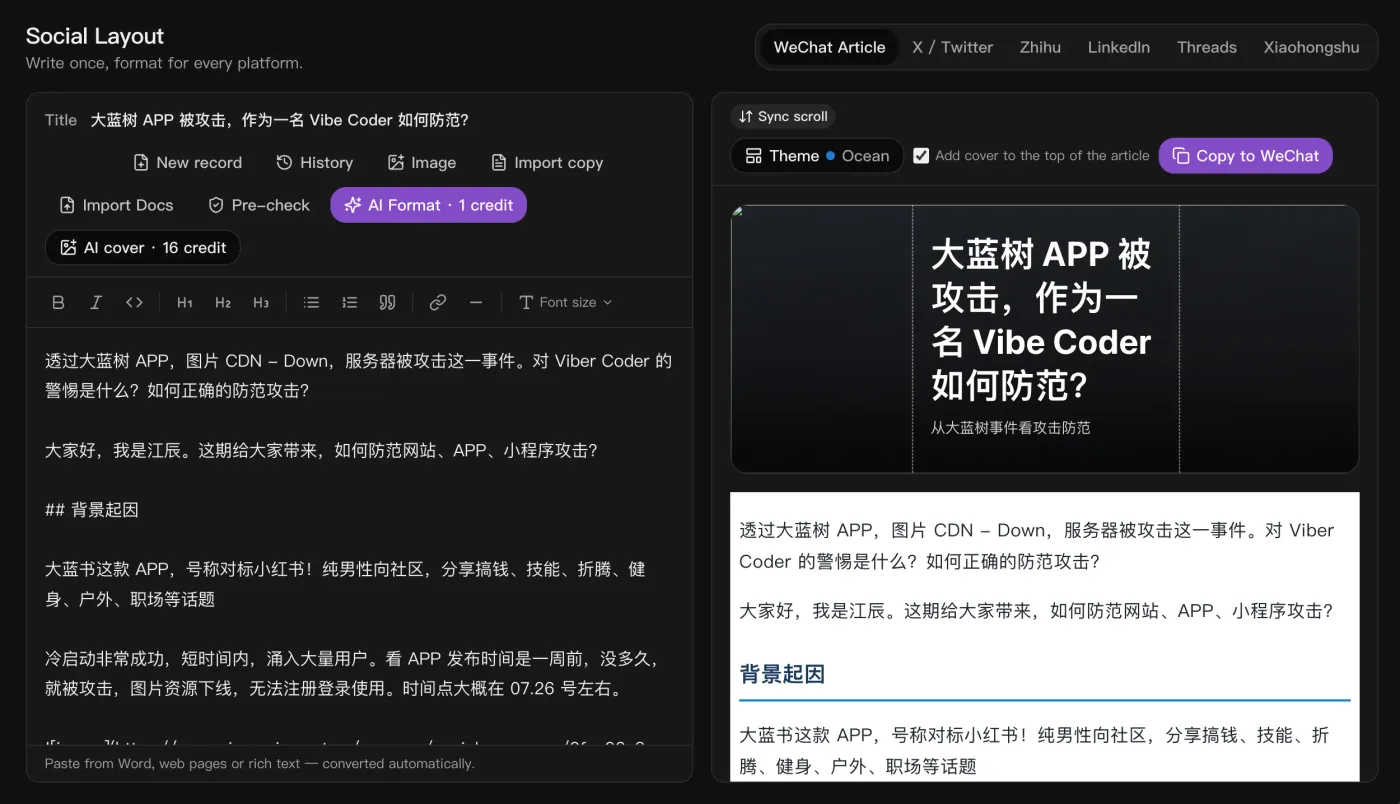
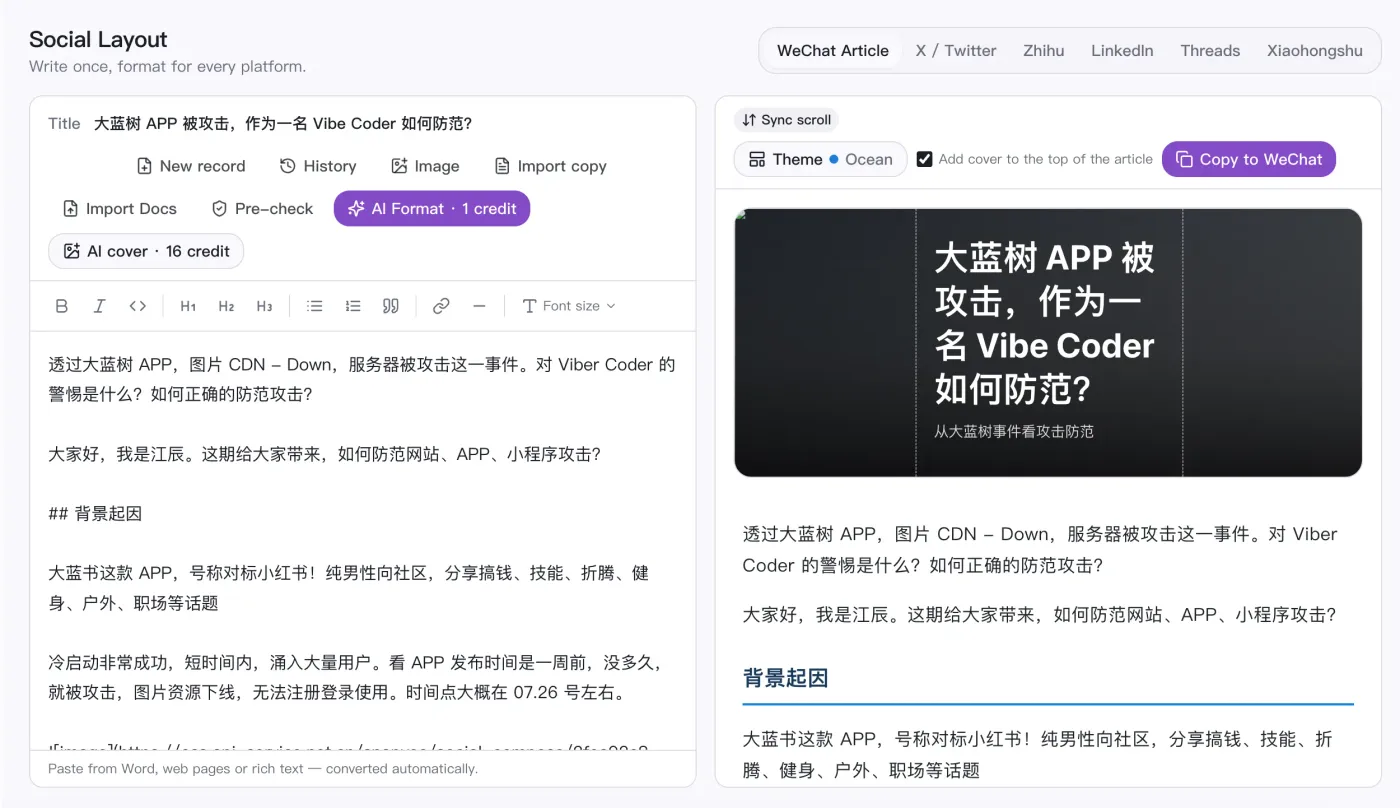
Write once and auto-format for WeChat, X, Zhihu, LinkedIn, Threads, and Xiaohongshu, with one-click cover images.
SnapVee is an AI content workspace for creators, social media managers, individual users, and educators. It combines public video downloading, transcription, summarization, and AI image generation in one account, with web and desktop sharing the same account and allowances.
Creators, social media teams, video editors, and educators run the whole content workflow in one place.
Track trending topics across social platforms to find hot ideas and angles for your next post.
Collect and repurpose content from multiple platforms quickly. Batch downloads and priority queues help you stay on schedule.
Get HD or 4K sources with audio separation. Useful for reference clips, B-roll, and multilingual tracks.
Turn lectures and course videos into structured summaries and notes, so you grasp the key points fast without rewatching.
From subtitles and summaries to AI images, one link in gets you content ready to publish.
“Drop in a podcast or interview link and the timestamped transcript, bilingual subtitles, and summary come back together. Prep before publishing dropped by half.”
“With just one product photo I can generate covers and hero images for each platform, then keep refining the best one — far faster than rewriting prompts.”

“I pull trending topics and hashtag data from TikTok, Instagram, and YouTube to analyze what's working, so topic picks and posting timing are grounded in data instead of guesswork.”

“We used to time-align subtitles by hand for overseas short-form. Now bilingual subtitles come straight out and we export SRT to burn in.”

“Batch-transcribing dozens of lessons with structured summaries means chapters and a mindmap I can hand straight to learners.”

“For foreign-media interviews, source and translation sit on one timeline, so quoting and fact-checking no longer means jumping between windows.”

Pro shows download points and credits separately. Downloads spend points; summaries and subtitles convert video minutes into credit spend.
Billed yearly at $95.88
Billed yearly at $167.88
Billed yearly at $395.88
"Unlimited downloads" is for normal personal use; we may throttle scripted or abnormal bulk downloading.
Quick answers about SnapVee capabilities, free trials, credits, and delivery.