SnapVee vs IDM – Best IDM Alternative for YouTube Downloads (2026)
Compare SnapVee vs IDM. Discover why IDM struggles with YouTube downloads and find the best alternative for 4K and social media videos.
SnapVee vs IDM: Which Tool Is Better for You?
If you're comparing SnapVee vs IDM, you're probably trying to download YouTube videos more efficiently. While Internet Download Manager (IDM) has been popular for years, many users now face issues like 403 errors and unsupported platforms. This guide breaks down both tools so you can choose the right one for your needs in 2026.
Whether you're hitting "IDM not downloading YouTube" or looking for the best IDM alternative for social media, we'll cover the key differences and who each tool is built for.
What Is Internet Download Manager (IDM)?
Internet Download Manager Overview
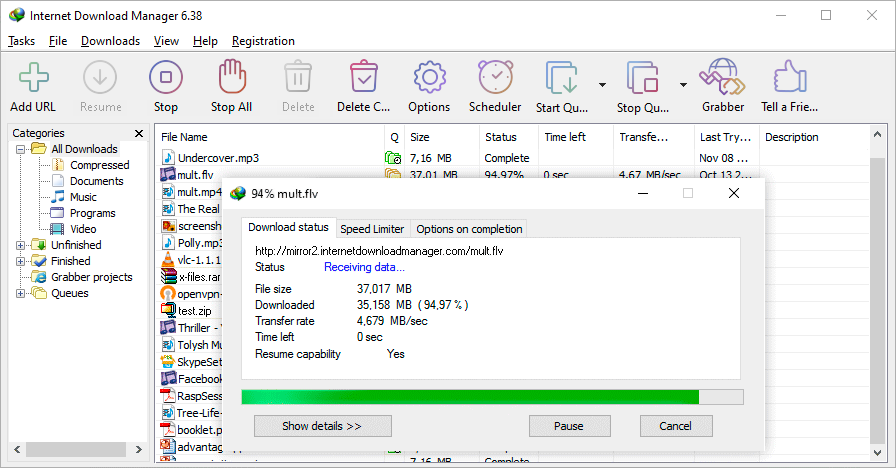
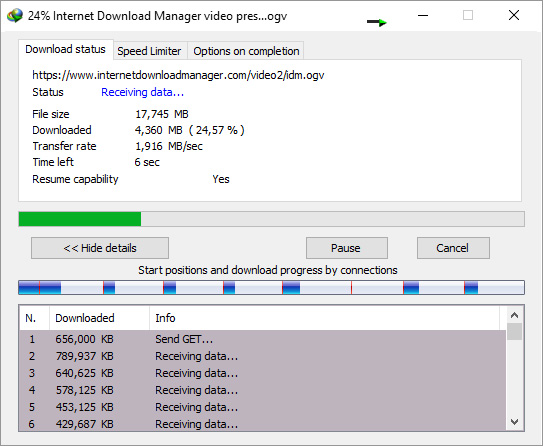
Internet Download Manager (IDM) is a Windows-based download accelerator designed to increase download speed through multi-threading. It integrates with browsers to capture direct download links and split files into segments for faster transfers. IDM excels at traditional file downloads—software installers, PDFs, and other direct HTTP/HTTPS links.
Pros of IDM
- Multi-thread acceleration – Splits downloads into multiple streams for faster speeds on direct links
- Stable for direct file downloads – Reliable for ISO, ZIP, and other direct URLs
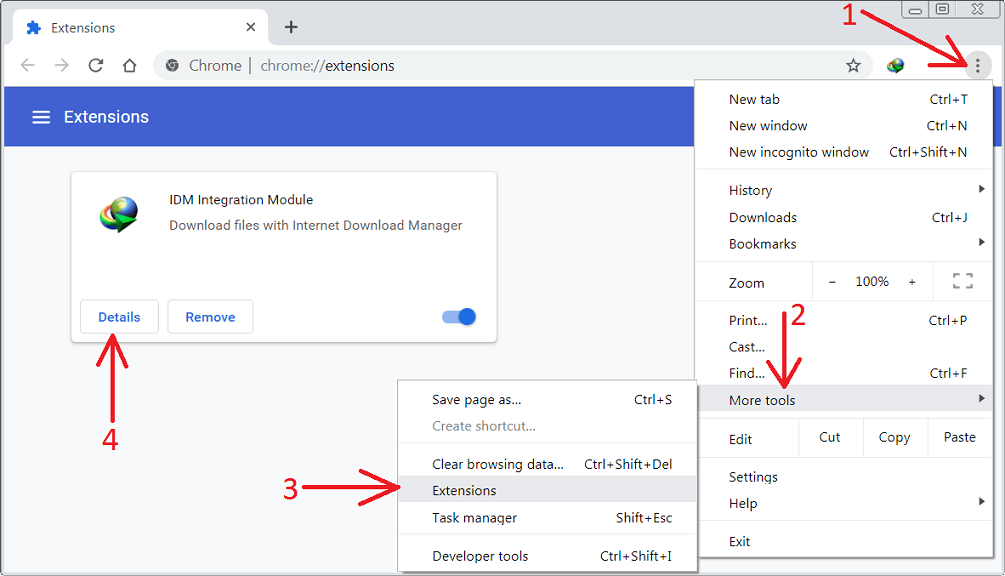
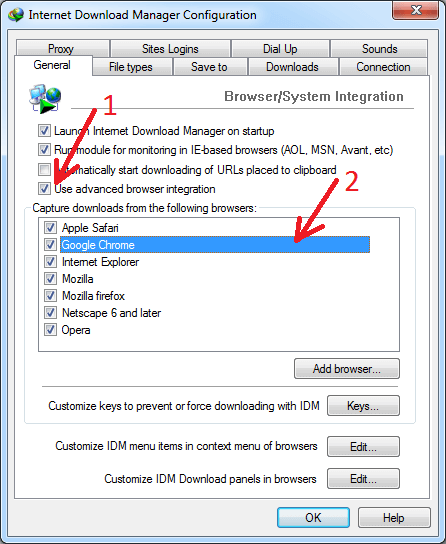
- Browser integration – Works with Chrome, Edge, Firefox via extension or integration
- Scheduling and queue – Pause, resume, and schedule downloads
Limitations of IDM
- Does not parse social media links – Paste a YouTube or TikTok URL and IDM won’t extract the video stream
- Often fails with YouTube encrypted streams – YouTube uses DASH, encrypted signatures, and short-lived tokens that IDM isn’t built to handle
- 403 errors reported by users – Many users see "IDM not downloading YouTube" or 403 Forbidden when trying to grab YouTube videos
- Audio/video separation – No built-in way to get audio-only or choose quality for adaptive streams
- Windows only – No native Mac or Linux support
What Is SnapVee?
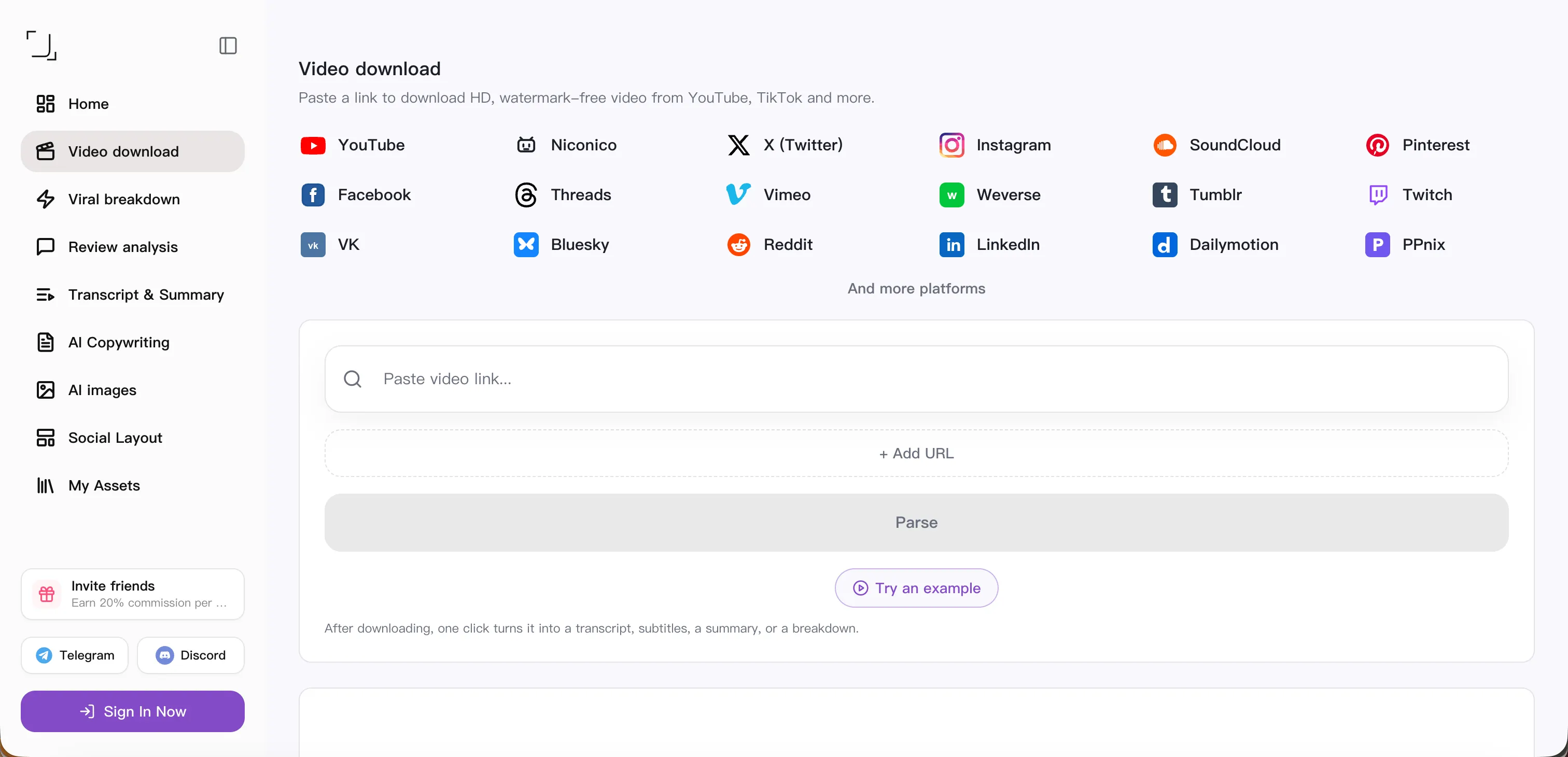
SnapVee is a social media video extraction tool designed for content creators and anyone who needs to save videos from platforms like YouTube, TikTok, Instagram, and more. Unlike IDM, SnapVee focuses on parsing share links and returning playable video streams in the quality you choose.
SnapVee focuses on:
- Automatic link parsing – Paste a YouTube, TikTok, or Instagram link and get a direct download option
- Direct video stream generation – Handles DASH, HLS, and platform-specific encryption so you get a single file
- 4K and long video support – Supports high resolution and long-form content where the platform allows
- Audio-only download – Built-in option to download audio (e.g. MP3) from music or talk videos
- Social platform compatibility – Works across YouTube, TikTok, Instagram, X (Twitter), Facebook, Threads, and more
- Cross-platform – Works in the browser on Windows, Mac, and mobile (no desktop app required)
SnapVee vs IDM – Key Differences
| Feature | IDM | SnapVee |
|---|---|---|
| Download acceleration | ✅ | ❌ |
| Social media parsing | ❌ | ✅ |
| YouTube 4K support | Limited | ✅ |
| 403 error issues | Common | Rare |
| Audio-only download | Manual | Built-in |
| Works on Mac | ❌ | ✅ |
| Works on mobile | ❌ | ✅ |
| No software install | ❌ | ✅ (web) |
| Best for | Direct file downloads | Social & YouTube videos |
Why IDM Struggles with YouTube in 2026
From a technical standpoint, YouTube doesn’t serve a single, static file URL. That’s why tools like IDM often fail or trigger 403 errors.
- YouTube adaptive streaming (DASH) – Video and audio are split into small segments. You need to request the right manifests and segments; a simple “download this URL” doesn’t work.
- Encrypted signature and token-based URLs – Links expire quickly and are tied to your session. IDM’s “grab link from browser” often gets a short-lived or protected URL that stops working.
- Frequent platform updates – YouTube and other platforms change APIs and protections regularly. Download accelerators that don’t specialize in stream parsing break more often.
This is where tools like SnapVee offer a more reliable workflow. SnapVee is built to request, parse, and reassemble these streams so you get a single video file without dealing with 403s or expired tokens.
Who Should Use IDM?
IDM is a better fit if:
- You mainly download large software files (installers, ISOs) from direct links
- You want multi-thread acceleration for HTTP/HTTPS direct downloads
- You use Windows only and are fine with a desktop app
- You rarely need to download YouTube or social media videos
Who Should Use SnapVee?
SnapVee is a better fit if:
- You’re a content creator or social media manager saving reference or UGC
- You need to download YouTube videos (including 4K) without 403 or “IDM not downloading” issues
- You’re a YouTube editor pulling clips or music for projects
- You want 4K and high-quality downloads from YouTube and other platforms
- You use Mac or mobile and want a solution that works in the browser
- You prefer no software install—everything runs in the browser
Final Verdict – SnapVee or IDM?
IDM remains a powerful download accelerator for direct file downloads. If your main goal is faster downloads for software, documents, and other direct links on Windows, IDM is still a solid choice.
However, if your goal is to extract social media and YouTube videos reliably in 2026, SnapVee offers a more creator-focused solution: paste a link, choose quality (or audio-only), and download without 403 errors or platform compatibility issues. For “IDM not downloading YouTube” and similar searches, SnapVee is a better fit for social media downloads.
Related guides:
About the author

Jason Jiang
Product and engineering lead
Maintains SnapVee's core product features, ships platform support and product updates, and writes official tutorials and comparison content.