Product launch today
The product photo is ready, but the storefront hero, detail-page first screen, and social cover are still missing.
Generate 1:1, 3:4, and 9:16 versions first, with title and price zones left editable.
When all you have is a product photo, a price, and one selling point, make a first pack that is close enough to publish. Start with social covers, ecommerce hero images, and detail-page visuals, then keep refining the strongest one.
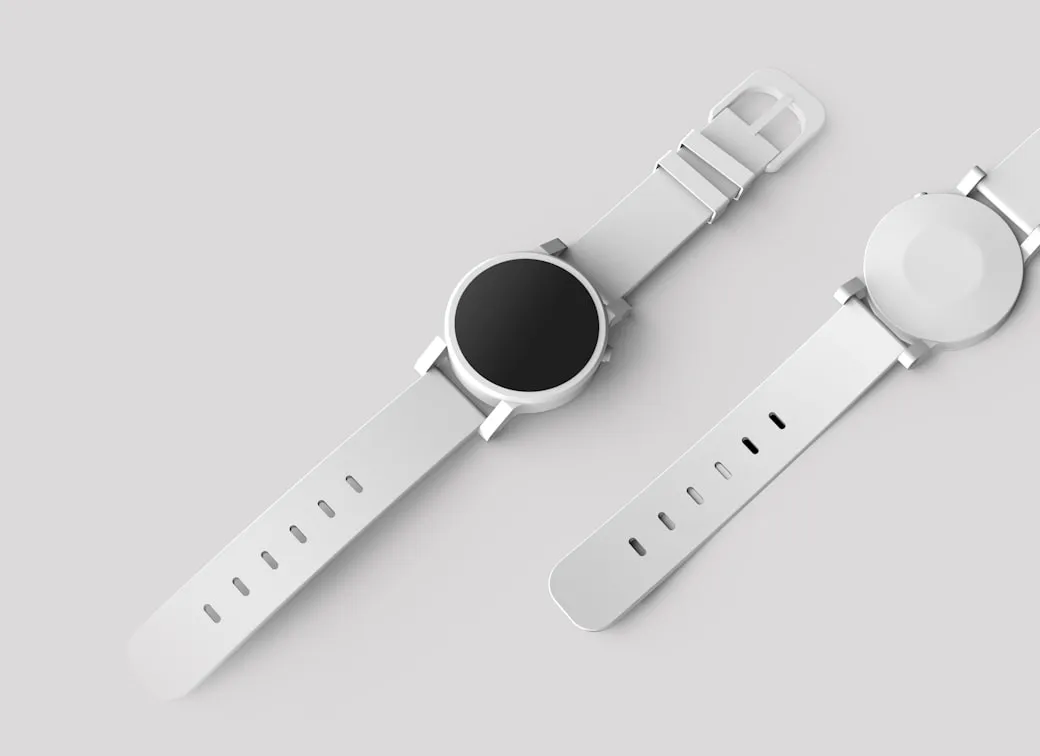
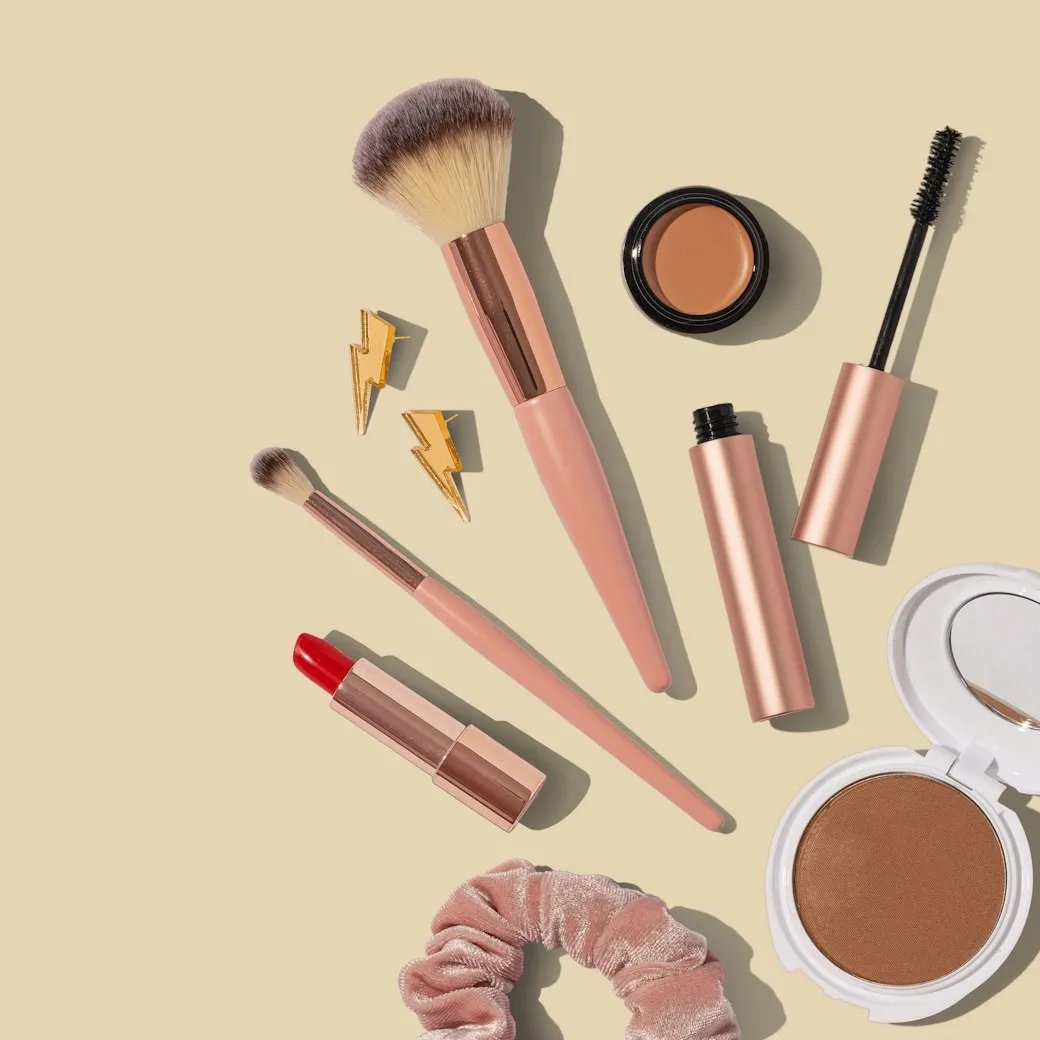
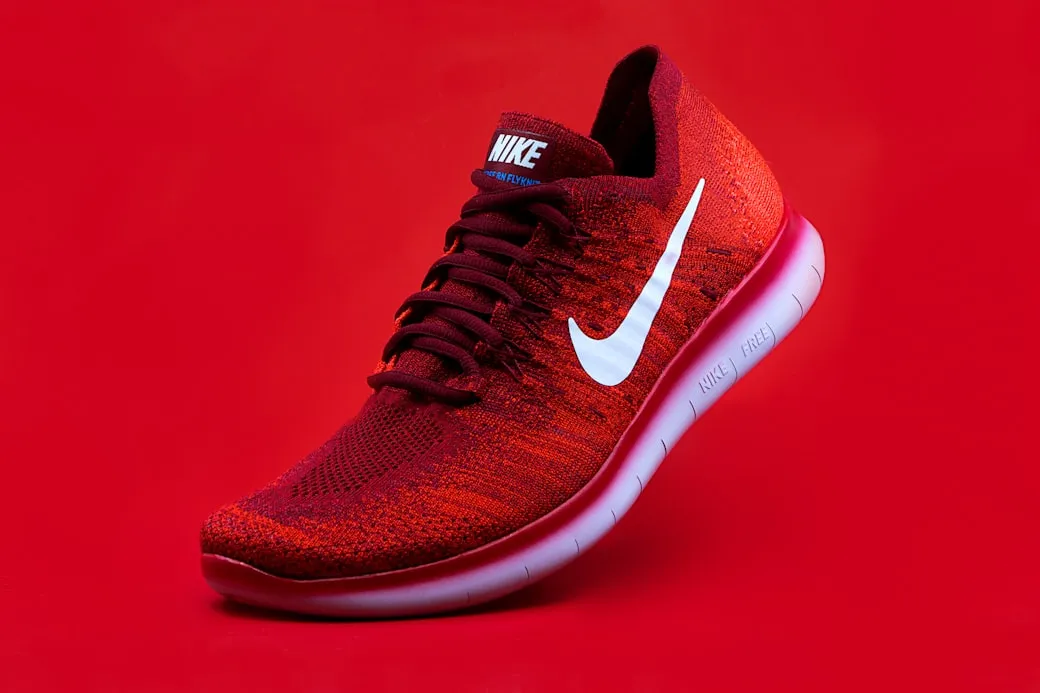
Describe what you want, pick any model, and generate. No sign-up needed — one free image per day.
Free · 1 image per day, any model
Every entry maps to a real job: launch a product, fix a cover, fill a detail page, or adapt the same product for overseas channels.
The product photo is ready, but the storefront hero, detail-page first screen, and social cover are still missing.
Generate 1:1, 3:4, and 9:16 versions first, with title and price zones left editable.
Live, short-video, and post covers often need a quick angle change, not a full redesign.
Continue from history to change the background, composition, or platform ratio.
The same product needs Instagram, X, storefront, and local platform assets without rewriting every brief.
Choose platform formats first, then split one product source into several images.
SnapVee treats the reference image as the product source, sets the ratio and text-safe areas before generation, and lets you continue from history.
Clean commuter bottle campaign, keep the price area empty for editable text.
When a result is close, ask for a new background, another ratio, or a moved title zone.
Anchor the packaging, material, color, and shape.
Split social, ecommerce, and detail-page formats by job.
For example: commute, gift box, summer launch, live deal.
Pick a result and keep changing background, ratio, or copy zone.
SnapVee is an AI image generator for creators and ecommerce teams. It covers AI product image generator, ecommerce image generator, YouTube thumbnail AI generator, TikTok cover image generator, and social media image pack generator workflows in one workspace.
Use a reference photo to preserve product shape while generating store heroes, detail-page visuals, and launch assets.
Create multi-ratio product and campaign images for Shopify, storefronts, marketplaces, and local ecommerce.
Split one idea into Instagram, TikTok, X, YouTube thumbnail, and short-video cover directions.
AI image generation uses credits based on model and quality. Review SnapVee pricing, then open the workbench to generate images or reuse assets from history.
These are not generic showcases. They are the image types operators ask for every week.
 3:4
3:4For product launches, list posts, and creator covers with a clean title area.
 9:16
9:16For short-video covers and live previews, with a bigger product and fewer copy zones.
 1:1
1:1For marketplace and storefront listings where the product must stay clear.
 9:16
9:16For benefit-led first screens, campaign pages, and landing page headers.
 1:1
1:1For overseas launches and brand posts, with less hard selling and more context.
 16:9
16:9For product updates, launches, and horizontal visuals at the top of a thread.
Keep the product grounded, reserve editable copy zones, and choose the platform format before the model starts.
Ecommerce images use the reference first to preserve packaging, logo, color, and material.
Title, price, selling points, and CTA areas stay clean for later editing.
Choose one existing image and continue the same visual thread.
“Wir starten meist mit einer halbfertigen Produktseite und einem brauchbaren Foto. Das bringt uns zu einer ersten visuellen Richtung, bevor das Meeting endet.”

“Nützlich ist nicht der Template-Name. Es ist, dasselbe Produkt zu behalten und schnell ein saubereres Cover oder ein anderes Seitenverhältnis zu testen.”

“Wenn ein Ergebnis nah dran ist, können wir davon aus weiterarbeiten, statt es wegzuwerfen und einen neuen Prompt zu raten.”

Gleiches Konto, nächster Schritt
Video hereinholen, in Text verwandeln, aus dem Text etwas Veröffentlichbares machen — und die Dateiarbeit nebenbei erledigen. Ohne Tool-Wechsel.
Die Bildseite ist für Produkt-/Quellbilder, Plattform-Packs, referenzgesteuerte Generierung und leichtes fortlaufendes Editieren optimiert.
Nein. Lade ein Quellbild hoch oder wähle eines aus, wähle ein Ausgabe-Pack und füge eine kurze Anfrage hinzu. SnapVee bringt Produkterhalt, Plattform-Seitenverhältnis und textsichere Komposition in die generierten Prompts.
E-Commerce-Bilder sollten kein gefälschtes Produkt erfinden. Die erste Version nutzt das hochgeladene Bild, das ausgewählte Verlaufsergebnis oder das ausgewählte Template als Quelle der Wahrheit für Form, Verpackung, Farbe, Logo und Material des Produkts.
Das generierte Visual reserviert saubere Bereiche für Titel, Preis, Verkaufsargumente und CTA-Overlays. Das vermeidet kaputten KI-Text und hält den Copy nach der Generierung leichter editierbar.
Ja. Die erste Version enthält offizielle Templates für die Szenarien Allgemein, E-Commerce, Outfit, Try-on, 3D, Wetter und Stadt, während öffentliche Community-Templates weiterhin als sekundärer Weg verfügbar sind.
Wenn du den Content-Winkel zum Veröffentlichen schon kennst, ist strukturierte Eingabe schneller. Willst du zuerst eine starke Startrichtung, wähle ein Szenen-Template und verfeinere es dann mit deinen Content-Details.
Ja. Du kannst vom letzten Ergebnis aus weiter editieren, ein früheres Ergebnis aus dem Verlauf wählen oder eine Template-Richtung wiederverwenden, um denselben visuellen Faden weiterzuführen, statt neu zu beginnen.
GPT Image 2 ist das Standard-Bildmodell der Workbench. Andere unterstützte Bildmodelle bleiben in den erweiterten Einstellungen verfügbar.