Best Video Downloader in 2026? SnapVee vs IDM vs SnapAny vs 4K Video Downloader vs Cobalt
A 2026 side-by-side comparison of five popular video downloaders — platform support, social media downloads, quality, batch, pricing, and lifetime plans — to help you pick the right one.
Best Video Downloader in 2026? Five Tools Compared
There's no single "best video downloader" — only the one that fits how you work. Some people just want to save YouTube videos reliably. Others grab TikTok, Instagram, and X clips in bulk for content. And some want more than downloading — subtitles, transcripts, and AI summaries in the same place.
This post lines up the five tools people compare most in 2026: SnapVee, IDM, SnapAny, 4K Video Downloader, and Cobalt. First a quick comparison table, then each tool's strengths and weak spots, and finally a pick-by-use-case guide. Use the product nav on the left to jump straight to the one you care about.
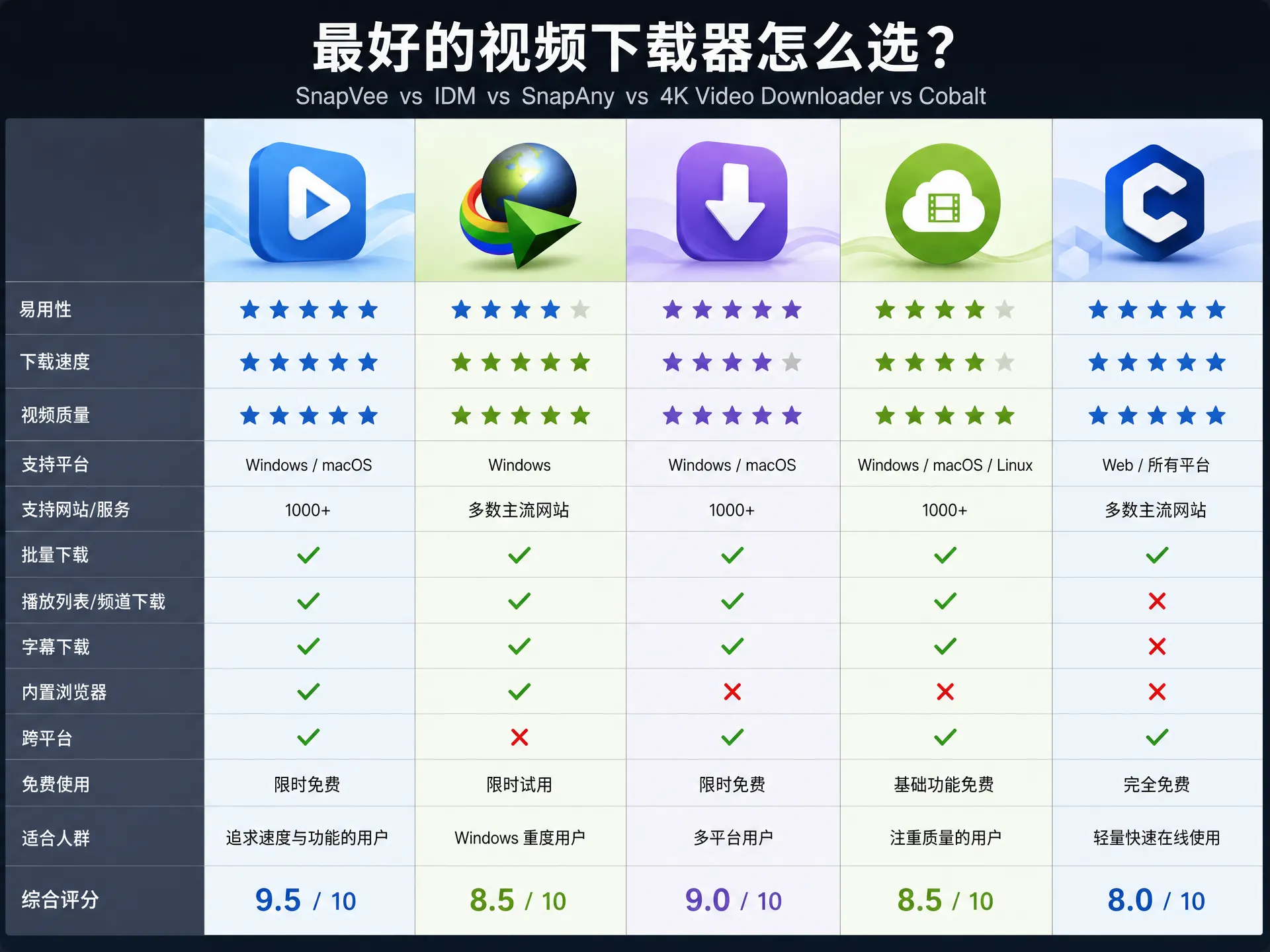
Quick comparison
| Dimension | SnapVee | IDM | SnapAny | 4K Video Downloader | Cobalt |
|---|---|---|---|---|---|
| Platforms | All platforms, 1000+ sites | Browser capture, YouTube often fails | Social-first | YouTube/Vimeo + some social | YouTube + major social |
| Social media | ✅ Native | ❌ Barely | ✅ Focus | ⚠️ Limited | ✅ Yes |
| Max quality | 4K/8K, auto audio merge | Depends on capture | Mostly 720p/1080p | 4K/8K | Source quality, no re-encode |
| Subtitles / transcript / AI summary | ✅ Transcribe + translate + summarize | ❌ | ❌ | ❌ | ❌ |
| Batch downloads | ✅ | ✅ Queue | ⚠️ Limited | ✅ (paid) | ❌ |
| Runs on | Web + desktop (Win/Mac) | Windows desktop only | Web | Desktop (Win/Mac/Linux) | Web / self-hosted |
| Pricing | Free daily quota + unlimited plan + lifetime plan | One-time license (single PC) | Credits / subscription | Freemium + paid license | Free, open source |
| Clean? | No ads, no bundles | Piracy-ridden, risky | So-so | Clean | Clean |
The ✅ / ⚠️ / ❌ marks are directional; the real experience depends on each tool's latest version.
SnapVee
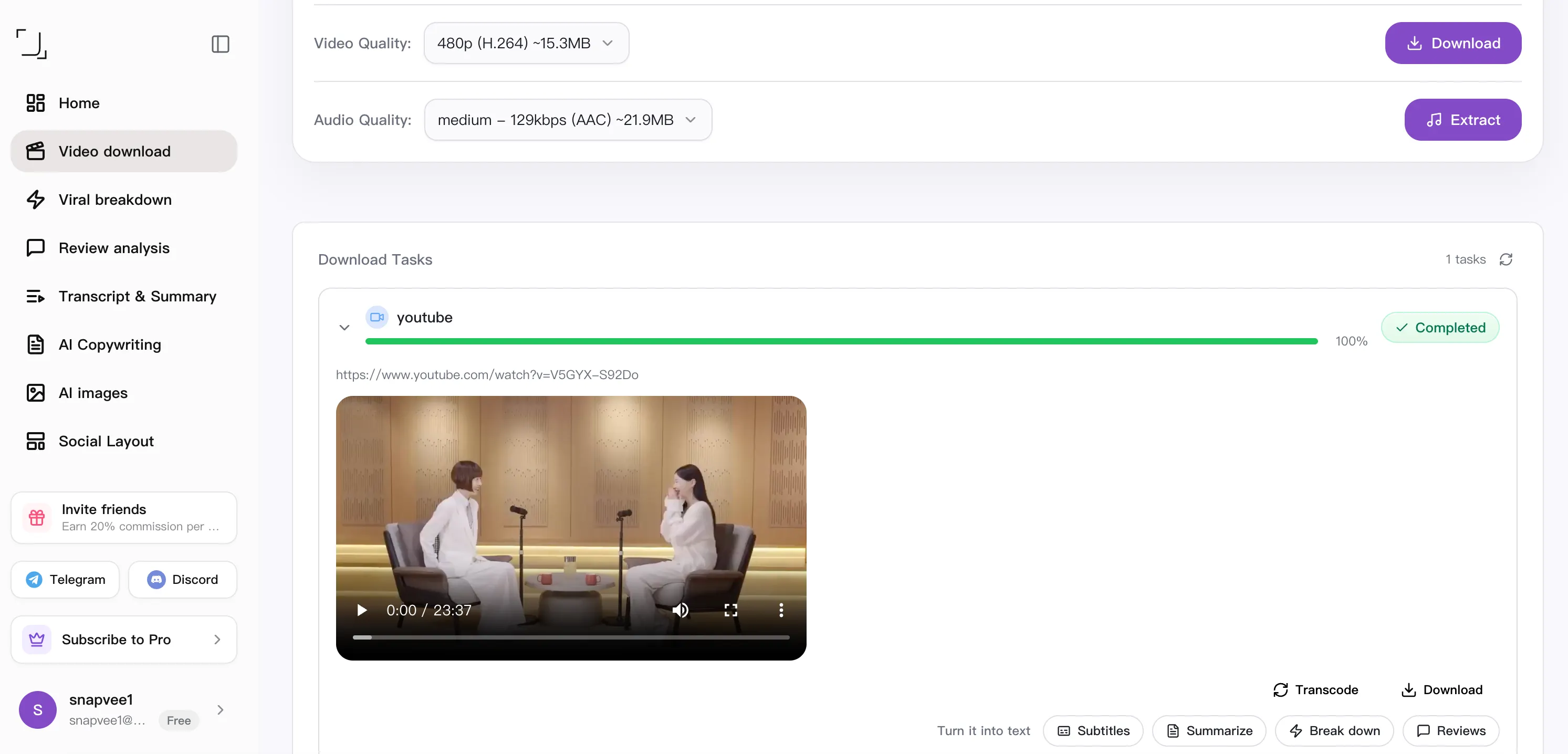
SnapVee is the widest-reaching tool here. It doesn't position itself as a "YouTube downloader" — it's a content workbench where downloading is just the entry point, followed by subtitle transcription, AI summaries, and AI image generation.
Strengths
- All-platform support: YouTube, TikTok, Instagram, X, Facebook, BiliBili, Xiaohongshu, niconico, and 1000+ sites — one entry point, no tool-switching per platform.
- Native social media downloads: short videos, Reels, and Shorts download by pasting a link; watermark removal and batch handling live in the same workbench.
- Up to 4K/8K: audio and video merge automatically, and long videos stay stable — no "picture but no sound".
- More than downloading: from the same link you can transcribe subtitles, run bilingual QA, and generate AI video summaries — sourcing and note-taking in one pass.
- Lifetime plan pricing: beyond a free daily quota and monthly/yearly plans, SnapVee offers a lifetime plan — pay once, use long term. Over time it beats renewing every year, and it's the clearest differentiator from the others here.
- Web + desktop: light tasks in the browser, heavy local batches on the Win/Mac desktop app.
Watch out for
- Free/guest users have a daily download limit; heavy use needs a plan.
- With so many features, the workbench takes a few minutes to learn at first.
IDM
Internet Download Manager (IDM) is a veteran download accelerator. It captures links via a browser extension, speeds things up with multithreading, and manages download queues well.
Strengths
- Multithreaded downloads and resume support; rock-solid on plain direct-link files.
- Mature queues and scheduling — good for large files and bulk direct links.
Watch out for
- YouTube is getting harder: after platform changes, 403 errors and missing video streams are common.
- Barely supports social media: TikTok, Instagram, and X, which need parsing, are a struggle.
- Windows only, so Mac users are out; the many "cracked" copies online also carry security risks.
🖼️ Image placeholder · 1600×900 suggested: IDM download queue / the browser capture floating bar.
SnapAny
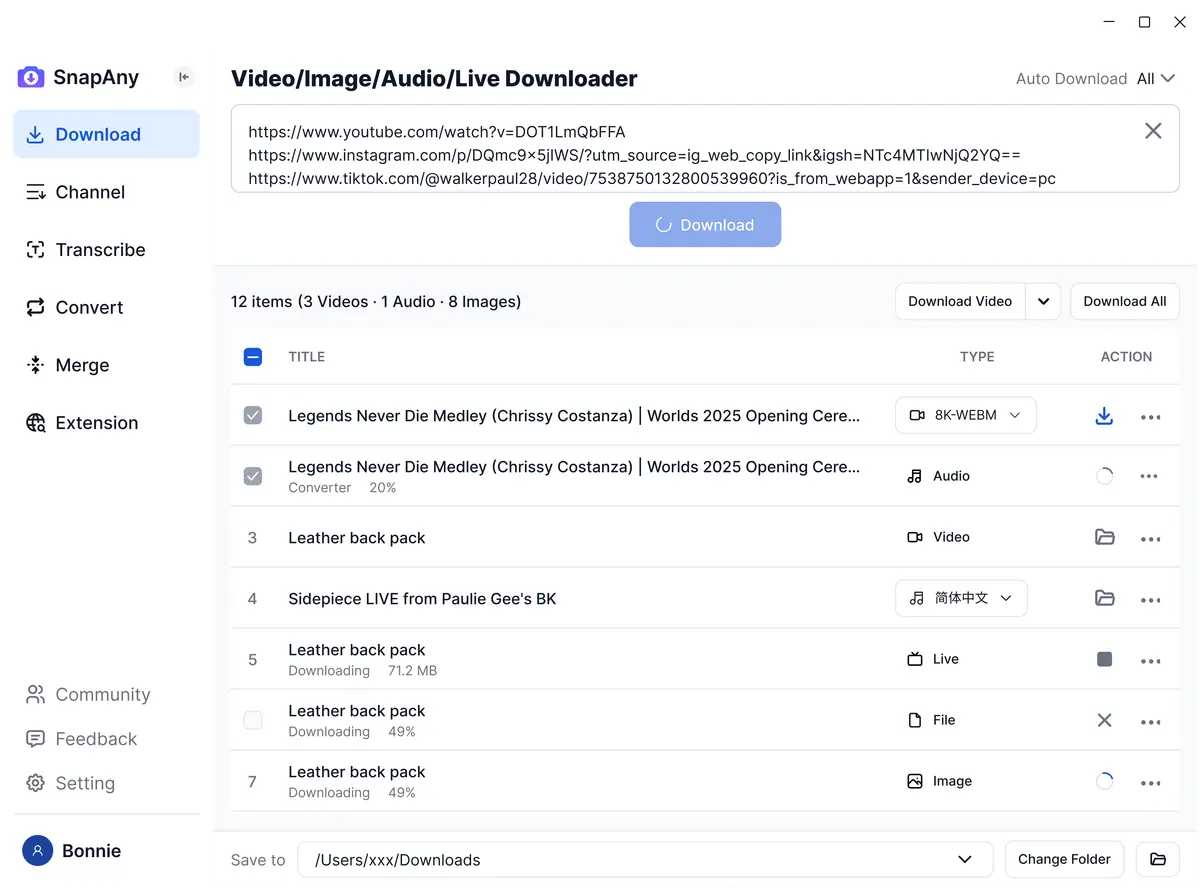
SnapAny is a web-based social media downloader built around "paste a link and go", covering many short-video platforms.
Strengths
- Works in the browser, no install, quick to start.
- Solid coverage of social platforms with easy watermark-free downloads.
Watch out for
- Mostly 720p/1080p; limited 4K support.
- Weak batch handling; the experience drops off at volume.
- Download-only — no subtitles, transcription, or summaries.
4K Video Downloader
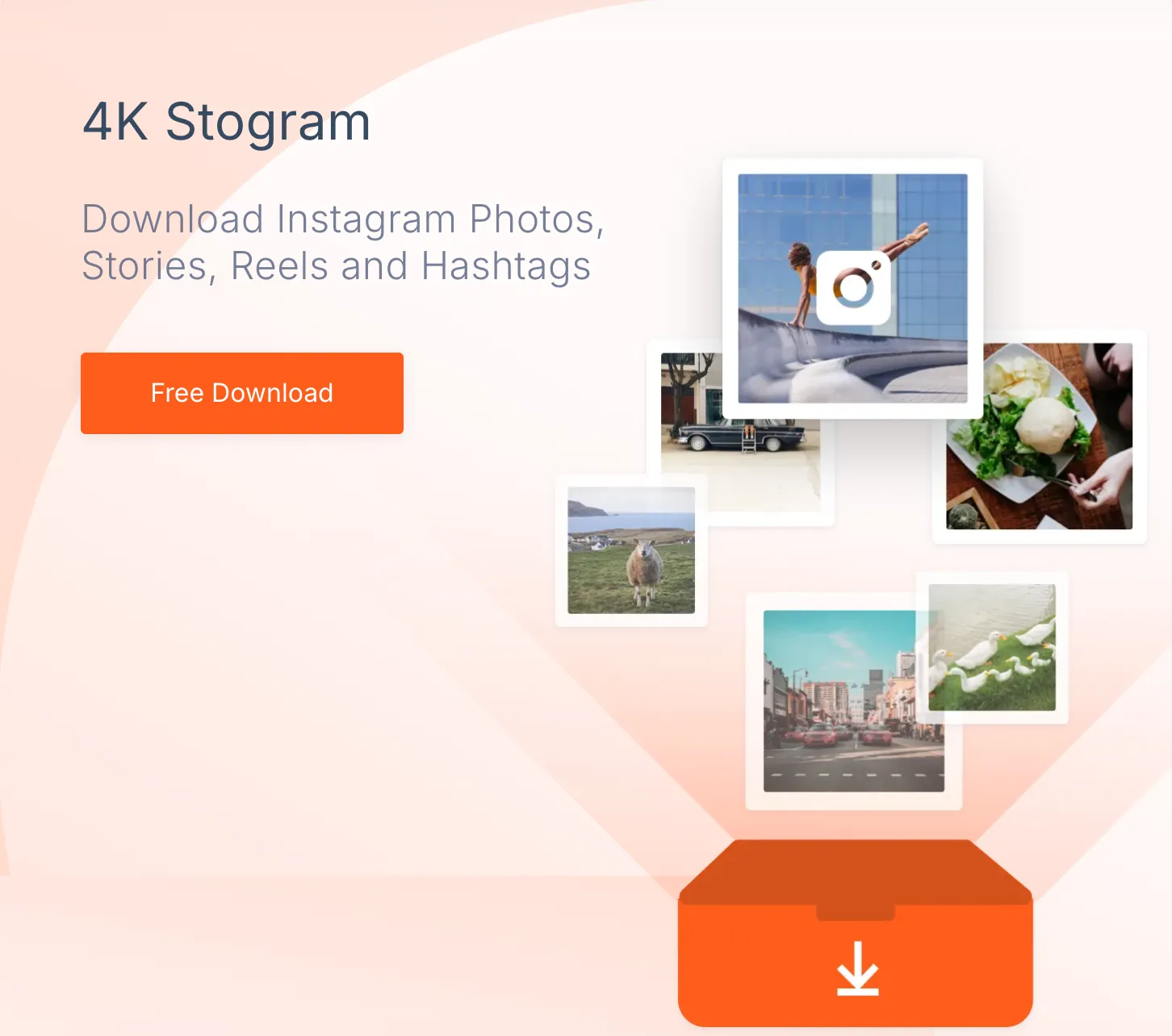
4K Video Downloader is a desktop downloader that, as the name suggests, focuses on high quality and runs on Win/Mac/Linux.
Strengths
- Supports 4K/8K, plus playlists and channels.
- Works across all three major desktop OSes and feels solid.
Watch out for
- The free version caps download counts; advanced features need a license.
- Social platform coverage isn't as broad as dedicated social tools.
- It's desktop software — switching devices and multi-device workflows are less convenient than web.
Cobalt
Cobalt is an open-source, free web downloader with a minimal interface, built around "clean and ad-free", covering YouTube and major social platforms.
Strengths
- Completely free and open source, no ads, no bundles.
- Clean UI; handles common YouTube and social links.
Watch out for
- Just "parse + download" — no batch management, accounts, or post-processing.
- Public instances can vary in speed/stability; self-host for control.
- Output is mostly source quality — no re-encoding or quality optimization.
So which one?
- Big direct-link downloads on Windows only → IDM still does the job.
- Free, clean, the occasional one-off → Cobalt.
- Just social short videos, keep it simple → SnapAny.
- 4K and whole playlists on the desktop → 4K Video Downloader.
- All platforms, social included, plus transcription/summaries, and pay once for the long run → SnapVee.
If your needs span multiple platforms and you'd rather not juggle a downloader, a transcription tool, and a summarizer, SnapVee's all-platform support + native social downloads + lifetime plan pricing make it the best all-round value of the five.
Want to try it? Open the SnapVee workbench and paste a link to start; grab the desktop app for heavy local tasks.