Online Video Downloader: Extract Everything in One Click
Download HD, watermark-free from YouTube, TikTok, Instagram and more. Then transcribe, subtitle, summarize or break it down in one click.
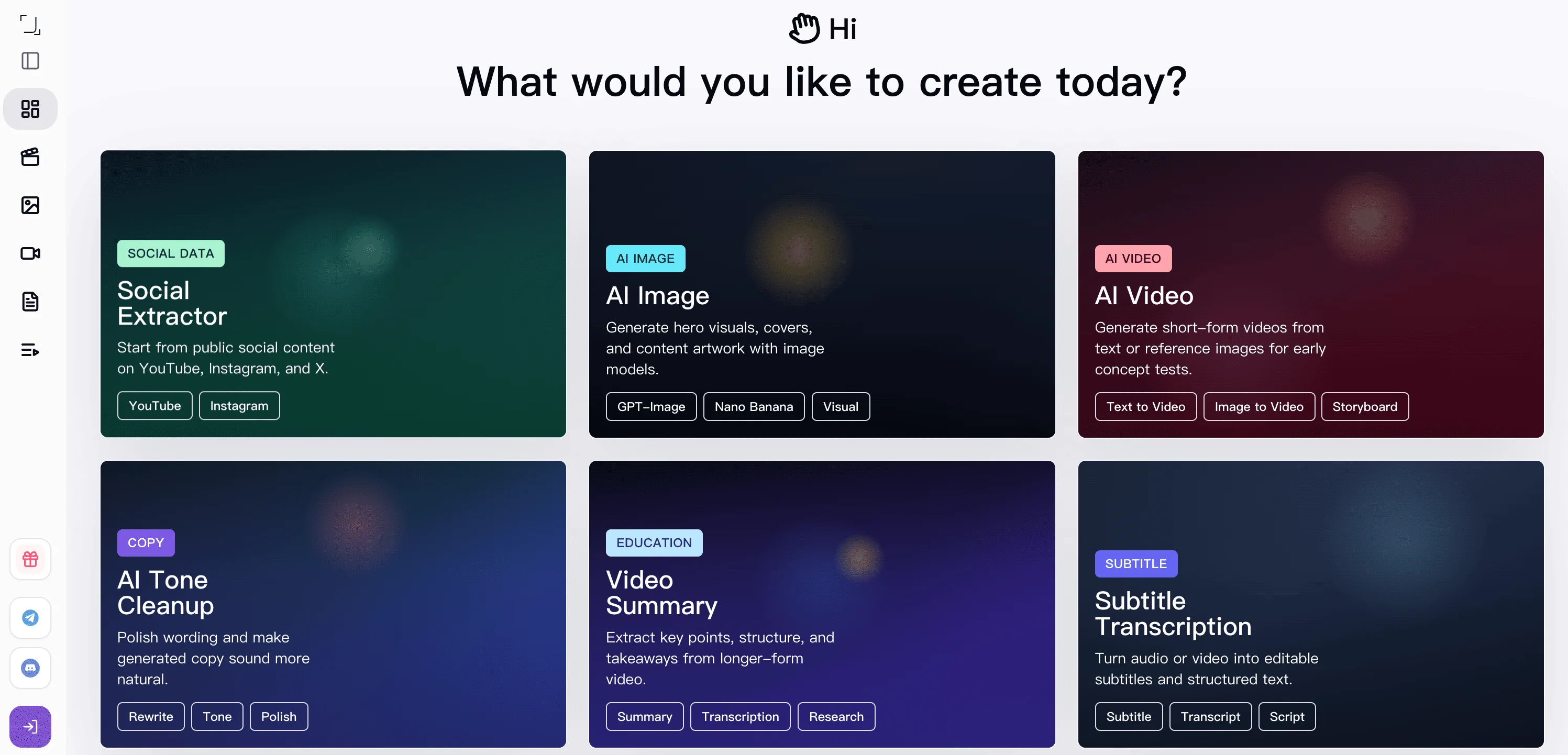
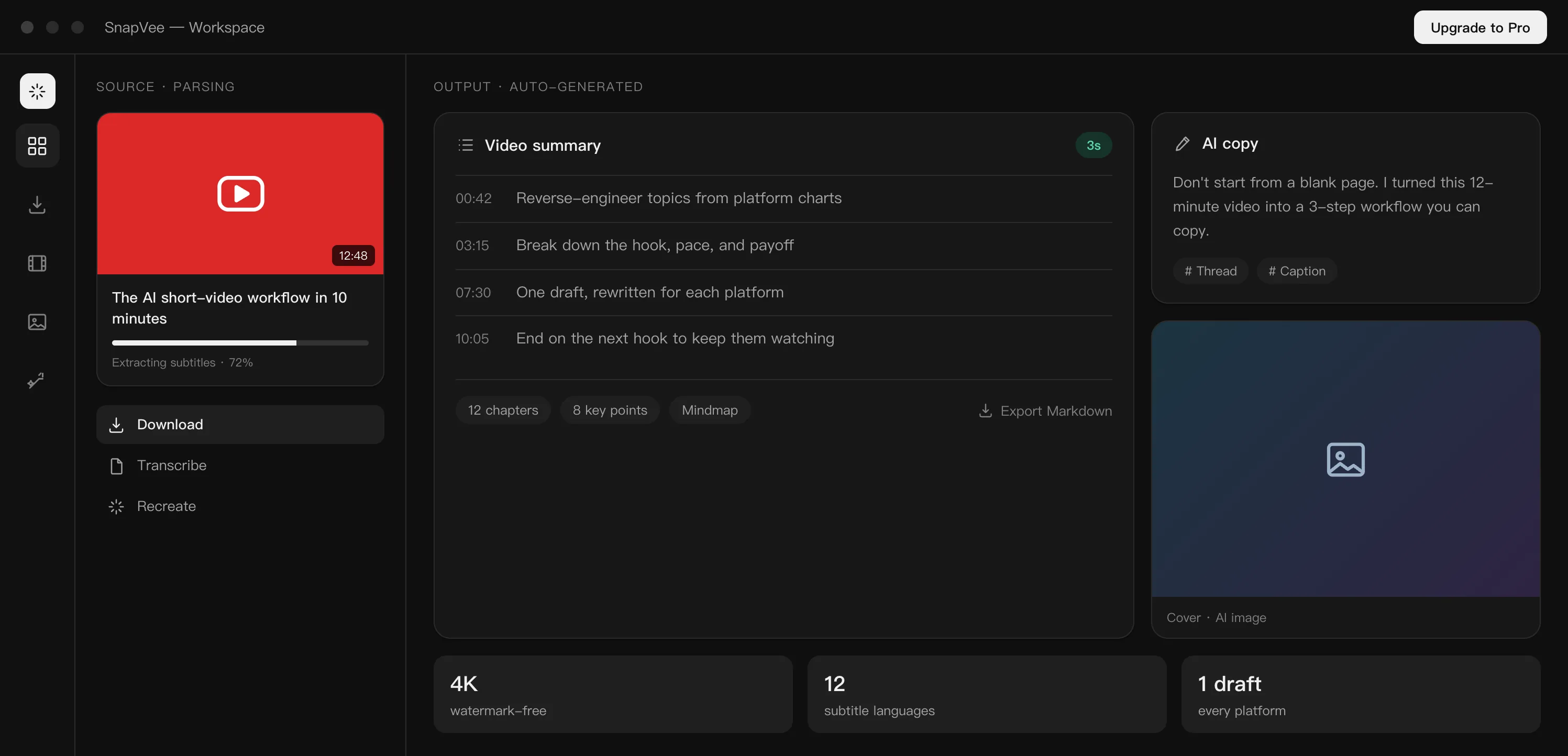
Key tools for content remixing
From video downloading and review analysis to summaries, subtitles, and visual generation, SnapVee helps unblock the creative steps that usually slow you down.
All-platform video downloader
Paste links on web or desktop and download HD, watermark-free video, audio, and subtitles from YouTube, TikTok, Instagram, X, and more in one click.
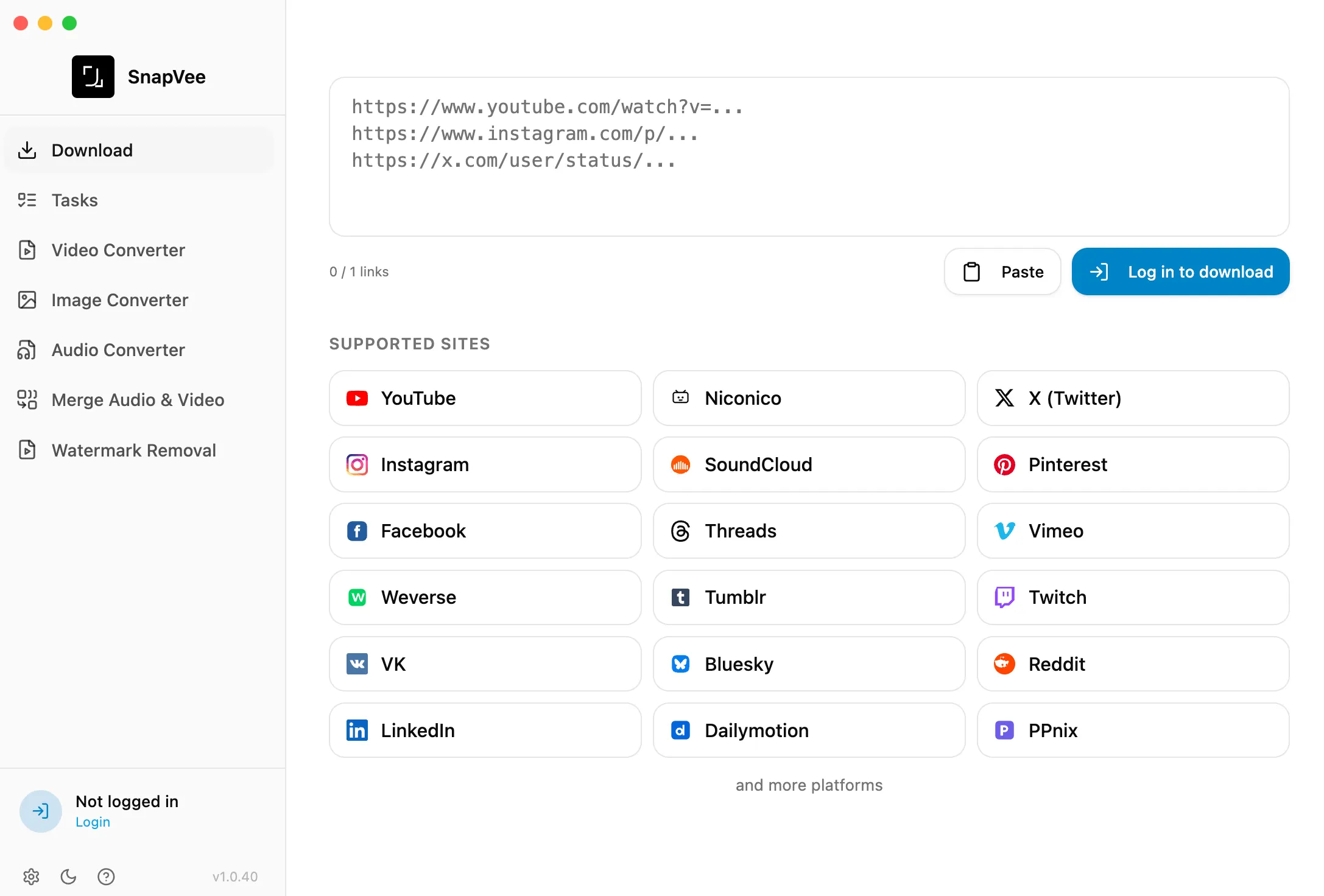
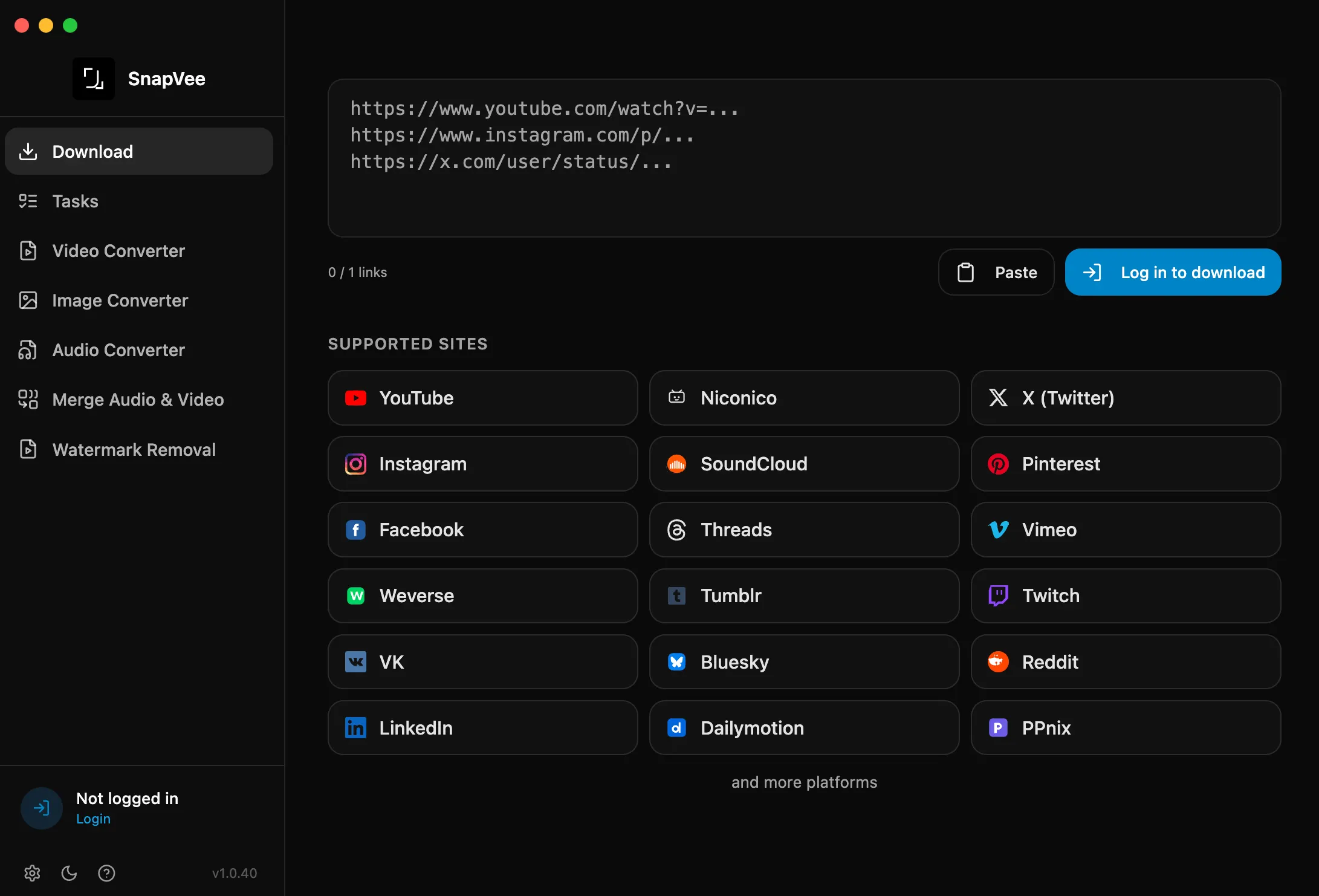
Review analysis
Paste a video or post link and SnapVee aggregates comments and reviews into sentiment, selling points, and red flags so you can gauge reception fast.
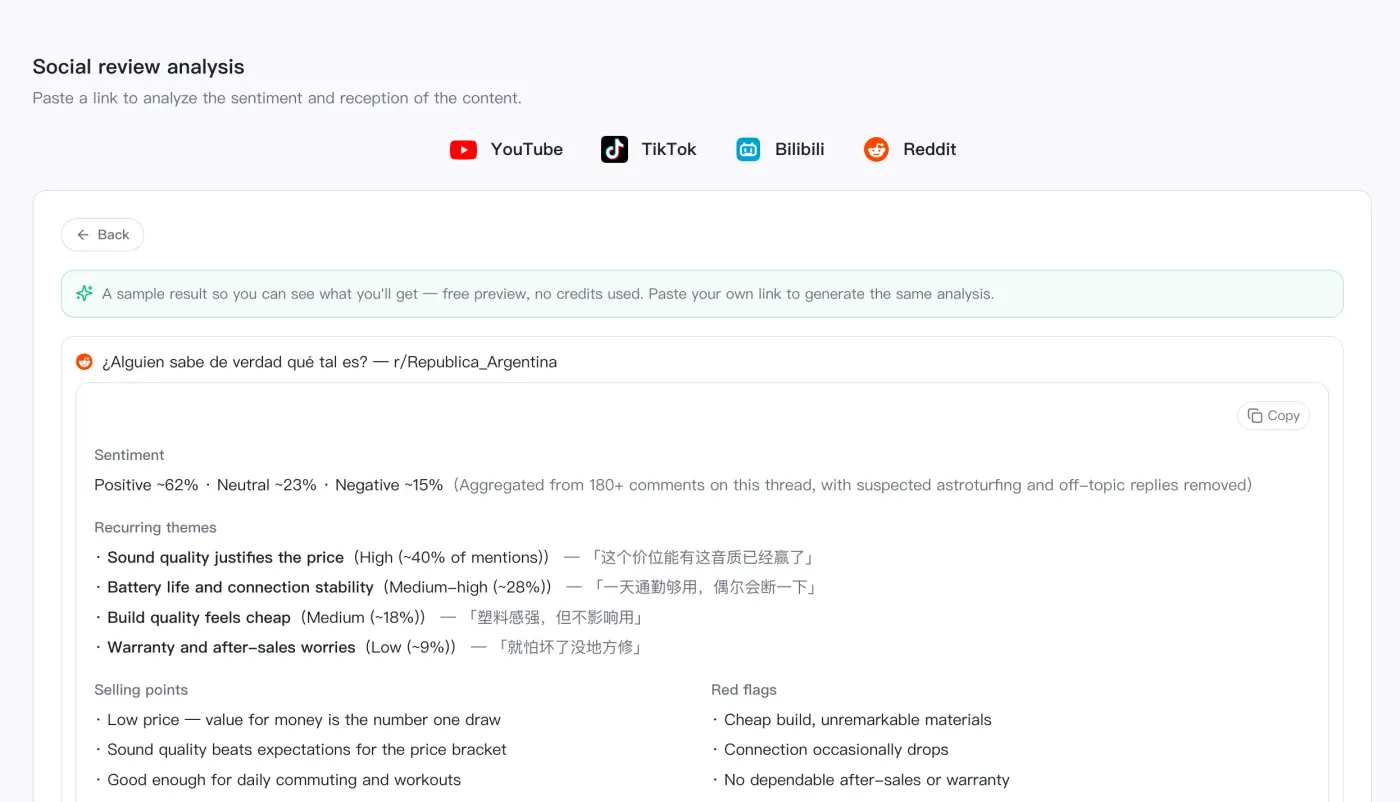
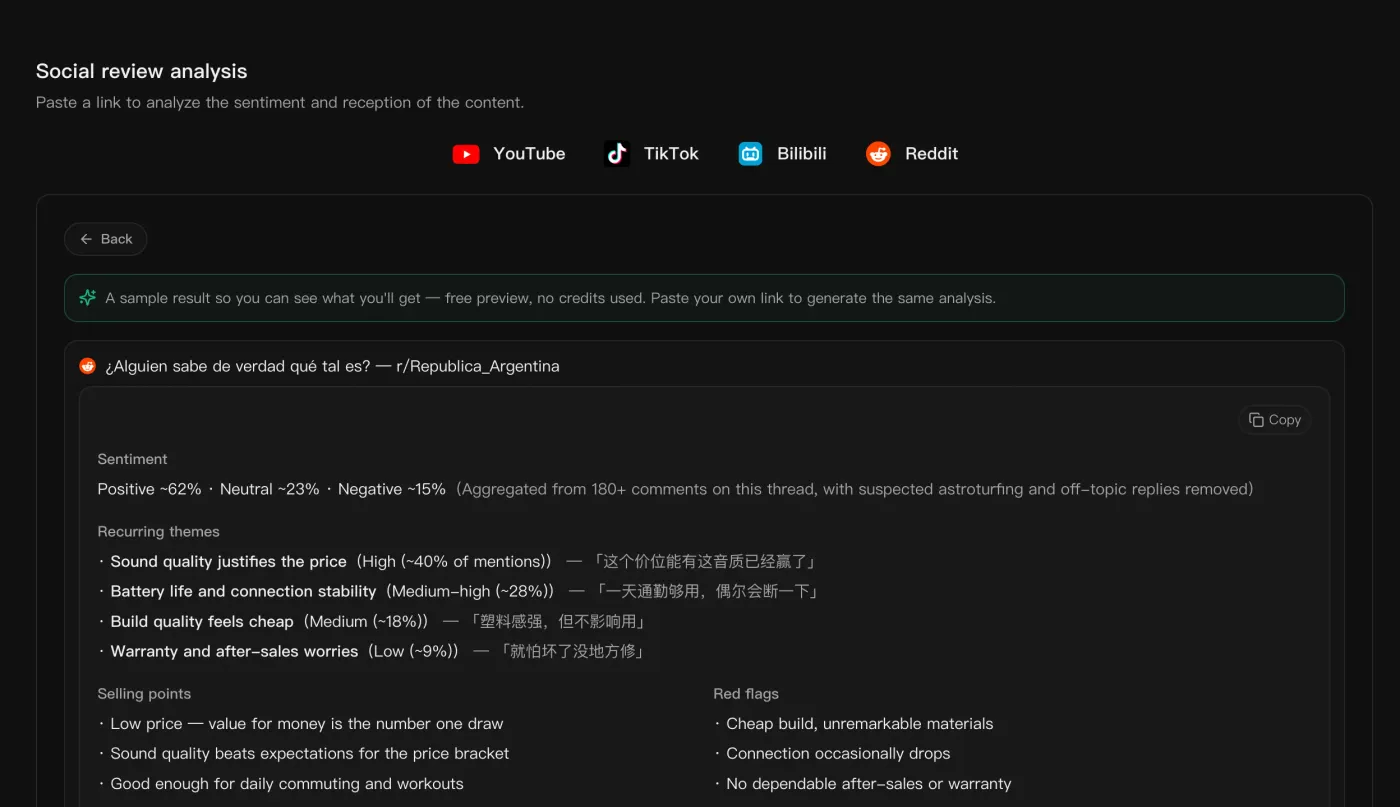
Video summary
Turn long videos into summaries, chapters, and key points so you can understand the material before editing or remixing it.
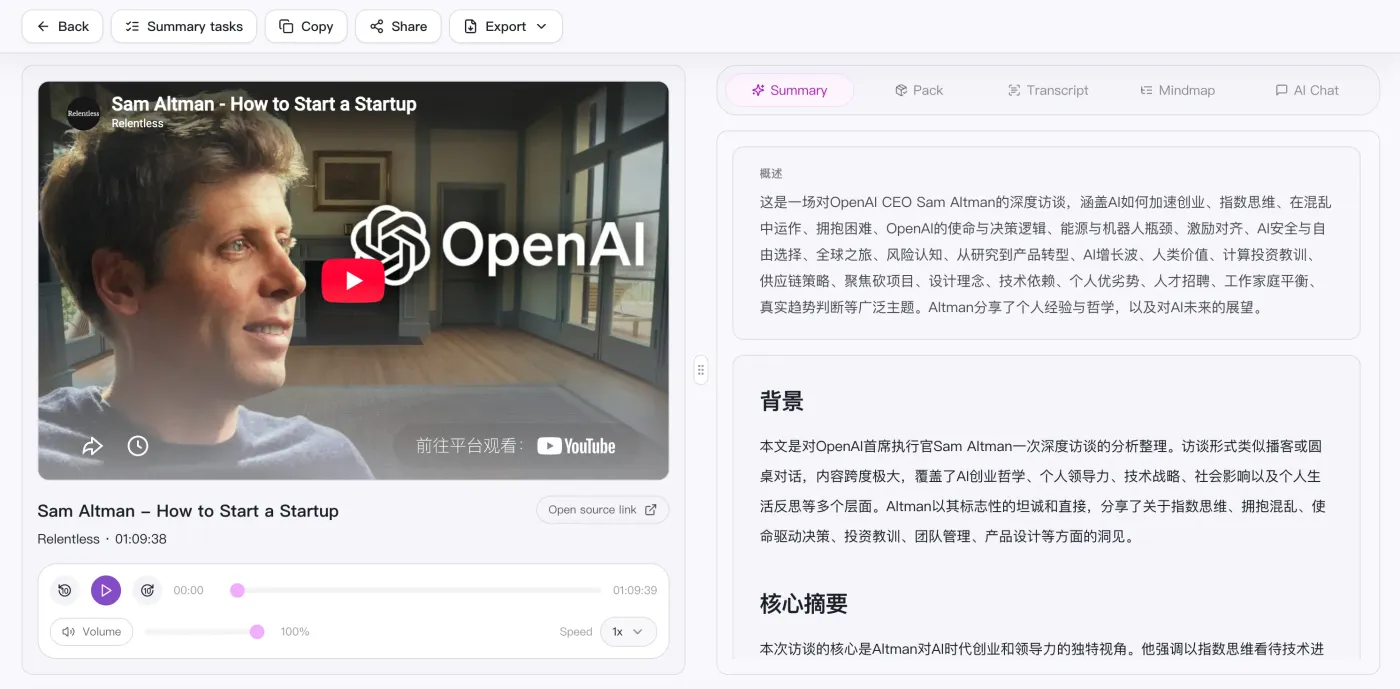
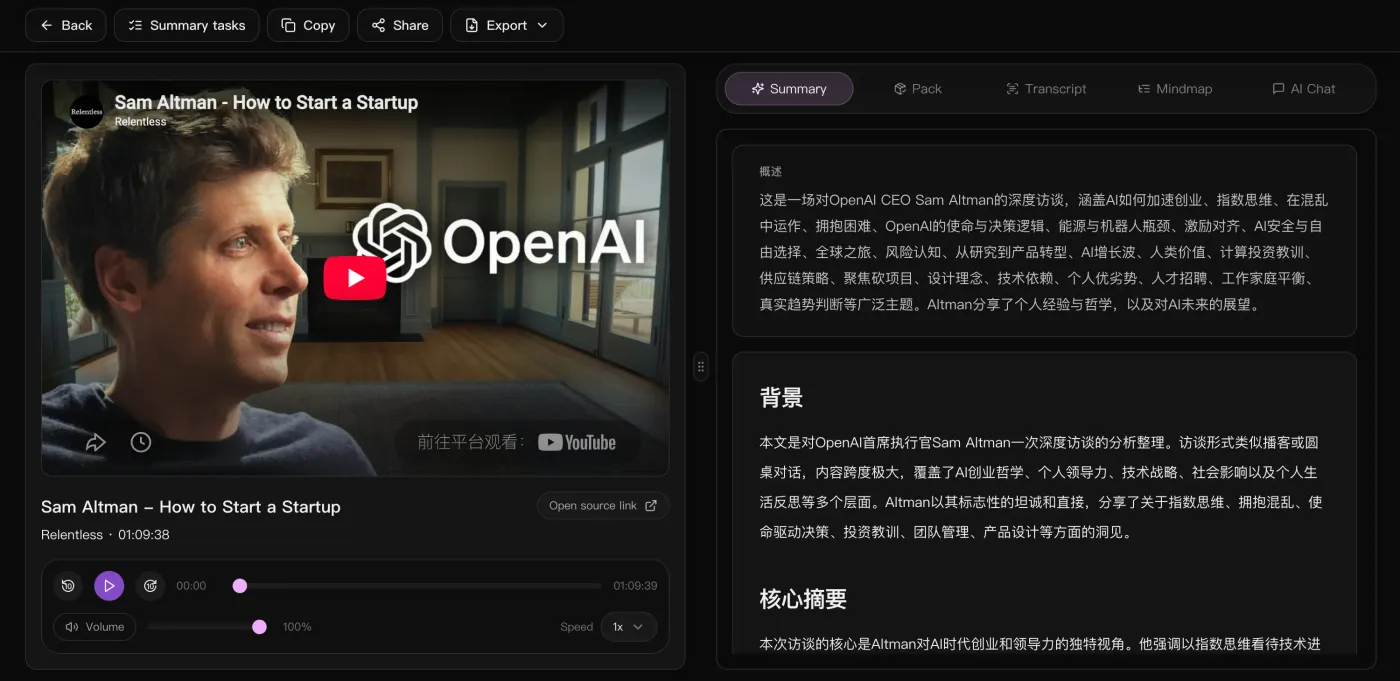
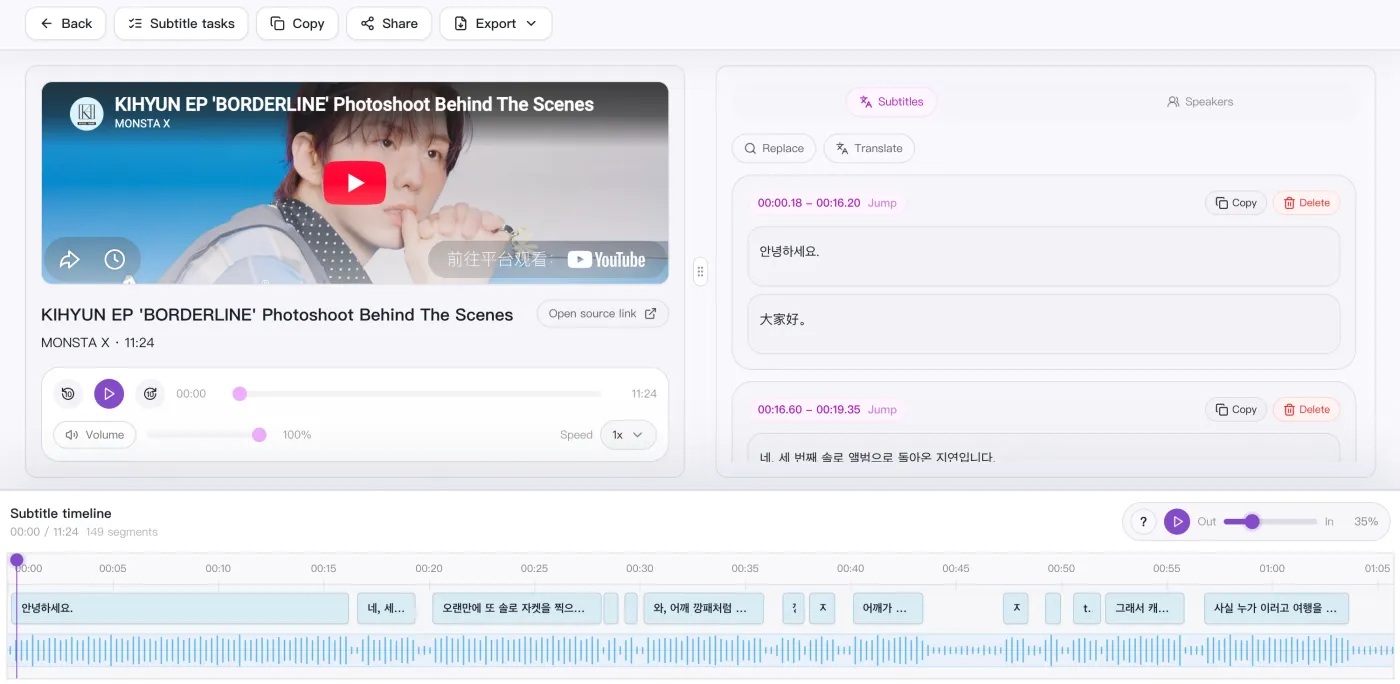
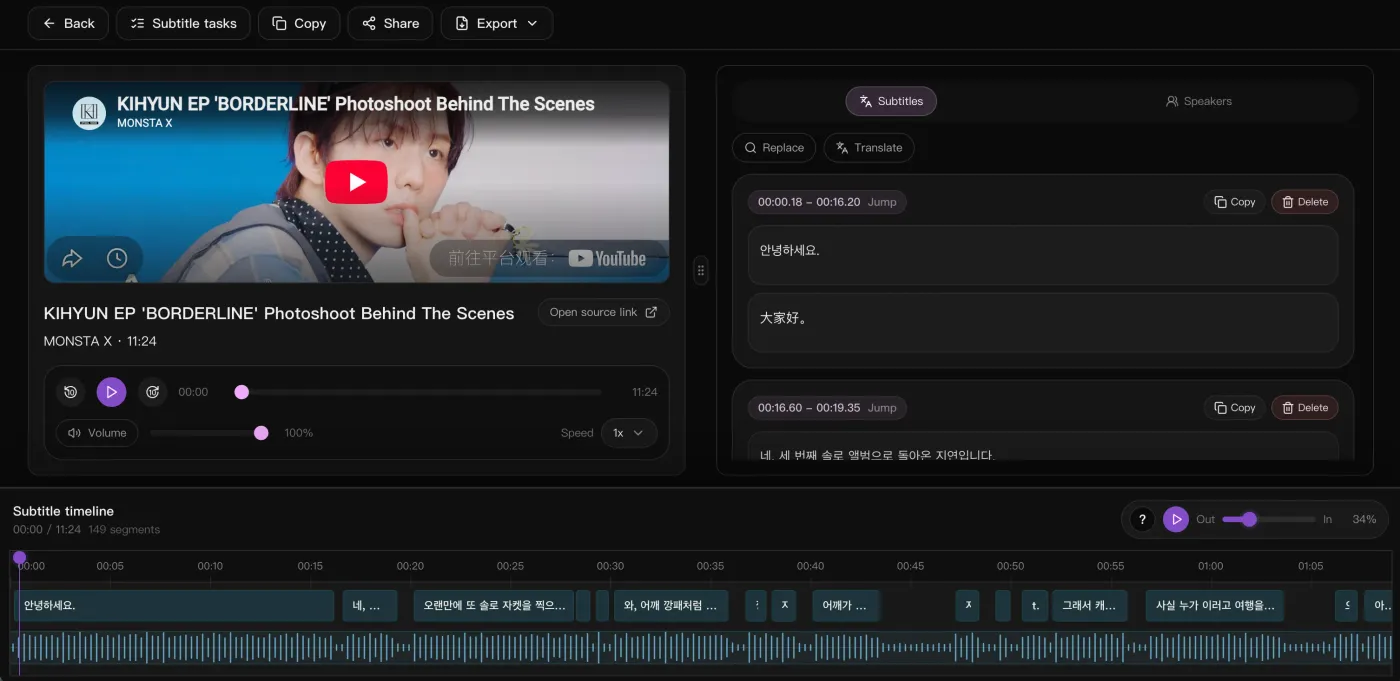
Subtitle transcription
Convert video or audio into editable subtitles and transcripts for review, clipping, quote extraction, and distribution.
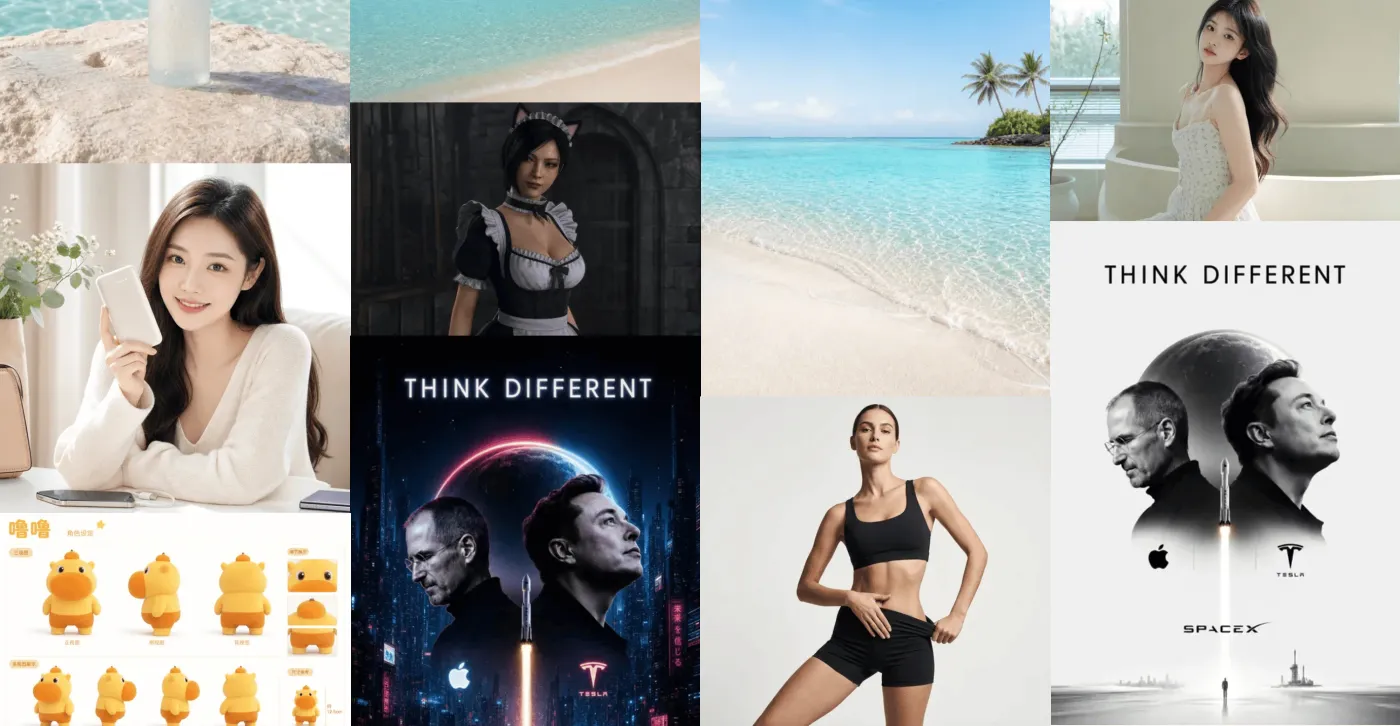
AI image generation
Generate covers, post visuals, and creative image assets from prompts when the content direction is ready.
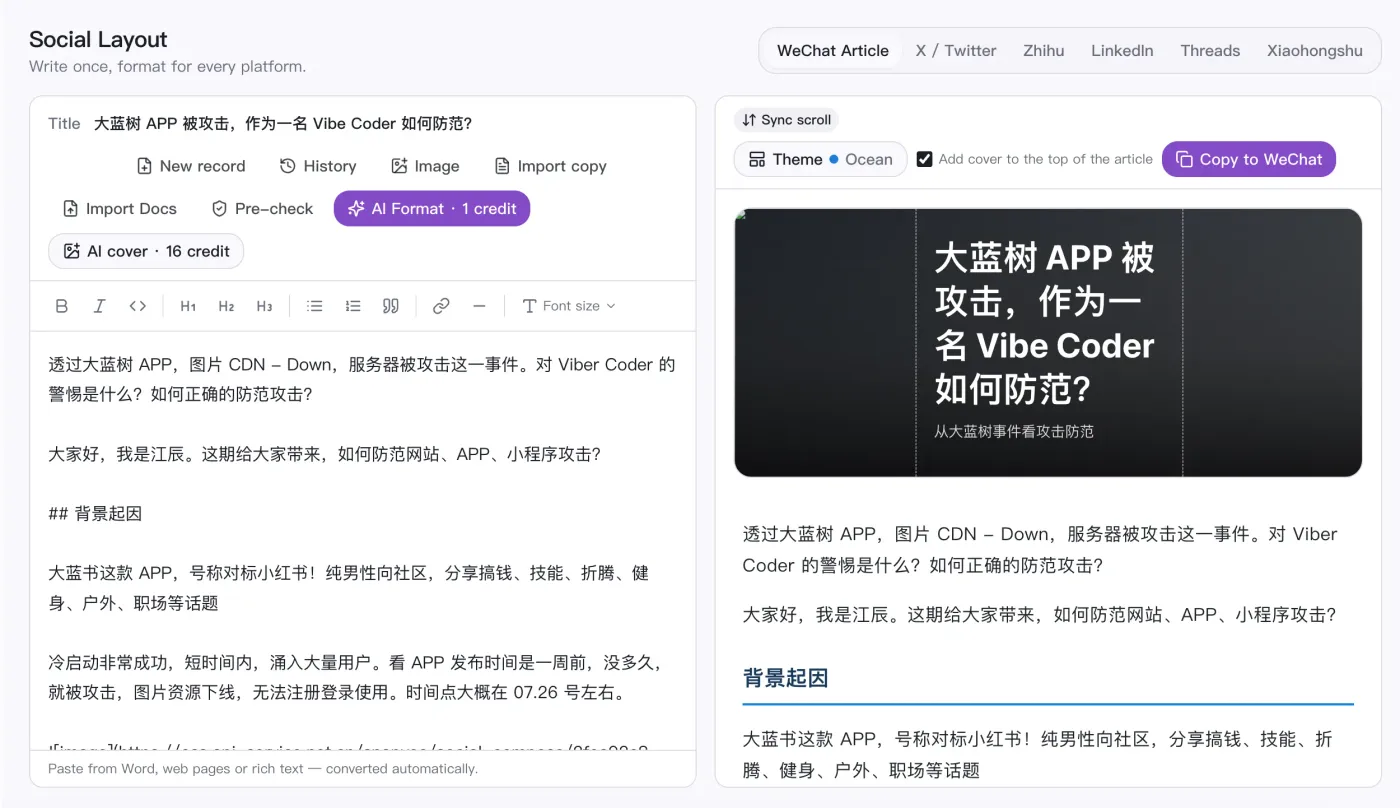
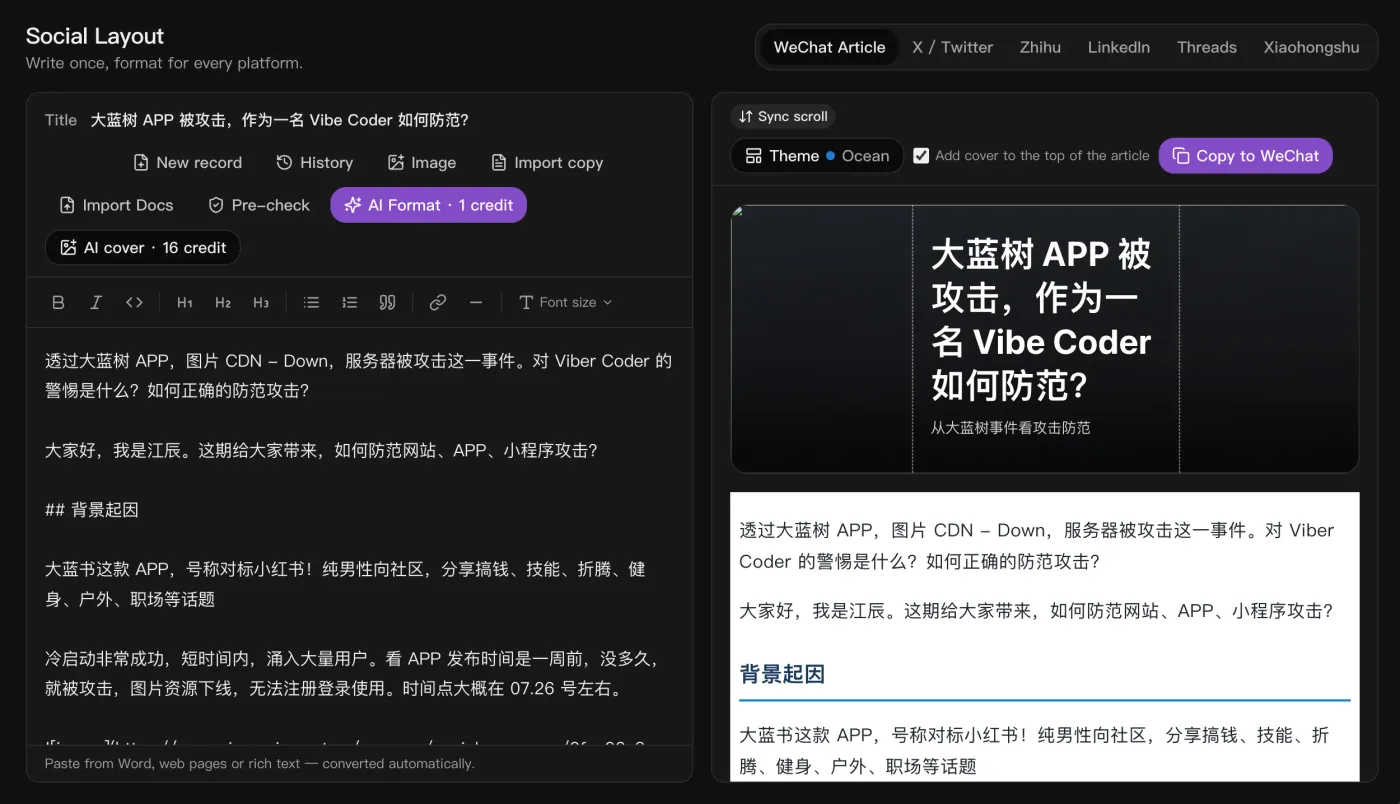
Social formatting
Write once and auto-format for WeChat, X, Zhihu, LinkedIn, Threads, and Xiaohongshu, with one-click cover images.
What is SnapVee?
SnapVee is an AI content workspace for creators, social media managers, individual users, and educators. It combines public video downloading, transcription, summarization, and AI image generation in one account, with web and desktop sharing the same account and allowances.
Core advantages
- 4K, watermark-free downloadsYouTube, TikTok, Instagram, X, Facebook, and more, one-click watermark removal
- Bilingual subtitles + translationvideo to text, SRT/VTT export, side-by-side bilingual subtitles
- Summaries with mindmapsstructured notes, chapters, key points, and mindmaps
- Multiple image modelsswitch freely between GPT Image 2, Nano Banana, and Seedream
- Viral breakdowndissect a hit video's structure and hooks, analyze social sentiment and reviews
- Supported platforms
- Downloading supports YouTube, TikTok, Instagram, X, Facebook, Threads, Pinterest, and Vimeo; transcription and summary support YouTube, TikTok, and Apple Podcasts, plus local uploads; social formatting outputs to WeChat Official Accounts, X threads, and more.
- Free to start
- New users get a free trial with AI credits and download points, and Pro refreshes monthly download allowance and credits. Only process content you are allowed to save.
Built for the people who use SnapVee
Creators, social media teams, video editors, and educators run the whole content workflow in one place.

Content creators
Track trending topics across social platforms to find hot ideas and angles for your next post.

Social media marketers
Collect and repurpose content from multiple platforms quickly. Batch downloads and priority queues help you stay on schedule.

Video editors
Get HD or 4K sources with audio separation. Useful for reference clips, B-roll, and multilingual tracks.

Educators & students
Turn lectures and course videos into structured summaries and notes, so you grasp the key points fast without rewatching.
Simple, transparent pricing
Pro shows download points and credits separately. Downloads spend points; summaries and subtitles convert video minutes into credit spend.
Free
- 30 media minutes
- 20 AI credits / mo≈ 2 images · 1 review analyses
- 1 free download per day
- Desktop tools: convert / compress / clip / merge / de-watermark5 runs per tool per day
- Limited social trends, free
- Social post formatting
- Assets kept for 7 days
- Transcription, subtitles and summaries require an active subscription; buying a media-minute pack does not replace a subscription.
Lite
Billed yearly at $95.88
- 600 media minutes≈ transcribe/break down 20 30-min videos
- 400 AI credits / mo≈ 50 images · 20 review analyses
- Full downloader included
- No watermark · 1080p+ download
- Profile extraction
- Desktop tools: convert / compress / clip / merge / de-watermarkUnlimited runs
- Trend search: 5/day
- Unlock all social trends
- Trend picking / sourcing / analytics / summarize & transcribe — full pipeline
- Social post formatting
- Can buy add-on packs
- Assets kept forever
Pro
Billed yearly at $167.88
- 1,200 media minutes≈ transcribe/break down 40 30-min videos
- 1,200 AI credits / mo≈ 150 images · 60 review analyses
- Full downloader included
- No watermark · 1080p+ download
- Profile extraction
- Desktop tools: convert / compress / clip / merge / de-watermarkUnlimited runs
- Trend search: 20/day
- Unlock all social trends
- Trend picking / sourcing / analytics / summarize & transcribe — full pipeline
- Social post formatting
- Can buy add-on packs
- Assets kept forever
Studio
Billed yearly at $395.88
- 3,000 media minutes≈ transcribe/break down 100 30-min videos
- 3,000 AI credits / mo≈ 375 images · 150 review analyses
- Full downloader included
- No watermark · 1080p+ download
- Profile extraction
- Desktop tools: convert / compress / clip / merge / de-watermarkUnlimited runs
- Trend search: 50/day
- Unlock all social trends
- Trend picking / sourcing / analytics / summarize & transcribe — full pipeline
- Social post formatting
- Can buy add-on packs
- Assets kept forever
"Unlimited downloads" is for normal personal use; we may throttle scripted or abnormal bulk downloading.
Frequently asked questions
Quick answers about SnapVee capabilities, free trials, credits, and delivery.