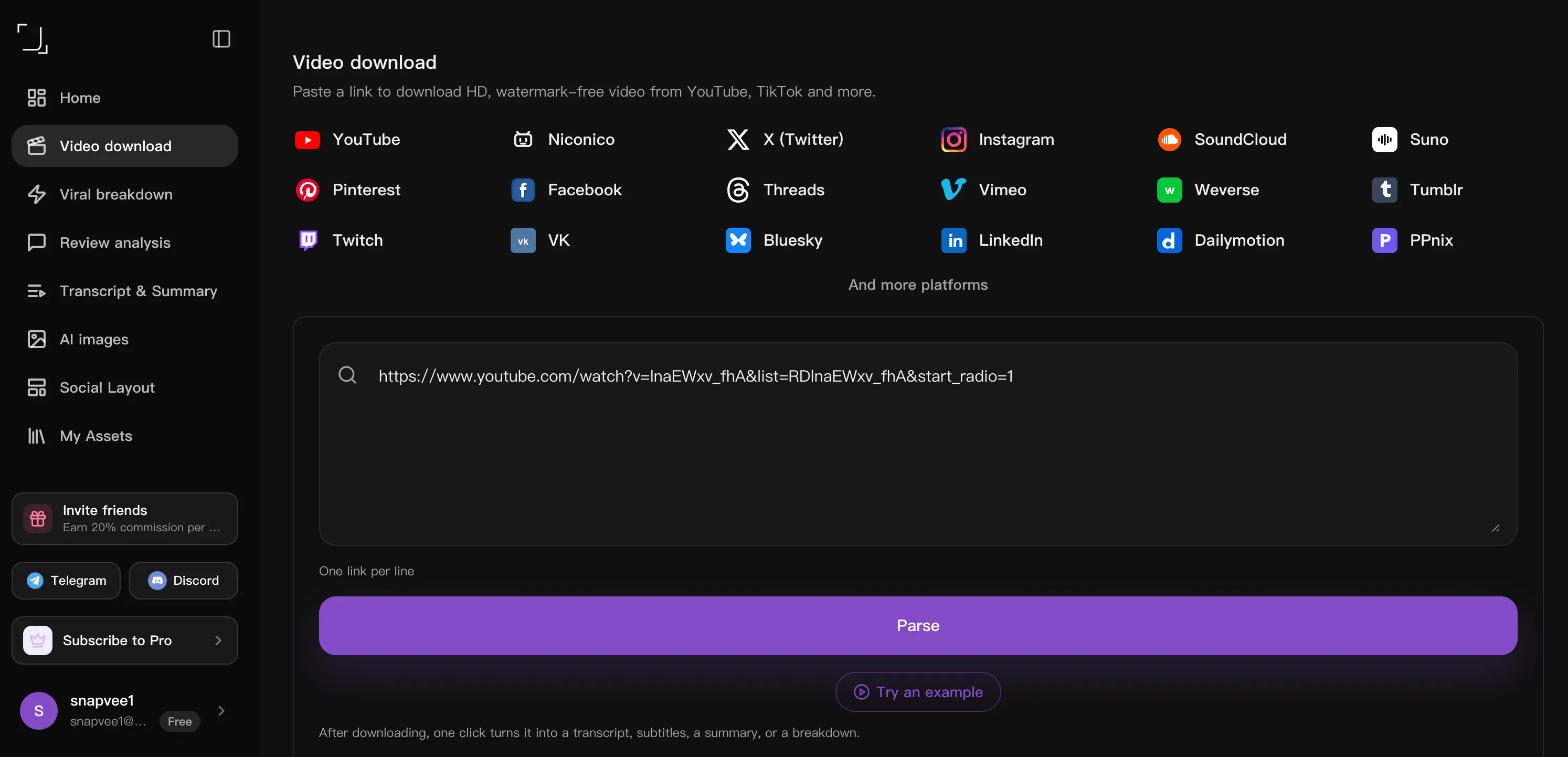
Copy the video link
Open the post you want and tap Share → Copy link. Any public video URL works, on desktop or mobile.
ดาวน์โหลด TikTok ออนไลน์ บันทึกวิดีโอสาธารณะแบบ HD ไม่มีลายน้ำเมื่อต้นทางรองรับ วางลิงก์สาธารณะในเบราว์เซอร์ได้เลย ไม่ต้องติดตั้งซอฟต์แวร์ ไม่ต้องสมัคร
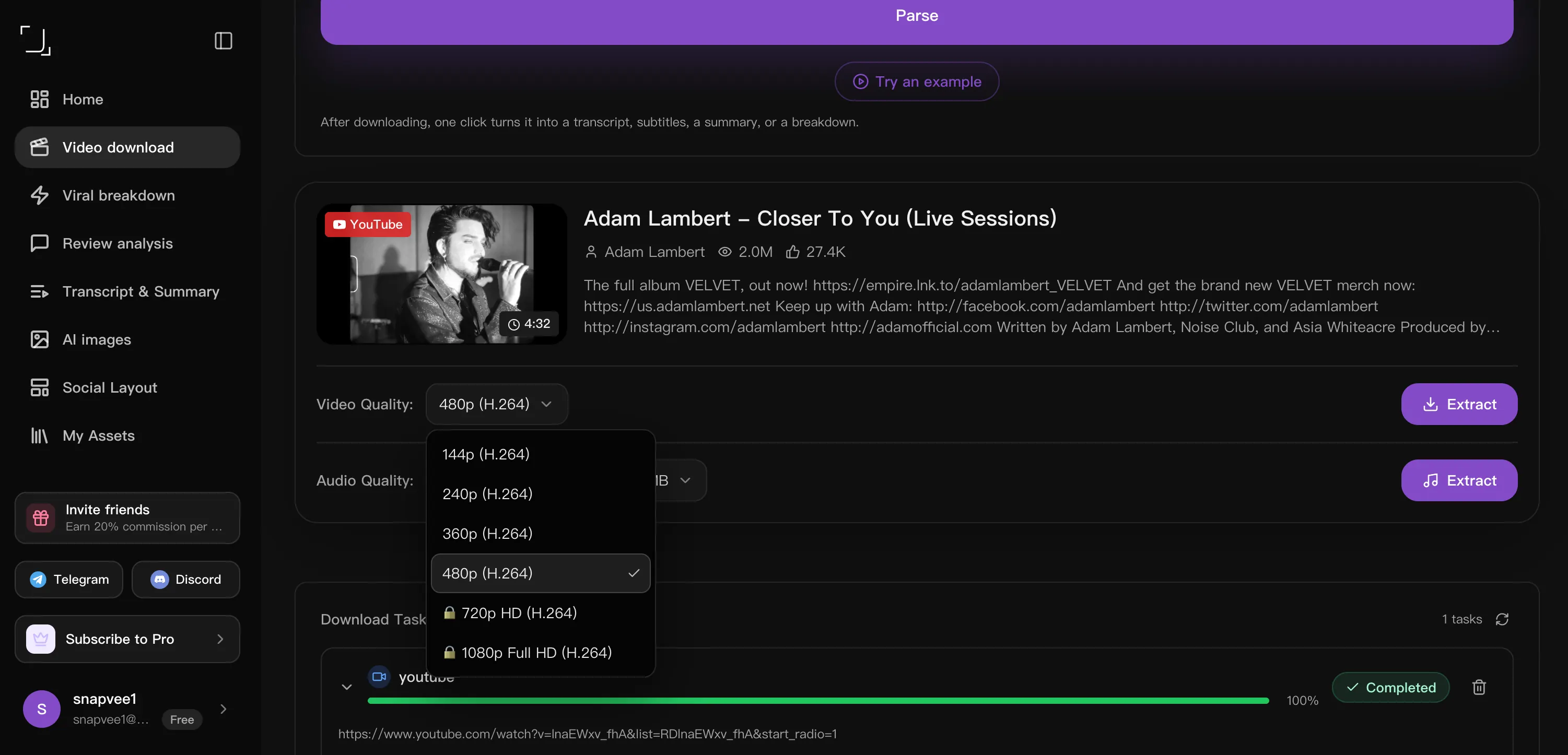
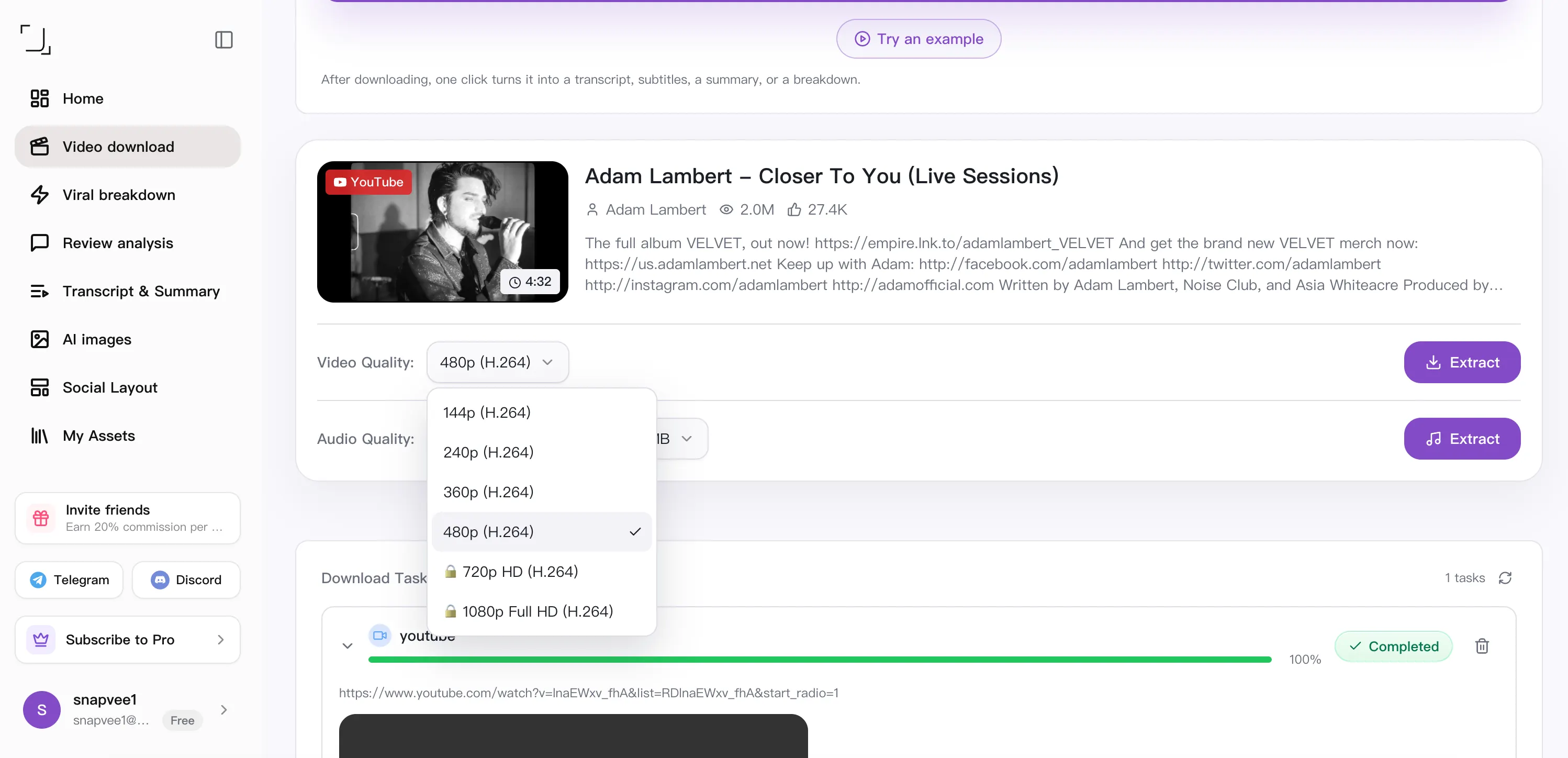
Free downloads support up to 720p and videos up to 1 hour. 1080p and 4K require a paid plan and an available source stream; paid plans support videos up to 2 hours. Check pricing for your download allowance.
ดาวน์โหลดวิดีโอ - เครื่องมือดาวน์โหลดวิดีโอสากลของ SnapVee
After downloading, one click turns it into a transcript, subtitles, a summary, or a breakdown.
ไม่มีงาน
It works in any browser on desktop or mobile — nothing to install, and no account needed to start.
Open the post you want and tap Share → Copy link. Any public video URL works, on desktop or mobile.
Paste the URL above. SnapVee reads the title, duration and every quality the source offers, then lets you choose MP4 video or MP3 audio.
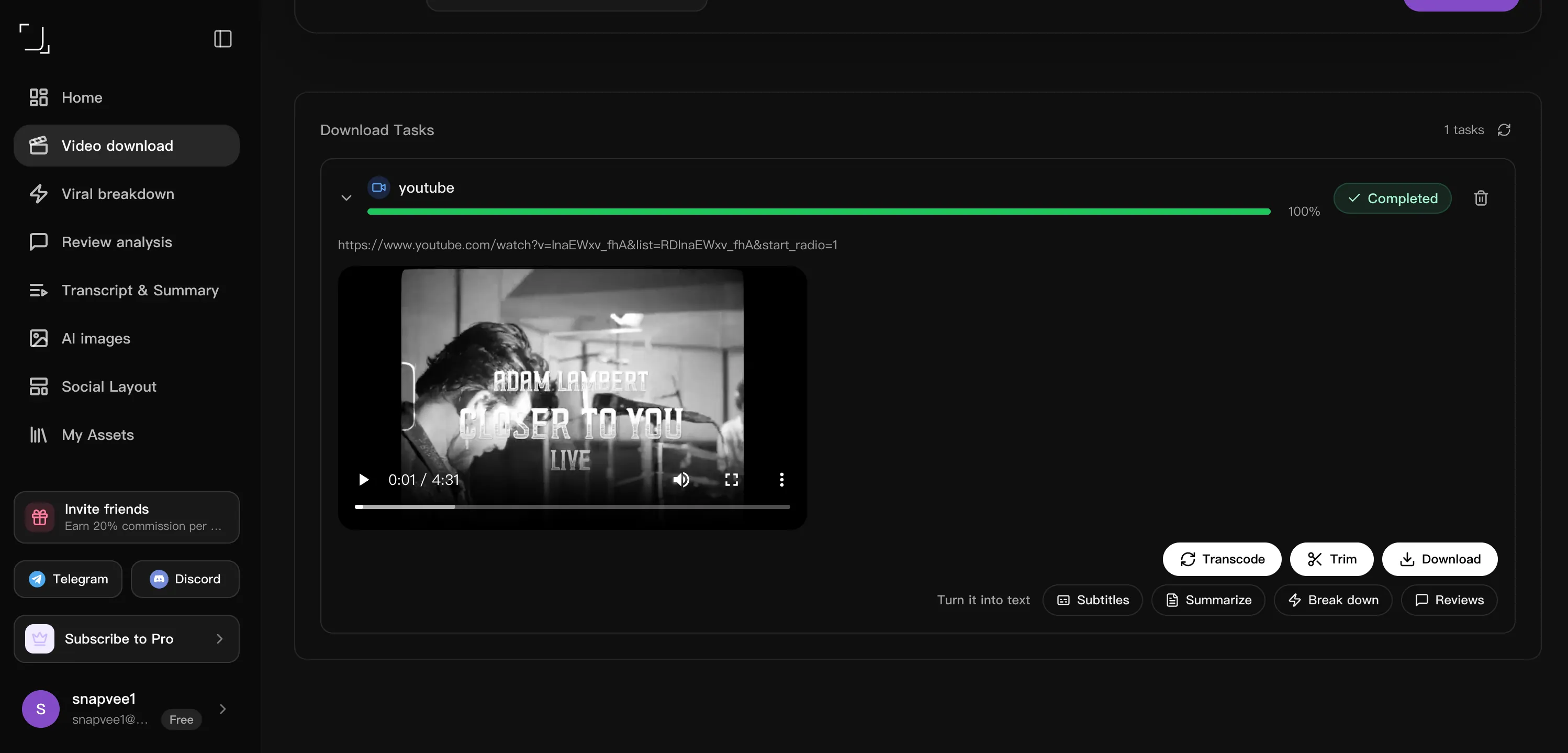
Hit download and the file saves straight to your device. Task history keeps every link, so you can re-download or batch more without pasting twice.
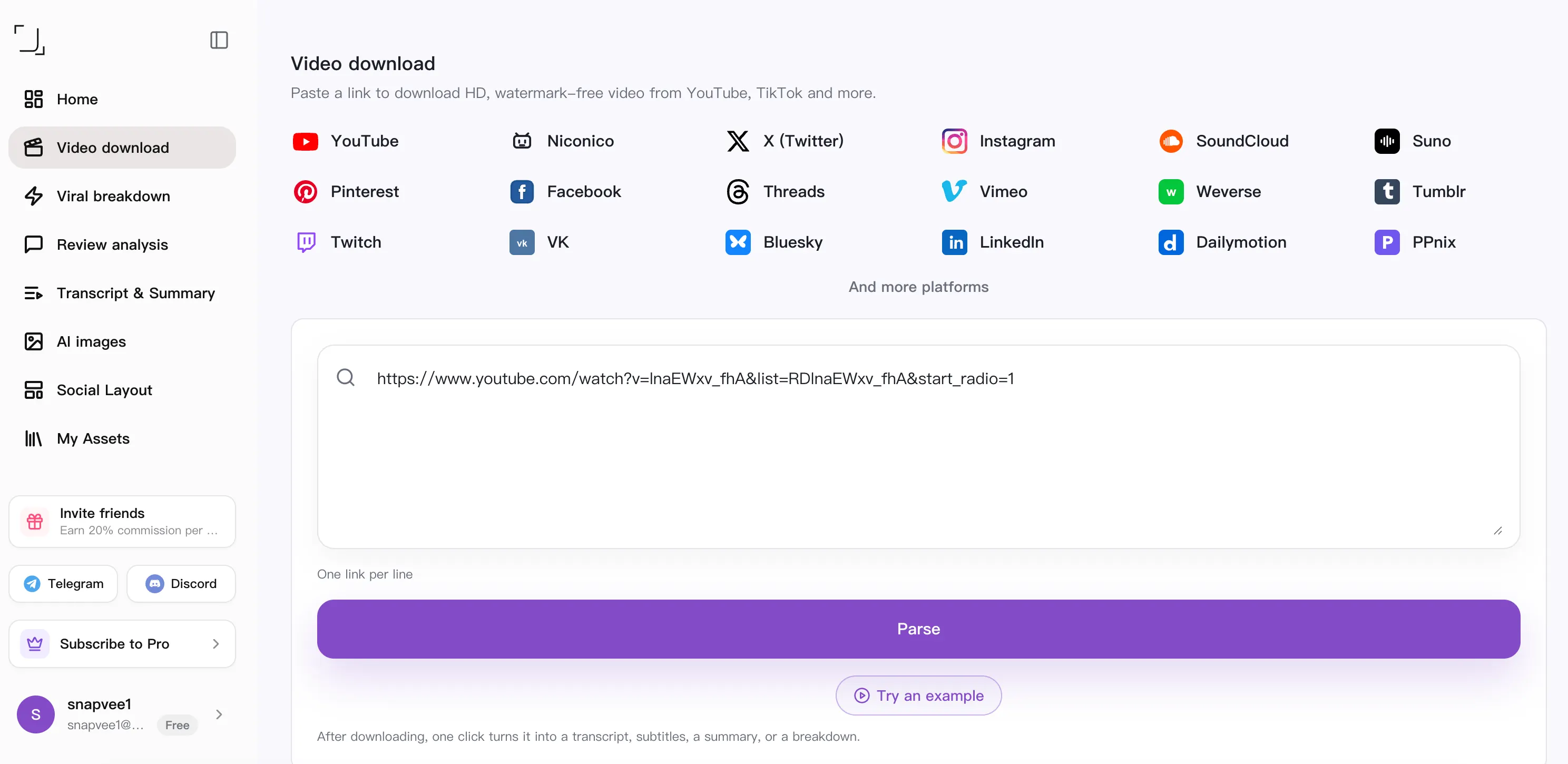
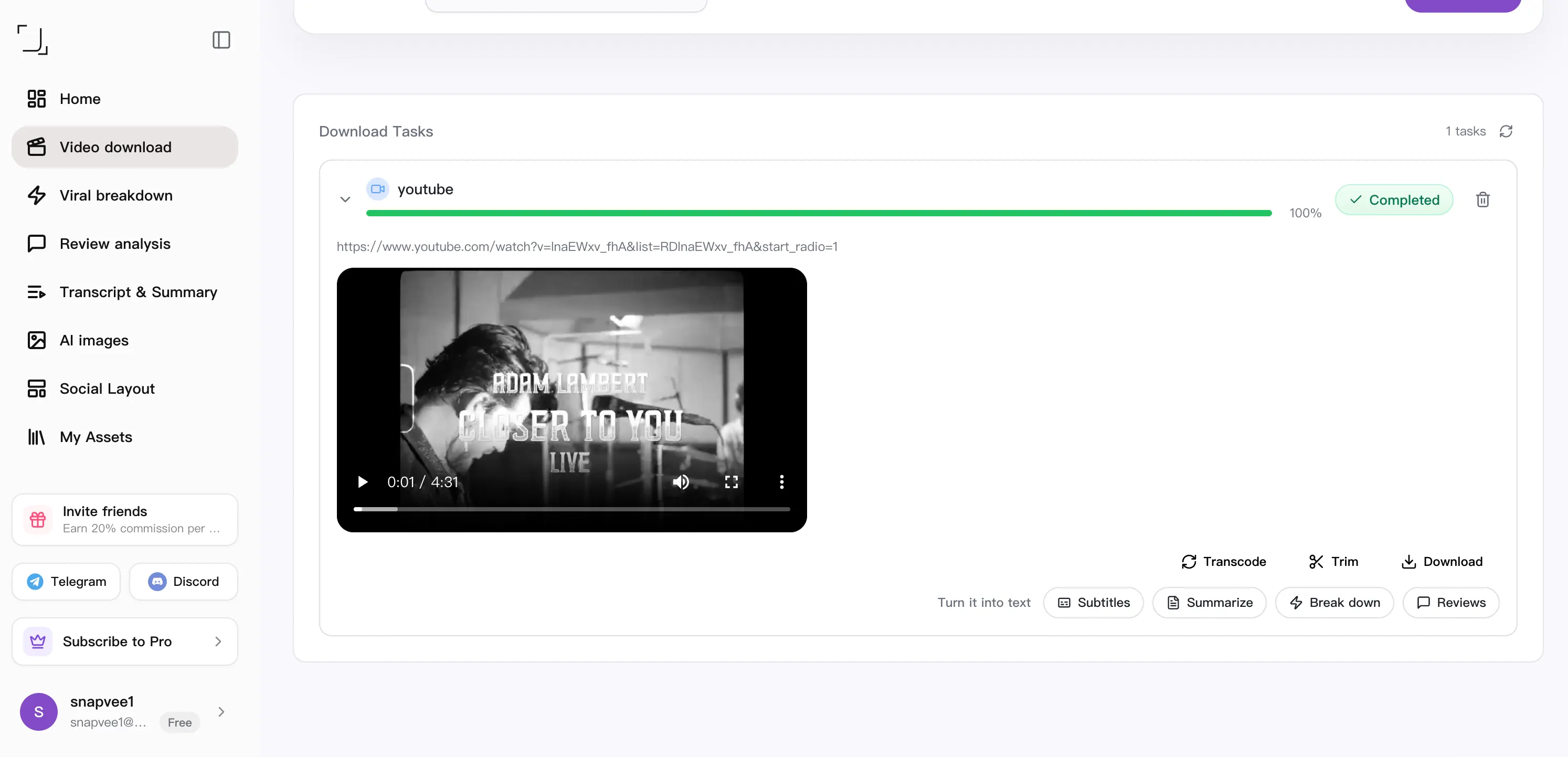
Downloaded it. Now what?
Downloading is step one. The same link can become subtitles, a summary, a fresh script, or your next content idea — without leaving SnapVee.
Side by side
How a downloader that lives in the browser compares with a desktop app (4K Video Downloader), a Windows download manager (IDM) and the URL-trick sites (SSYouTube).
| What matters | SnapVee | 4K Video Downloader | IDM | SSYouTube |
|---|---|---|---|---|
| Getting started | Paste a link in the browser | Install a desktop app | A Windows app plus a browser extension | Edit the URL, follow redirects |
| Devices | Any browser, phone included — plus a desktop app | One install per computer | Windows only, licensed per machine | Browser, depends on the redirect |
| Quality control | Pick 4K, 1080p or MP3 explicitly | Up to 4K / 8K when the source allows | Whatever stream the extension catches | Whatever the redirect target offers |
| After the download | Transcript, summary, convert, clip — same place | Local offline library | Download manager only — resume and accelerate | Download only |
| Account | Usage depends on your plan and remaining allowance | Basic tier has limited features | Paid licence after the trial | No account needed |
Compared against each product's publicly observable behaviour, checked August 2026. For offline batch downloads and playlist management, 4K Video Downloader is still a strong pick, and IDM remains the most reliable way to resume a broken large-file download.
Pro shows download points and credits separately. Downloads spend points; summaries and subtitles convert video minutes into credit spend.
Billed yearly at $95.88
Billed yearly at $167.88
Billed yearly at $395.88
"Unlimited downloads" is for normal personal use; we may throttle scripted or abnormal bulk downloading.
Paste the TikTok link into SnapVee and choose the no-watermark option to get a clean video with no TikTok logo.
Open the TikTok video, copy its share link, paste it into SnapVee, and tap download — the video saves straight to your camera roll.
Yes, SnapVee downloads TikTok videos in the highest available quality, including HD 1080p.
Yes, you can save the TikTok audio as an MP3 file alongside the video.
Download availability and limits depend on your plan and remaining allowance. Check the pricing page for details.