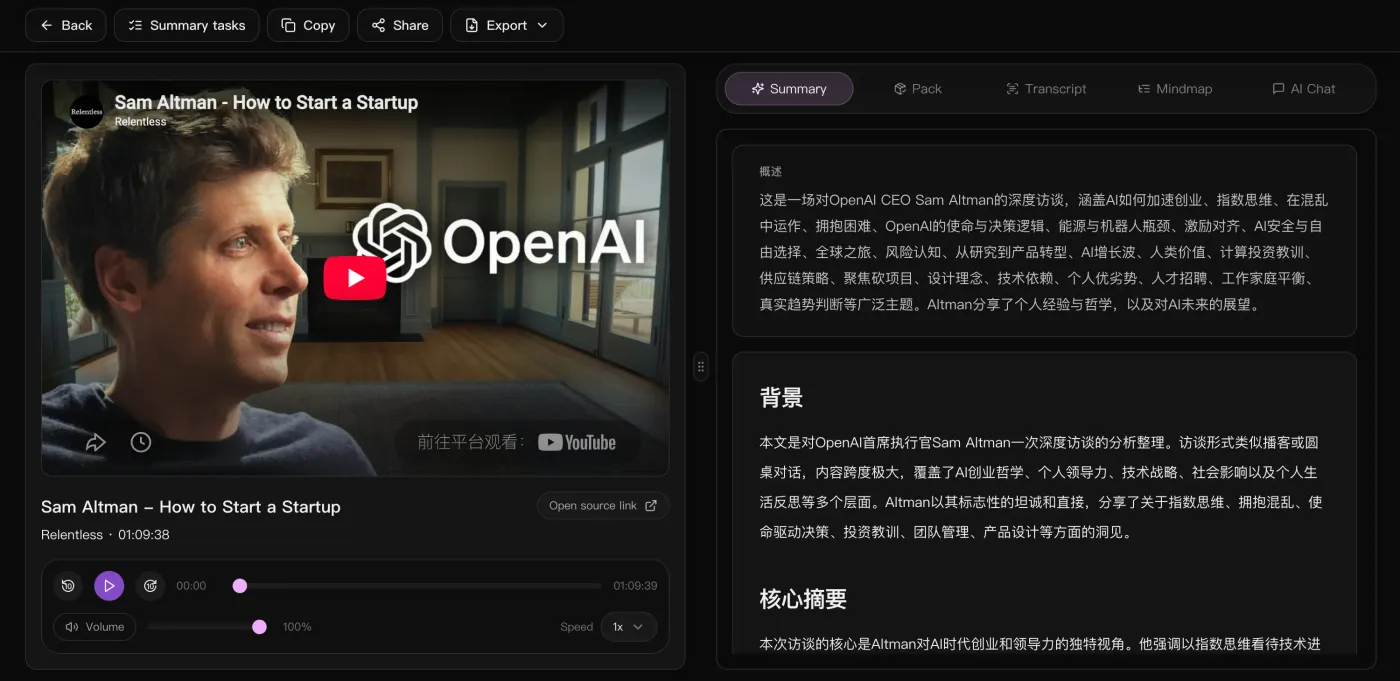
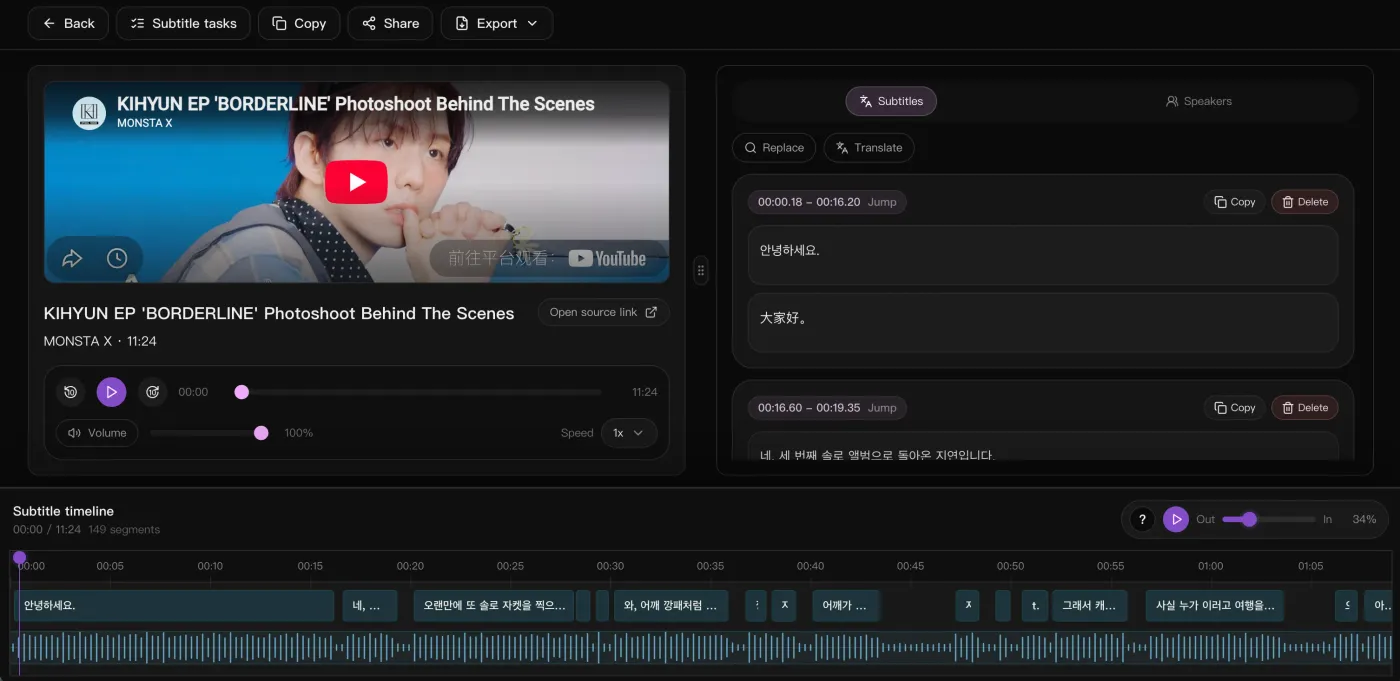




“Drop in a podcast or interview link and the timestamped transcript, bilingual subtitles, and summary come back together. Prep before publishing dropped by half.”

SnapVee Studio เวิร์กสเปซ AI สำหรับครีเอเตอร์ ดาวน์โหลดวิดีโอสาธารณะจาก YouTube, TikTok, X และ Instagram แล้วถอดคำบรรยาย สรุปเนื้อหา สร้างภาพและวิดีโอด้วย AI พร้อมเขียนแคปชันในเวิร์กโฟลว์เดียว เริ่มใช้งานฟรี
เวิร์กสเปซ AI สำหรับครีเอเตอร์ ดาวน์โหลดวิดีโอสาธารณะจาก YouTube, TikTok, X และ Instagram แล้วถอดคำบรรยาย สรุปเนื้อหา สร้างภาพและวิดีโอด้วย AI พร้อมเขียนแคปชันในเวิร์กโฟลว์เดียว เริ่มใช้งานฟรี

Turn today's tools into one creative workflow
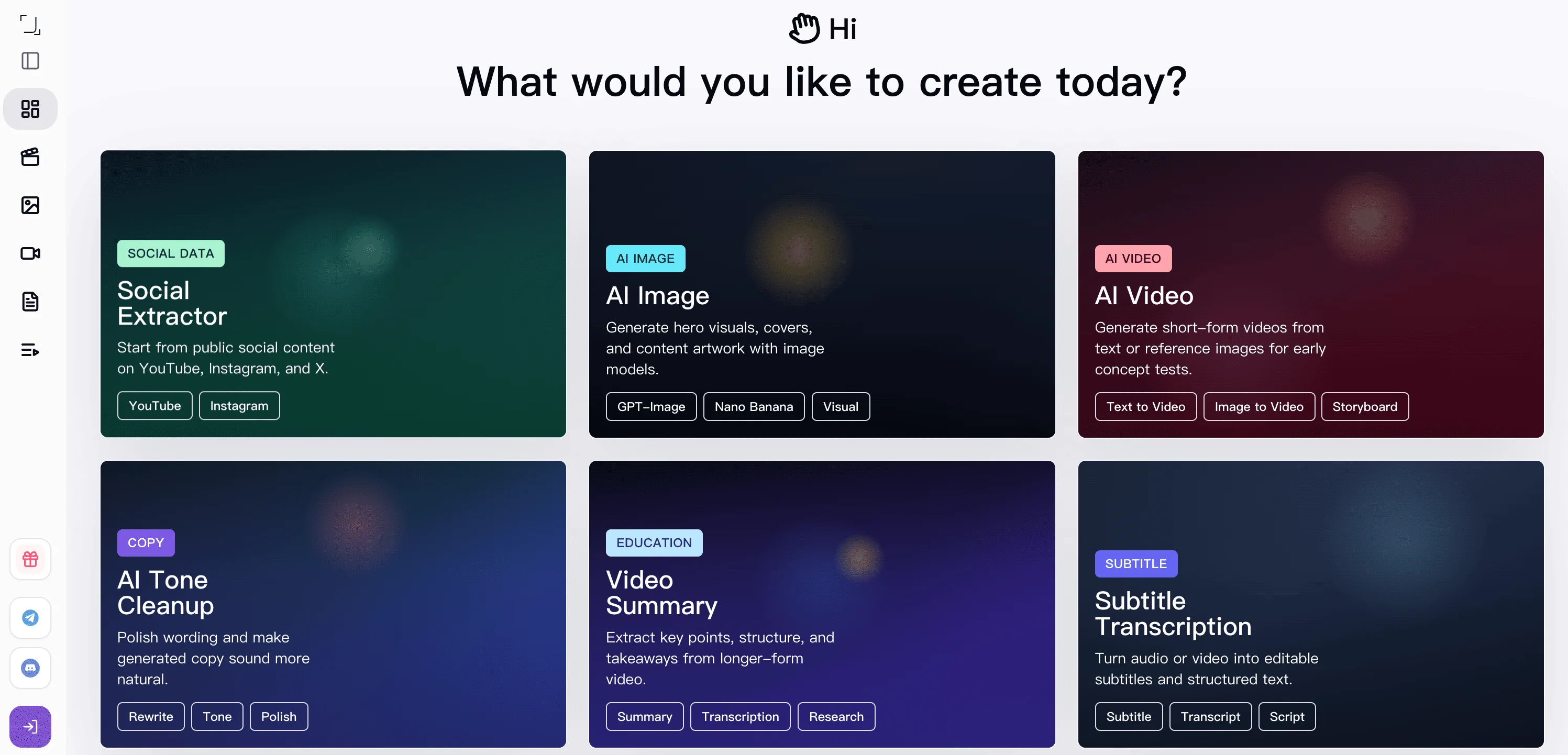
From downloading source material to understanding it and generating new output, SnapVee Studio now connects the key steps creators use most.
Start by capturing the source material
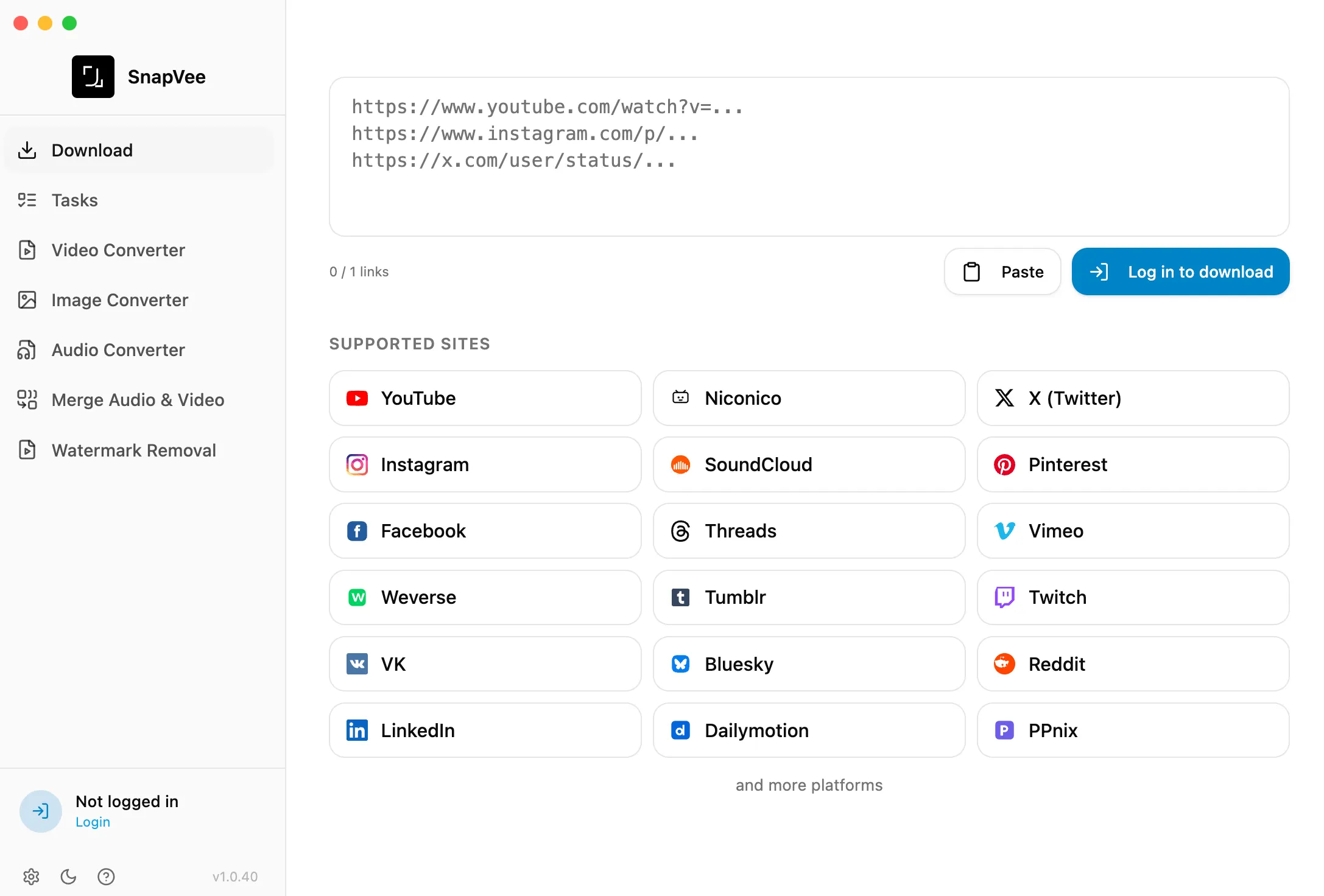
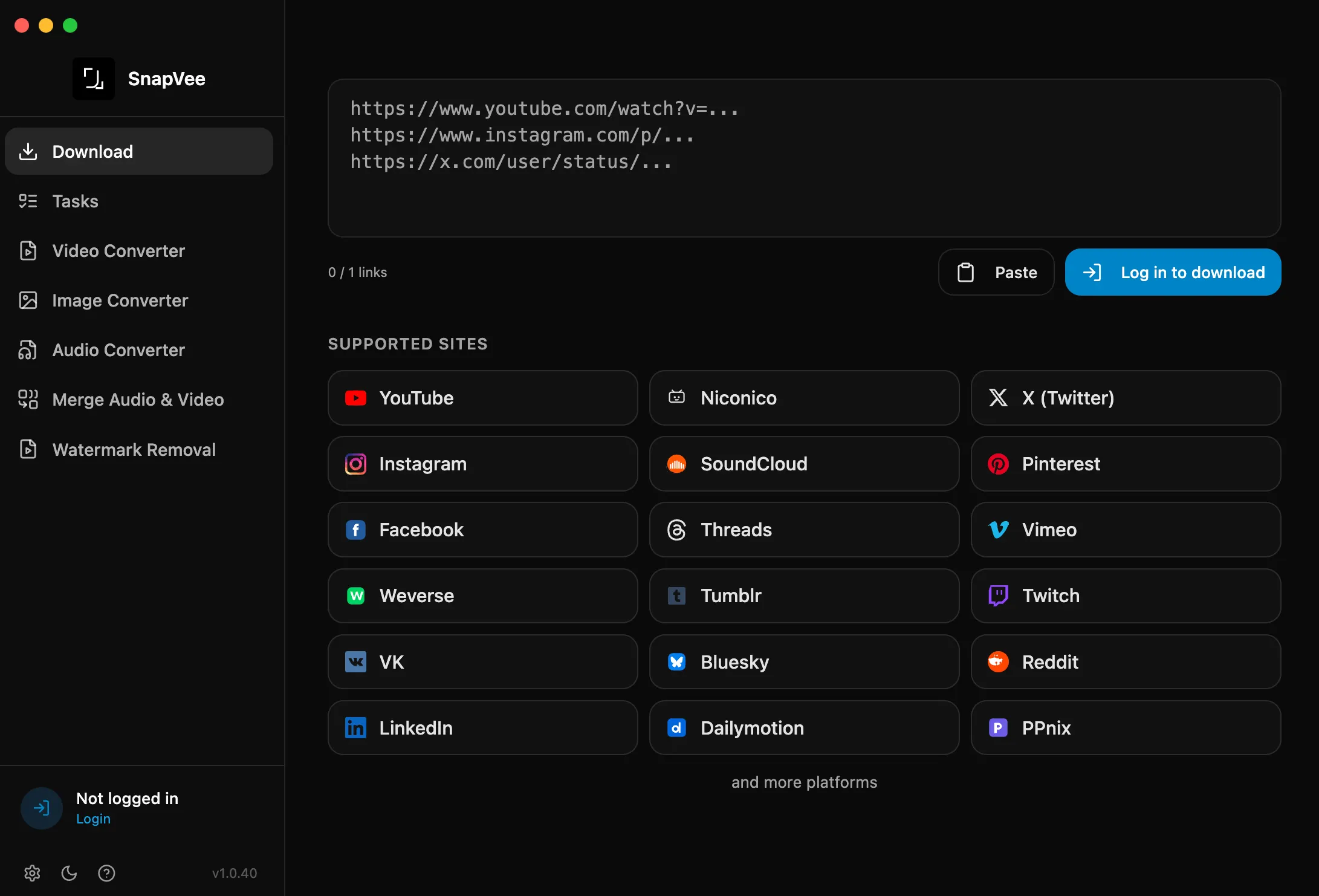
Download video or audio from public links and bring the source into your workflow as the starting point for analysis and remix.
Turn videos into something you can work with
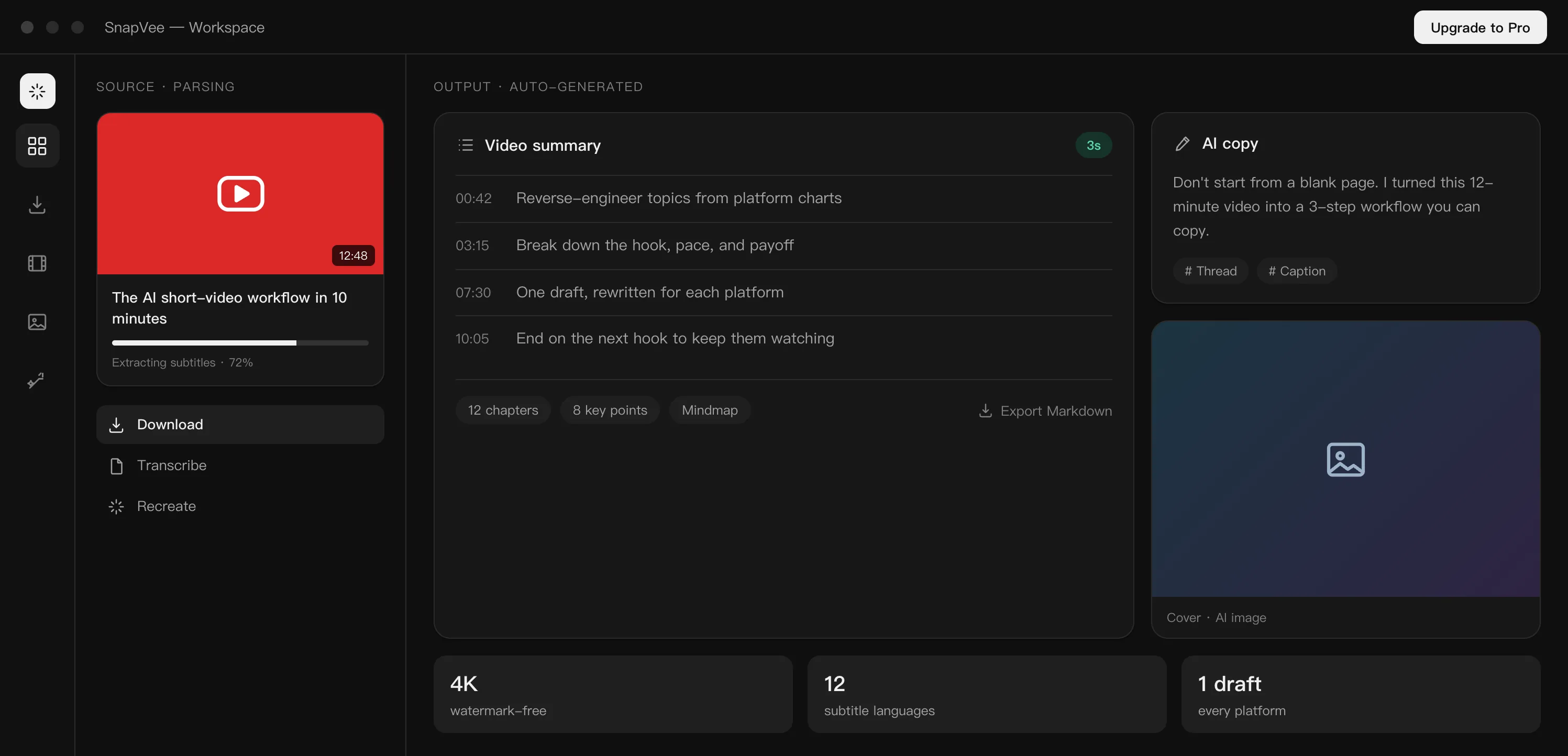
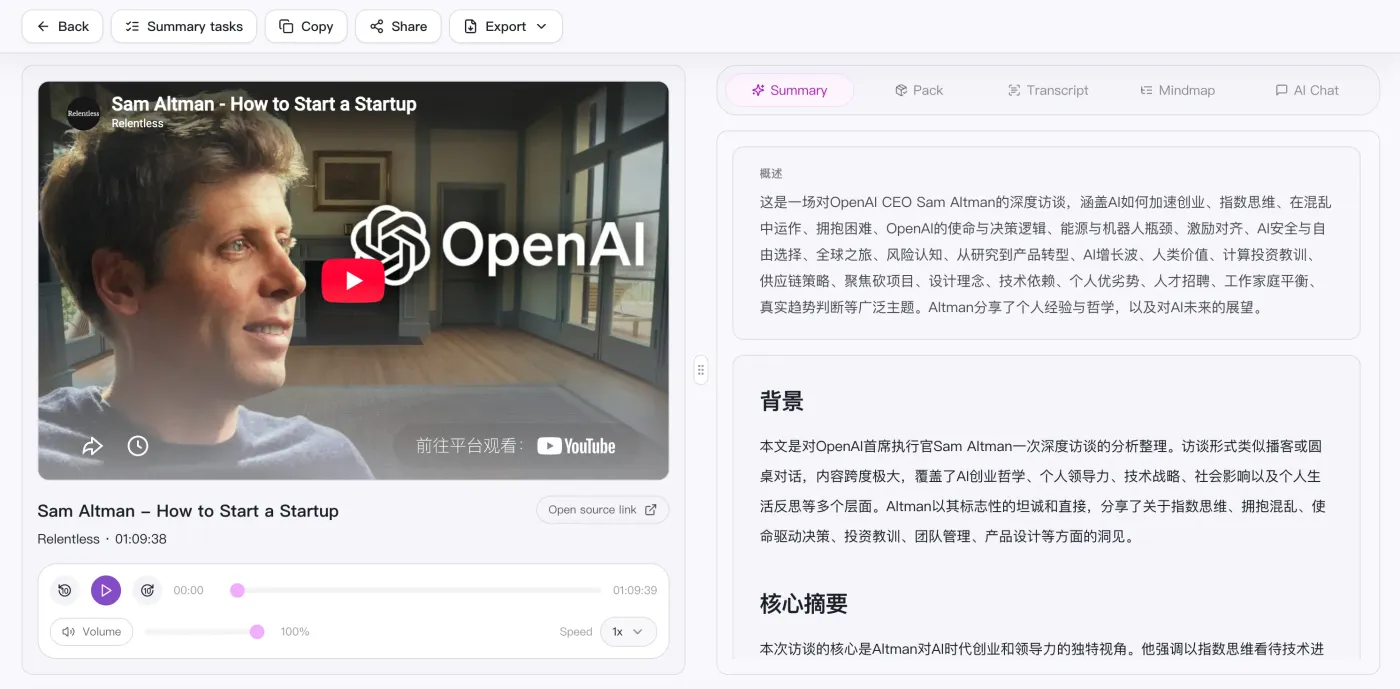
Video summary and subtitle transcription work together to turn long content into chapters, summaries, subtitles, and editable text.
Keep going with new visual and video output
Once the source and understanding are ready, move into AI image generation and AI video generation to build the next expression.
Key tools for content remixing
From copywriting and video understanding to transcription and visual generation, SnapVee Studio helps unblock the creative steps that usually slow you down.
AI copywriting
Give a topic or brief and AI writes finished, human-sounding copy from scratch, with a review loop that keeps rewriting until it does not read like AI, for titles, descriptions, scripts, and social posts.


Video summary
Turn long videos into summaries, chapters, and key points so you can understand the material before editing or remixing it.

Subtitle transcription
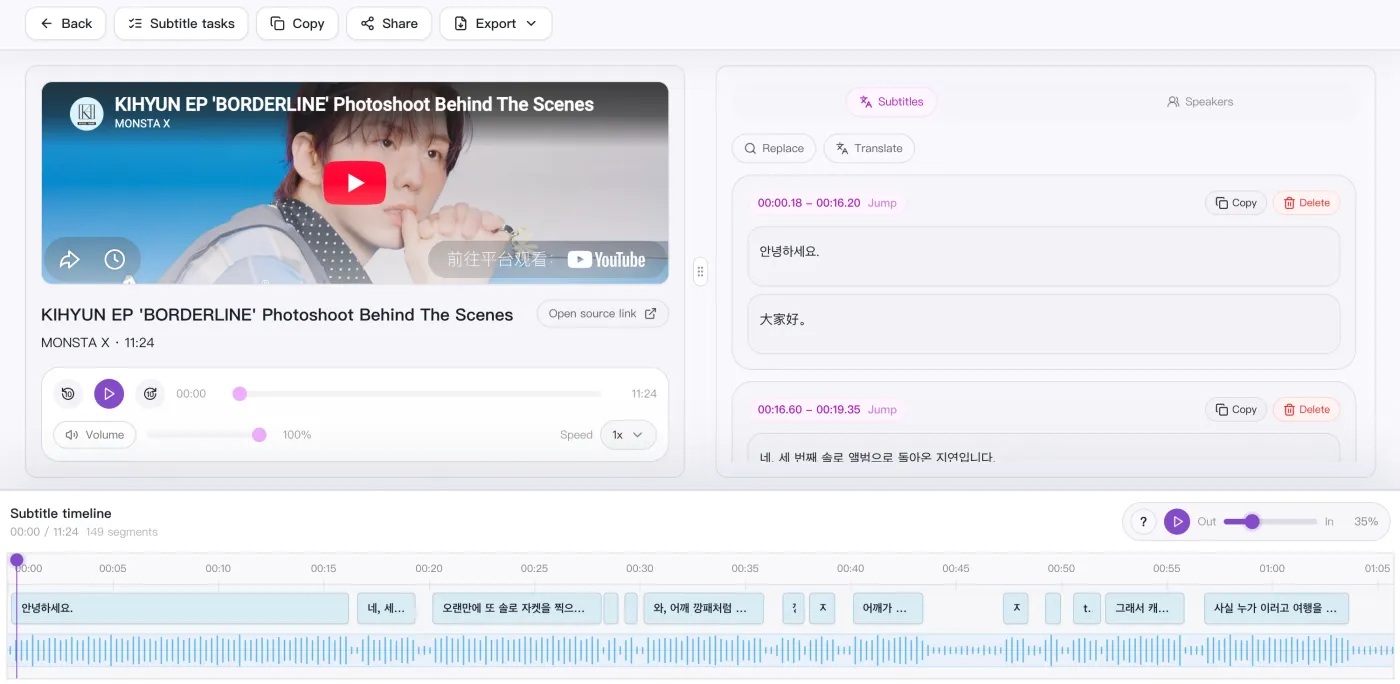
Convert video or audio into editable subtitles and transcripts for review, clipping, quote extraction, and distribution.

AI image generation
Generate covers, post visuals, and creative image assets from prompts when the content direction is ready.
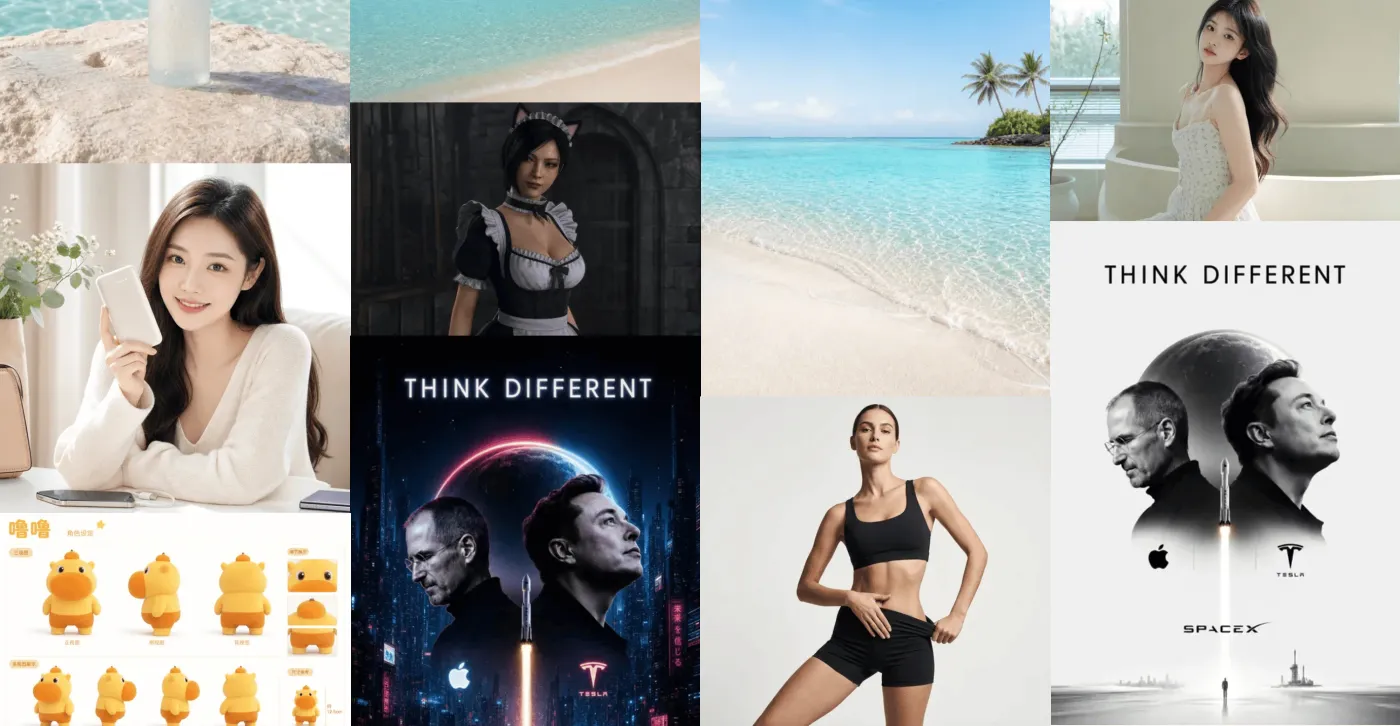
AI video generation
Generate videos from prompts or reference images, then choose the model, aspect ratio, and duration to turn ideas into usable video assets.

YouTube multi-audio and stream separation
Useful for editing, archiving, and research. Handle video streams and audio tracks separately with more control over quality, bitrate, and language tracks.
What is SnapVee Studio?
SnapVee Studio is an AI content workspace for creators, social media managers, ecommerce teams, and educators. It combines public video downloading, transcription, summarization, AI image and video generation, and AI copywriting in one account, with web and desktop sharing the same account and allowances.
Core capabilities
- Video downloaderYouTube, TikTok, Instagram, X, Facebook, Threads, and more, with watermark removal
- Subtitle transcriptionvideo to text, SRT/VTT export, bilingual subtitles, and translation
- Video summarystructured notes, chapters, key points, and mindmaps
- AI image generationGPT Image 2, Nano Banana, Seedream, and more
- AI video generationSeedance, Kling, and Jimeng, text-to-video and image-to-video
- AI copywritingwrite finished, human-sounding copy from a brief
- Supported platforms
- Downloading supports YouTube, TikTok, Instagram, X, Facebook, Threads, Pinterest, and Vimeo; transcription and summary support YouTube, TikTok, and Apple Podcasts, plus local uploads.
- Free to start
- New users get a free trial with AI credits and download points, and Pro refreshes monthly download allowance and credits. Only process content you are allowed to save.
ออกแบบมาเพื่อผู้ใช้ SnapVee Studio
ครีเอเตอร์ นักการตลาด ผู้สอน และผู้ใช้ทั่วไป สามารถหาไฟล์มีเดียที่ต้องการได้โดยไม่ต้องเสียเวลาเพิ่ม
ครีเอเตอร์ผู้ผลิตคอนเทนต์
ดาวน์โหลดคลิปอ้างอิงและวัตถุดิบจากกว่า 50 แพลตฟอร์มในความละเอียดสูง เพื่อใช้ในงานสร้างสรรค์ของคุณ
นักการตลาดโซเชียลมีเดีย
รวบรวมและนำคอนเทนต์จากหลายแพลตฟอร์มมาปรับใช้ใหม่ได้อย่างรวดเร็ว ดาวน์โหลดแบบชุดและคิวลำดับความสำคัญช่วยให้ทำงานทันตามแผน
ผู้ตัดต่อวิดีโอ
ดึงไฟล์ต้นฉบับความละเอียด HD หรือ 4K พร้อมแยกเสียง เหมาะสำหรับคลิปอ้างอิง B-roll และแทร็กเสียงหลายภาษา
ผู้สอนและนักเรียน
บันทึกวิดีโอบรรยาย บทเรียน และสื่อการสอนไว้ดูแบบออฟไลน์ โดยไม่มีโฆษณาหรือสิ่งรบกวน
ครีเอเตอร์และอินฟลูเอนเซอร์
สำรองข้อมูลโพสต์ของคุณเองและเก็บถาวรผลงานที่เผยแพร่แล้วจาก YouTube, TikTok, Instagram และอื่นๆ
ผู้ใช้งานทั่วไป
บันทึกวิดีโอโปรดไว้ดูแบบออฟไลน์ ใช้งานง่าย รวดเร็ว และทำงานได้บนเบราว์เซอร์
Trusted by creators and teams
From subtitles and summaries to AI images and video, one link in gets you content ready to publish.
“With just one product photo I can generate covers and hero images for each platform, then keep refining the best one — far faster than rewriting prompts.”

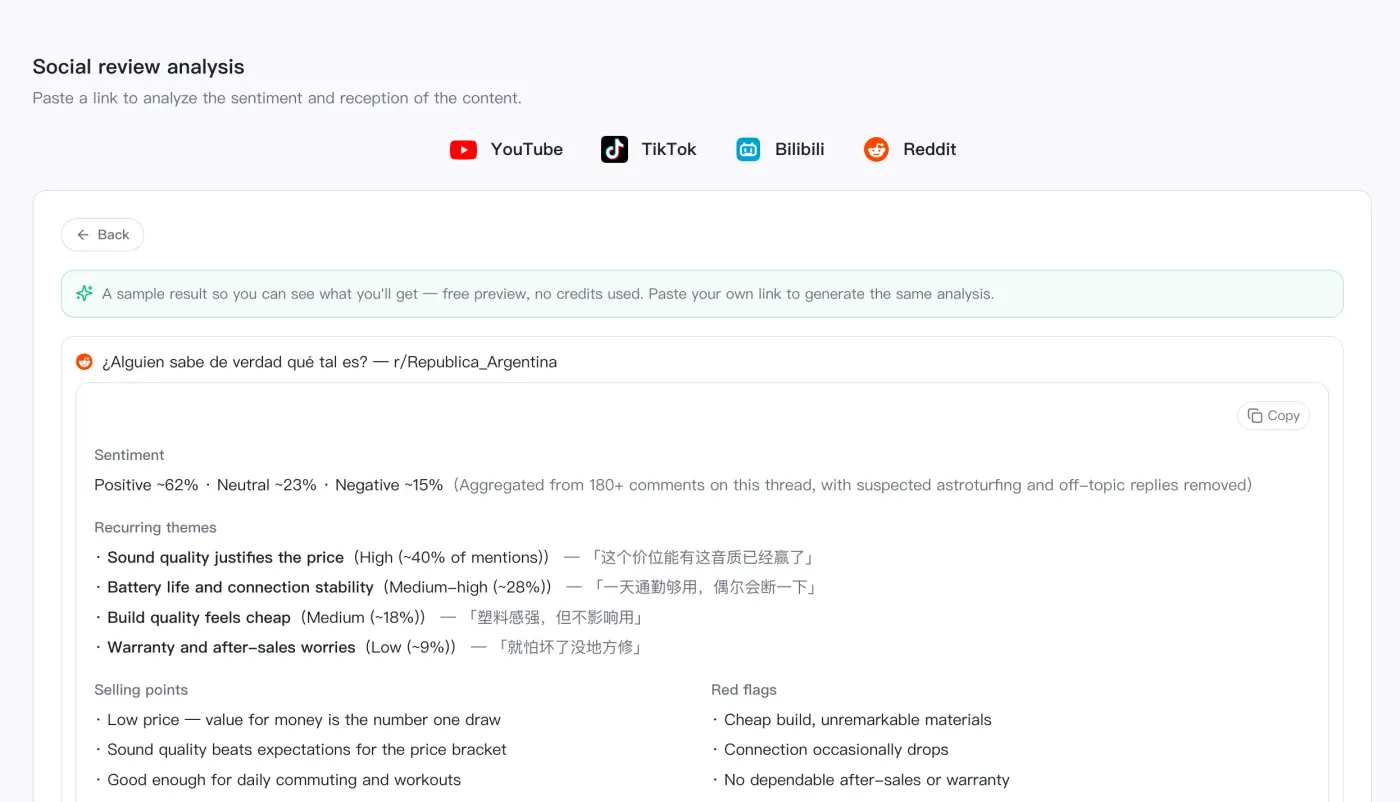
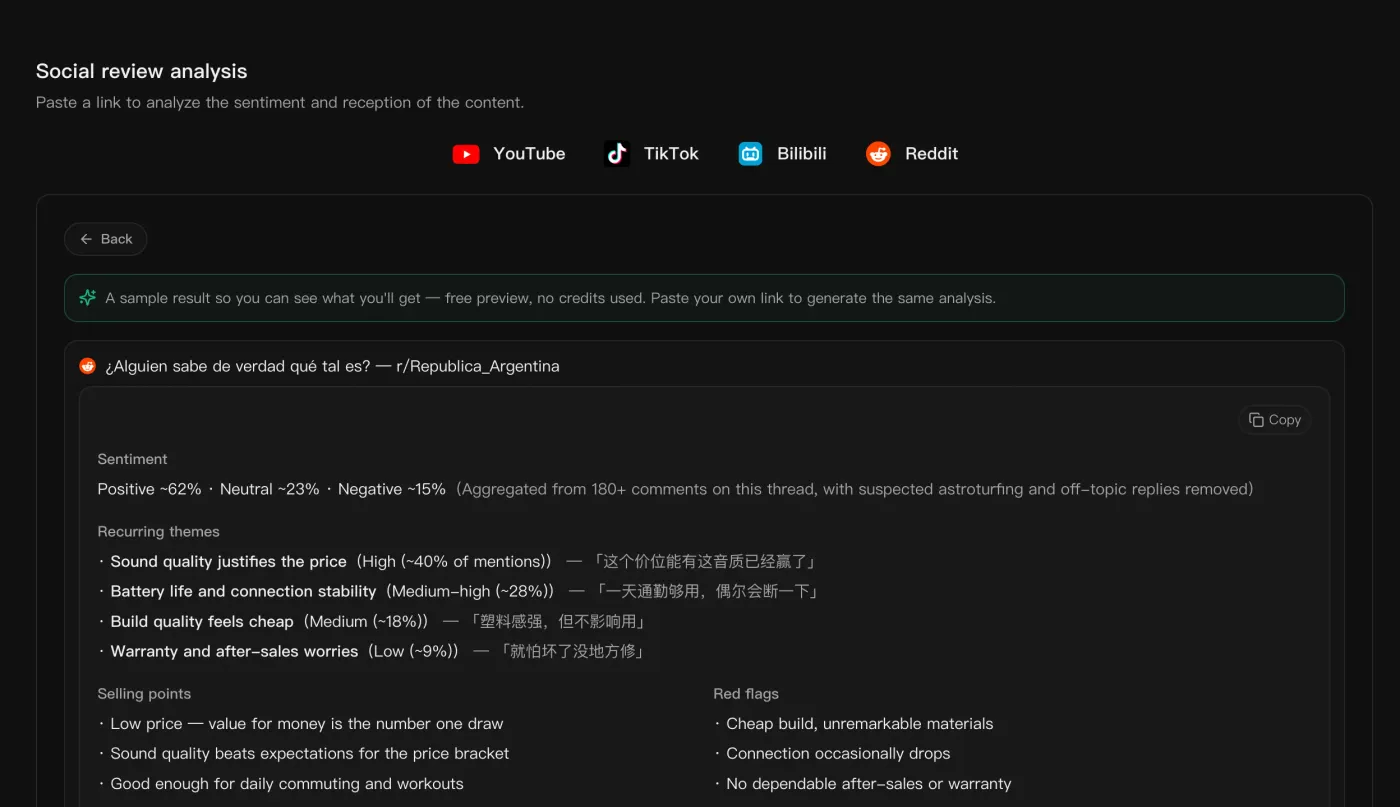
“I pull trending topics and hashtag data from TikTok, Instagram, and YouTube to analyze what's working, so topic picks and posting timing are grounded in data instead of guesswork.”

“We used to time-align subtitles by hand for overseas short-form. Now bilingual subtitles come straight out and we export SRT to burn in.”

“Batch-transcribing dozens of lessons with structured summaries means chapters and a mindmap I can hand straight to learners.”

“For foreign-media interviews, source and translation sit on one timeline, so quoting and fact-checking no longer means jumping between windows.”

Simple, transparent pricing
Pro shows download points and credits separately. Downloads spend points; summaries and subtitles convert video minutes into credit spend.
Free
- 30 media minutes≈ transcribe/break down 1 30-min videos
- 20 AI credits / mo≈ 2 images
- 5 download points / mo
- Try subtitles / summary / AI image / 1 copywriting run
- Limited social trends, free
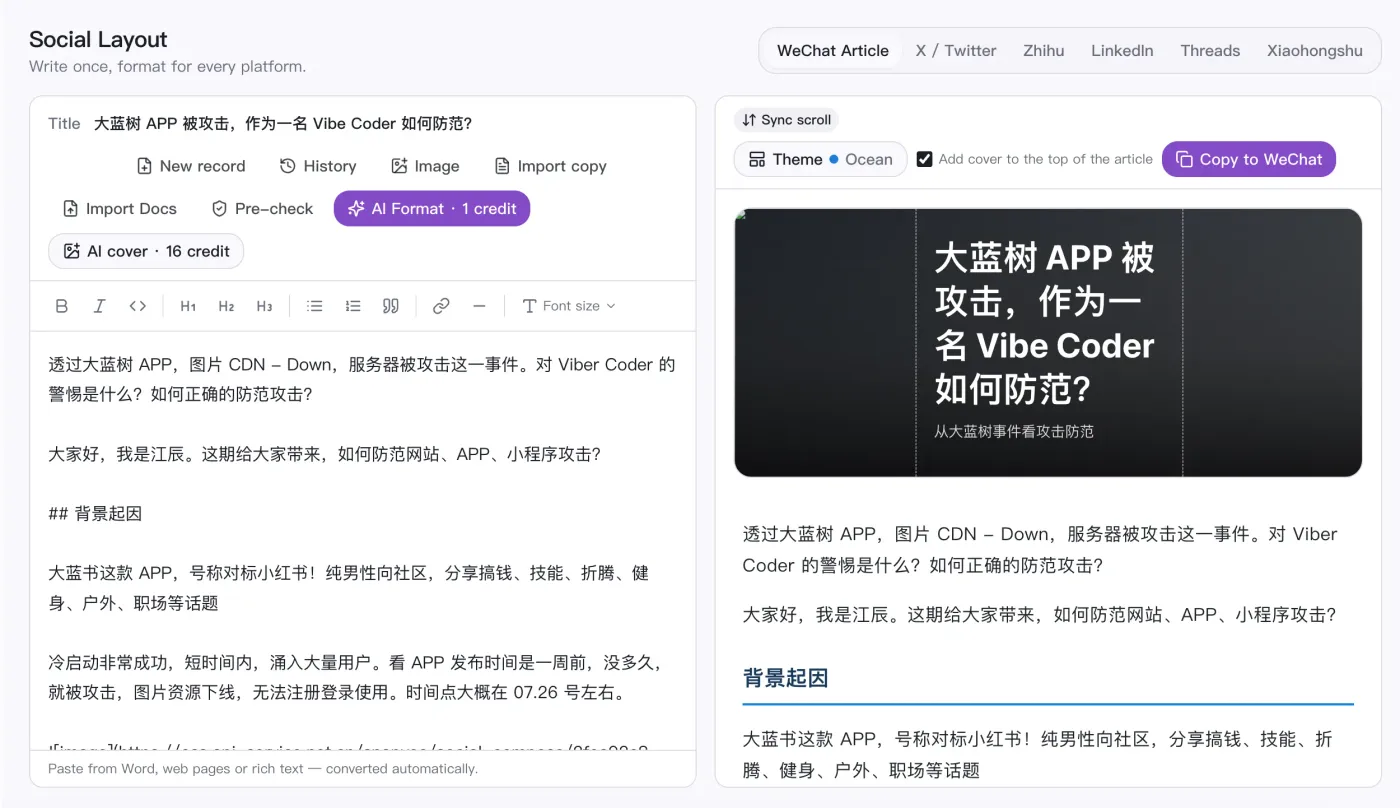
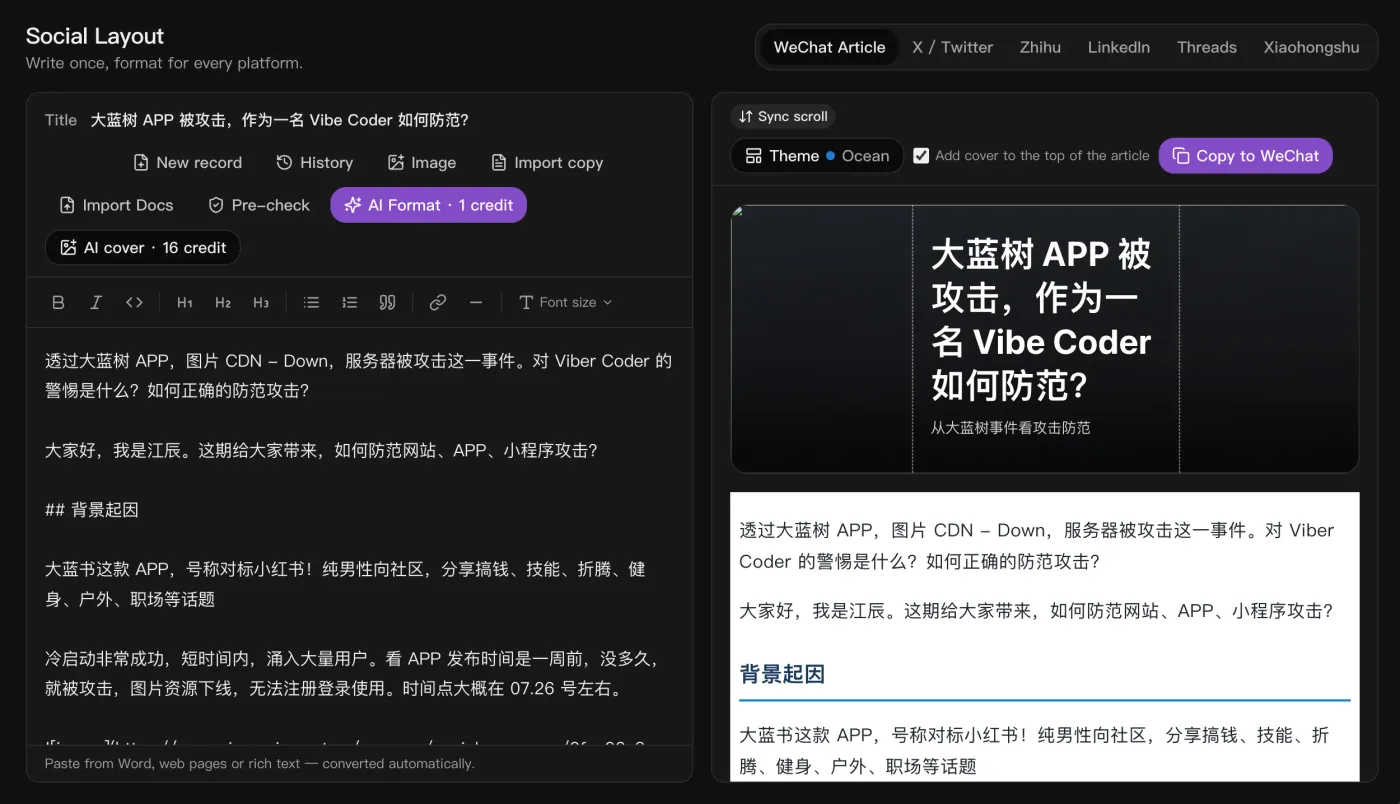
- Social post formatting
- Assets kept for 7 days
Lite
- 600 media minutes≈ transcribe/break down 20 30-min videos
- 400 AI credits / mo≈ 50 images · 50 copy drafts · 20 review analyses or 8s video (720p)
- 200 download points / mo≈ download 22 short clips (TikTok)
- No watermark · 1080p+ download
- Trend search: 5/day
- Unlock all social trends
- Trend picking / sourcing / analytics / summarize & transcribe — full pipeline
- Social post formatting
- Can buy add-on packs
- Assets kept forever
Pro
- 1,200 media minutes≈ transcribe/break down 40 30-min videos
- 1,200 AI credits / mo≈ 150 images · 150 copy drafts · 60 review analyses or 24s video (720p)
- 500 download points / mo≈ download 55 short clips (TikTok)
- No watermark · 1080p+ download
- Trend search: 20/day
- Unlock all social trends
- Trend picking / sourcing / analytics / summarize & transcribe — full pipeline
- Social post formatting
- Can buy add-on packs
- Assets kept forever
Studio
- 3,000 media minutes≈ transcribe/break down 100 30-min videos
- 3,000 AI credits / mo≈ 375 images · 375 copy drafts · 150 review analyses or 60s video (720p)
- 1,200 download points / mo≈ download 133 short clips (TikTok)
- No watermark · 1080p+ download
- Trend search: 50/day
- Unlock all social trends
- Trend picking / sourcing / analytics / summarize & transcribe — full pipeline
- Social post formatting
- Can buy add-on packs
- Assets kept forever
Frequently Asked Questions
Quick answers about SnapVee Studio capabilities, free trials, credits, and delivery.