Product launch today
The product photo is ready, but the storefront hero, detail-page first screen, and social cover are still missing.
Generate 1:1, 3:4, and 9:16 versions first, with title and price zones left editable.
When all you have is a product photo, a price, and one selling point, make a first pack that is close enough to publish. Start with social covers, ecommerce hero images, and detail-page visuals, then keep refining the strongest one.
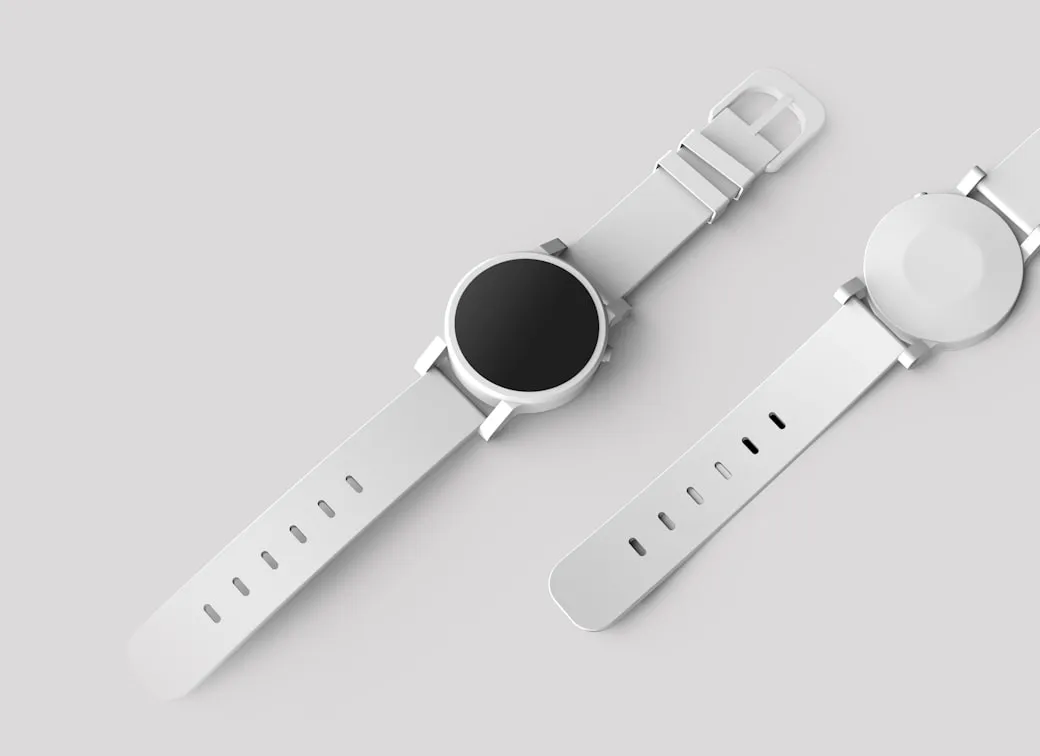
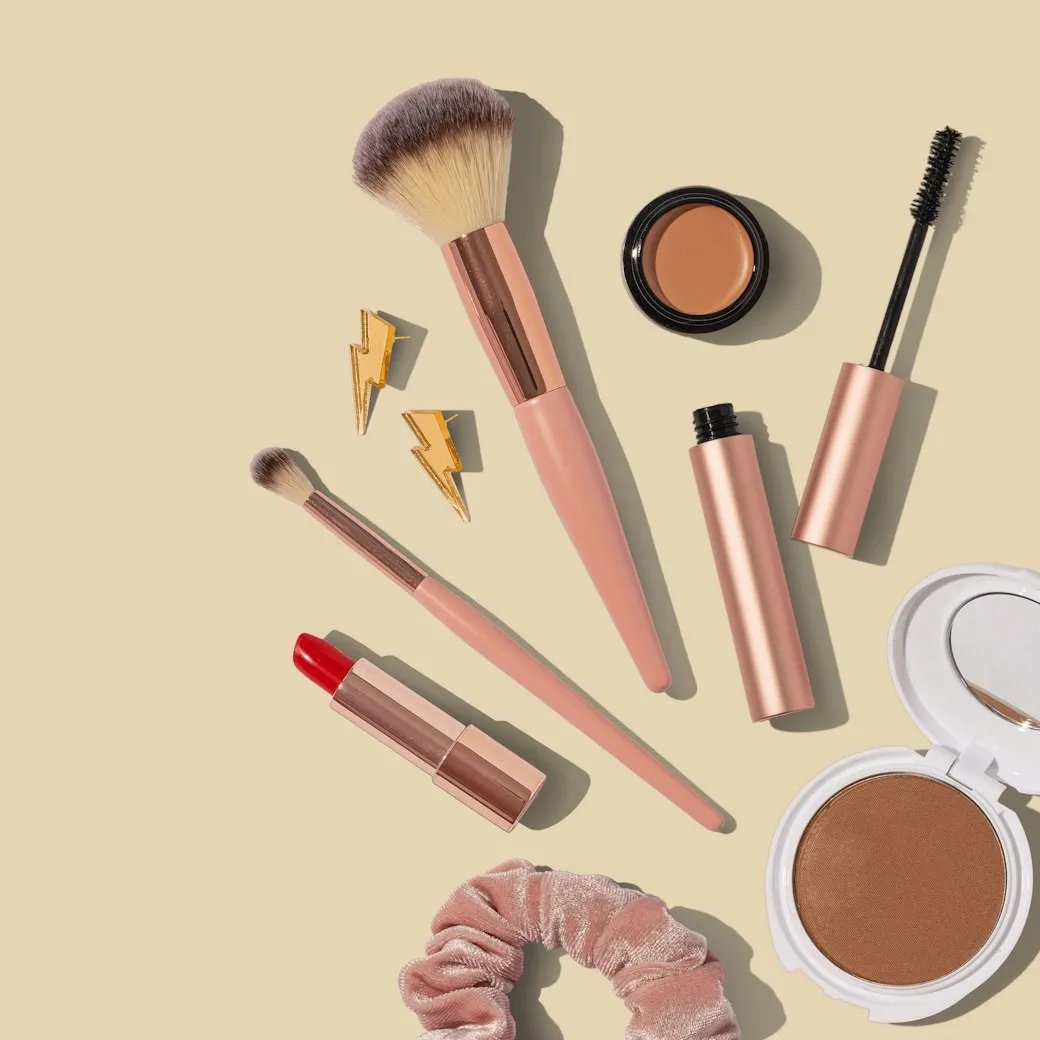
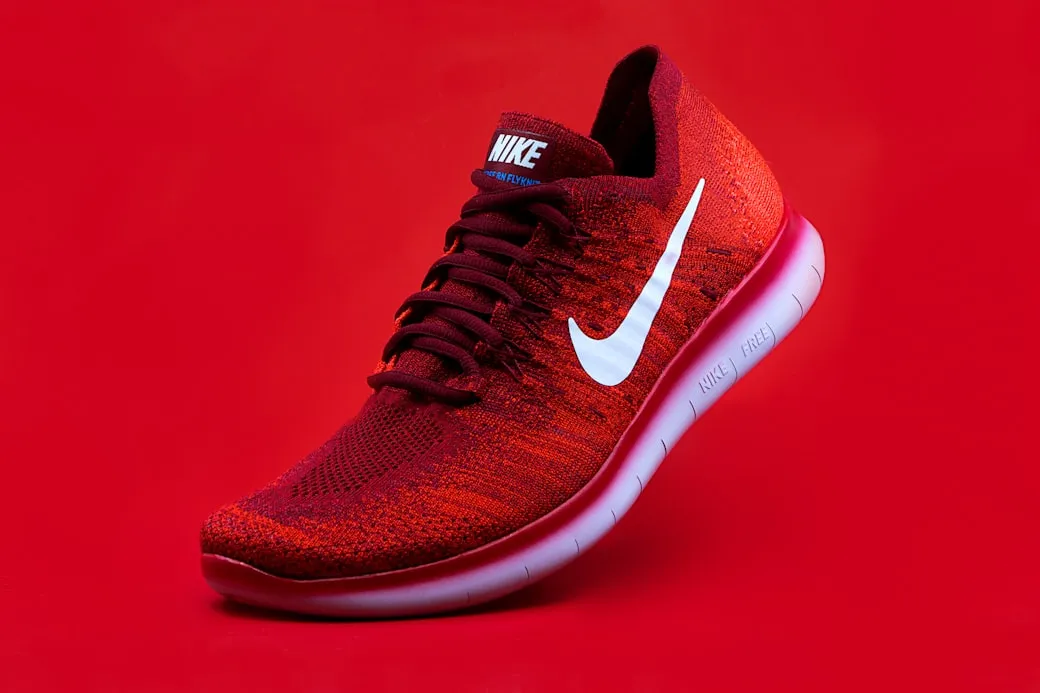
Describe what you want, pick any model, and generate. No sign-up needed — one free image per day.
Free · 1 image per day, any model
Every entry maps to a real job: launch a product, fix a cover, fill a detail page, or adapt the same product for overseas channels.
The product photo is ready, but the storefront hero, detail-page first screen, and social cover are still missing.
Generate 1:1, 3:4, and 9:16 versions first, with title and price zones left editable.
Live, short-video, and post covers often need a quick angle change, not a full redesign.
Continue from history to change the background, composition, or platform ratio.
The same product needs Instagram, X, storefront, and local platform assets without rewriting every brief.
Choose platform formats first, then split one product source into several images.
SnapVee treats the reference image as the product source, sets the ratio and text-safe areas before generation, and lets you continue from history.
Clean commuter bottle campaign, keep the price area empty for editable text.
When a result is close, ask for a new background, another ratio, or a moved title zone.
Anchor the packaging, material, color, and shape.
Split social, ecommerce, and detail-page formats by job.
For example: commute, gift box, summer launch, live deal.
Pick a result and keep changing background, ratio, or copy zone.
SnapVee is an AI image generator for creators and ecommerce teams. It covers AI product image generator, ecommerce image generator, YouTube thumbnail AI generator, TikTok cover image generator, and social media image pack generator workflows in one workspace.
Use a reference photo to preserve product shape while generating store heroes, detail-page visuals, and launch assets.
Create multi-ratio product and campaign images for Shopify, storefronts, marketplaces, and local ecommerce.
Split one idea into Instagram, TikTok, X, YouTube thumbnail, and short-video cover directions.
AI image generation uses credits based on model and quality. Review SnapVee pricing, then open the workbench to generate images or reuse assets from history.
These are not generic showcases. They are the image types operators ask for every week.
 3:4
3:4For product launches, list posts, and creator covers with a clean title area.
 9:16
9:16For short-video covers and live previews, with a bigger product and fewer copy zones.
 1:1
1:1For marketplace and storefront listings where the product must stay clear.
 9:16
9:16For benefit-led first screens, campaign pages, and landing page headers.
 1:1
1:1For overseas launches and brand posts, with less hard selling and more context.
 16:9
16:9For product updates, launches, and horizontal visuals at the top of a thread.
Keep the product grounded, reserve editable copy zones, and choose the platform format before the model starts.
Ecommerce images use the reference first to preserve packaging, logo, color, and material.
Title, price, selling points, and CTA areas stay clean for later editing.
Choose one existing image and continue the same visual thread.
“Di solito partiamo da una pagina prodotto a metà e una foto utilizzabile. Questo ci porta a una prima direzione visiva prima della fine della riunione.”

“L'utile non è il nome del template. È poter mantenere lo stesso prodotto e provare in fretta una copertina più pulita o un altro rapporto.”

“Quando un risultato è vicino, possiamo continuare a lavorarci invece di buttarlo e indovinare un nuovo prompt.”

Stesso account, passo successivo
Porta dentro il video, trasformalo in testo e rendi il testo pronto da pubblicare — sistemando i file lungo la strada. Senza cambiare strumento.
La pagina immagine è ottimizzata per immagini prodotto/sorgente, pack per piattaforma, generazione guidata da riferimento e editing continuo leggero.
No. Carica o seleziona un'immagine sorgente, scegli un pack di output e aggiungi una breve richiesta. SnapVee inserisce preservazione del prodotto, rapporto della piattaforma e composizione sicura per il testo nei prompt generati.
Le immagini ecommerce non devono inventare un prodotto falso. La prima versione usa l'immagine caricata, il risultato dello storico selezionato o il template selezionato come fonte di verità per forma, packaging, colore, logo e materiale del prodotto.
Il visual generato riserva aree pulite per titolo, prezzo, punti di forza e overlay CTA. Questo evita testo IA rotto e mantiene il copy più facile da modificare dopo la generazione.
Sì. La prima versione include template ufficiali per scenari generale, ecommerce, outfit, try-on, 3D, meteo e città, con i template pubblici della community ancora disponibili come percorso secondario.
Se conosci già l'angolo di contenuto da pubblicare, l'input strutturato è più veloce. Se vuoi prima una direzione di partenza forte, scegli un template di scena e poi rifiniscilo con i dettagli del tuo contenuto.
Sì. Puoi continuare a modificare dall'ultimo risultato, scegliere un risultato precedente dallo storico o riutilizzare una direzione di template per iterare sullo stesso filo visivo senza ricominciare.
GPT Image 2 è il modello immagine predefinito del banco di lavoro. Altri modelli immagine supportati restano disponibili nelle impostazioni avanzate.