Product launch today
The product photo is ready, but the storefront hero, detail-page first screen, and social cover are still missing.
Generate 1:1, 3:4, and 9:16 versions first, with title and price zones left editable.
When all you have is a product photo, a price, and one selling point, make a first pack that is close enough to publish. Start with social covers, ecommerce hero images, and detail-page visuals, then keep refining the strongest one.
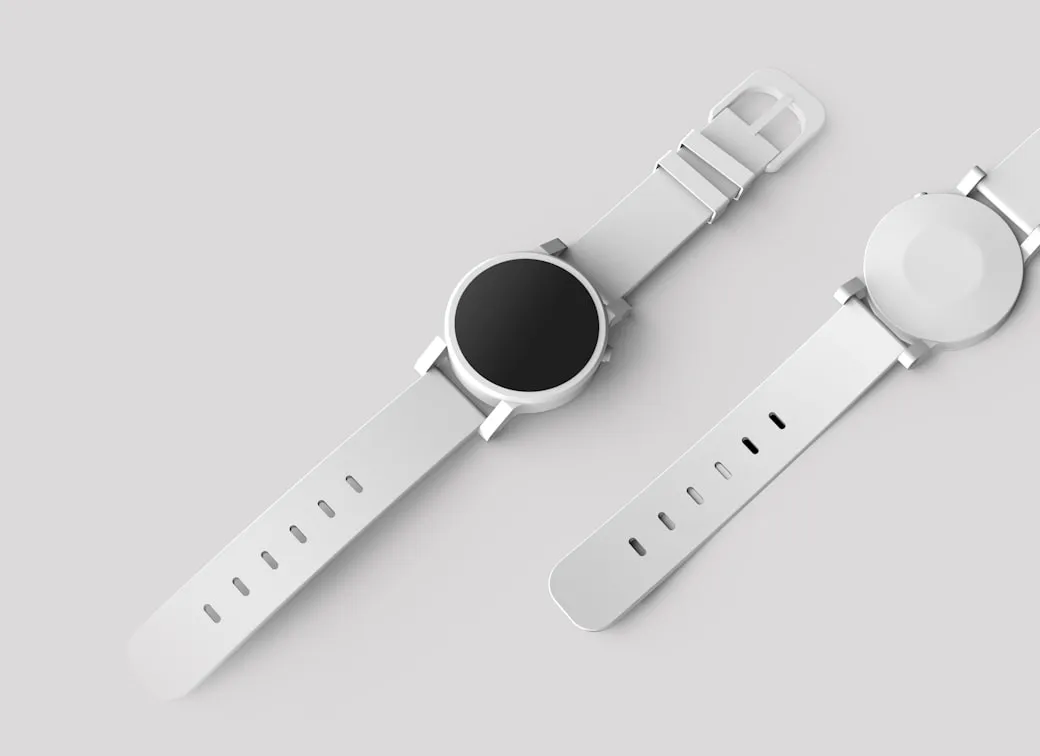
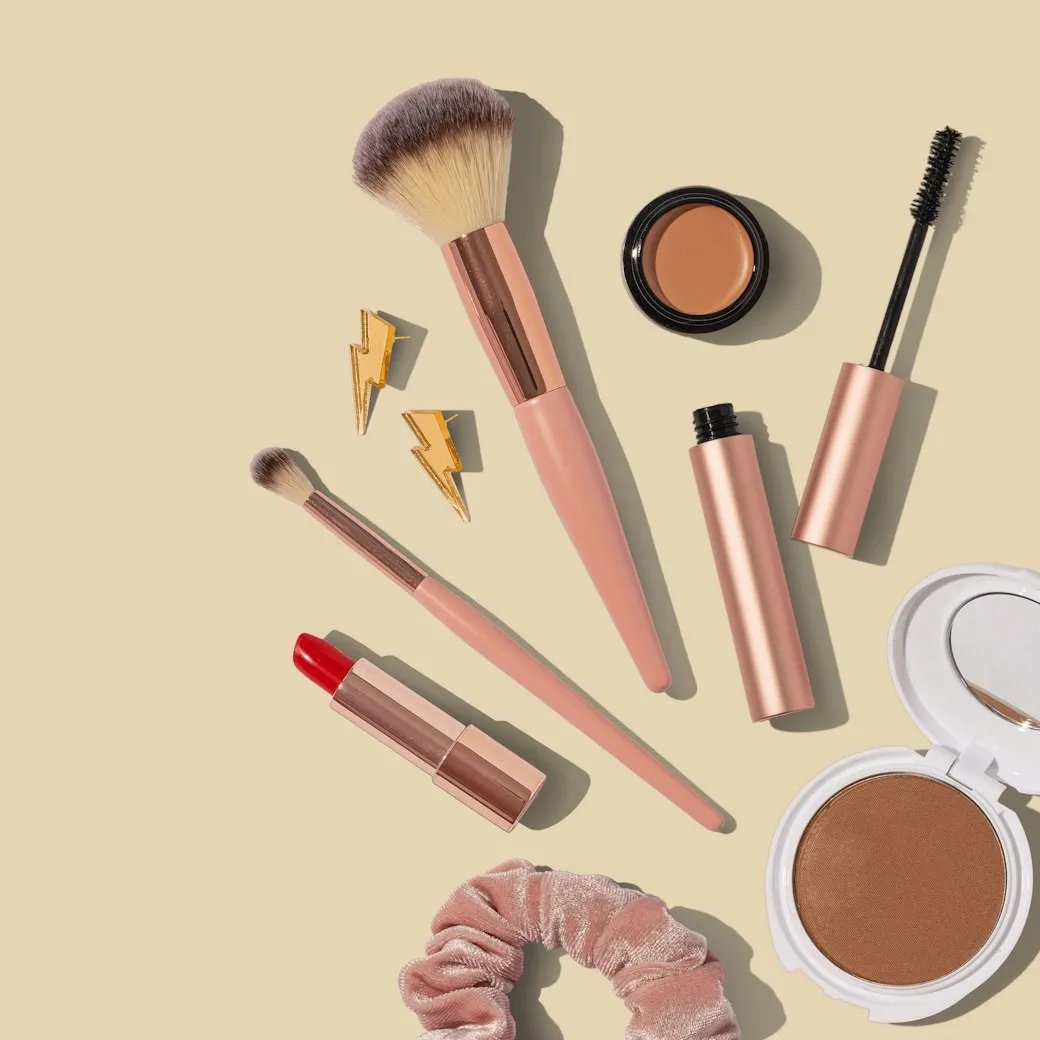
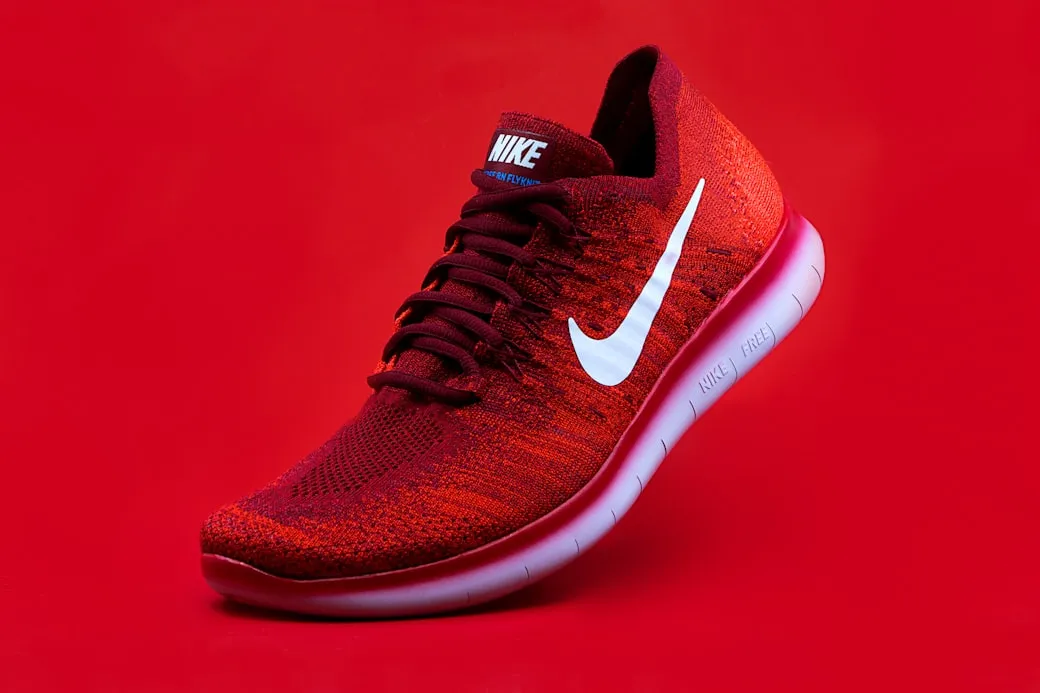
Describe what you want, pick any model, and generate. No sign-up needed — one free image per day.
Free · 1 image per day, any model
Every entry maps to a real job: launch a product, fix a cover, fill a detail page, or adapt the same product for overseas channels.
The product photo is ready, but the storefront hero, detail-page first screen, and social cover are still missing.
Generate 1:1, 3:4, and 9:16 versions first, with title and price zones left editable.
Live, short-video, and post covers often need a quick angle change, not a full redesign.
Continue from history to change the background, composition, or platform ratio.
The same product needs Instagram, X, storefront, and local platform assets without rewriting every brief.
Choose platform formats first, then split one product source into several images.
SnapVee treats the reference image as the product source, sets the ratio and text-safe areas before generation, and lets you continue from history.
Clean commuter bottle campaign, keep the price area empty for editable text.
When a result is close, ask for a new background, another ratio, or a moved title zone.
Anchor the packaging, material, color, and shape.
Split social, ecommerce, and detail-page formats by job.
For example: commute, gift box, summer launch, live deal.
Pick a result and keep changing background, ratio, or copy zone.
SnapVee is an AI image generator for creators and ecommerce teams. It covers AI product image generator, ecommerce image generator, YouTube thumbnail AI generator, TikTok cover image generator, and social media image pack generator workflows in one workspace.
Use a reference photo to preserve product shape while generating store heroes, detail-page visuals, and launch assets.
Create multi-ratio product and campaign images for Shopify, storefronts, marketplaces, and local ecommerce.
Split one idea into Instagram, TikTok, X, YouTube thumbnail, and short-video cover directions.
AI image generation uses credits based on model and quality. Review SnapVee pricing, then open the workbench to generate images or reuse assets from history.
These are not generic showcases. They are the image types operators ask for every week.
 3:4
3:4For product launches, list posts, and creator covers with a clean title area.
 9:16
9:16For short-video covers and live previews, with a bigger product and fewer copy zones.
 1:1
1:1For marketplace and storefront listings where the product must stay clear.
 9:16
9:16For benefit-led first screens, campaign pages, and landing page headers.
 1:1
1:1For overseas launches and brand posts, with less hard selling and more context.
 16:9
16:9For product updates, launches, and horizontal visuals at the top of a thread.
Keep the product grounded, reserve editable copy zones, and choose the platform format before the model starts.
Ecommerce images use the reference first to preserve packaging, logo, color, and material.
Title, price, selling points, and CTA areas stay clean for later editing.
Choose one existing image and continue the same visual thread.
“हम आमतौर पर आधे-अधूरे उत्पाद पेज और एक उपयोगी फोटो से शुरू करते हैं। मीटिंग खत्म होने से पहले यह हमें पहली विज़ुअल दिशा तक पहुंचा देता है।”

“उपयोगी हिस्सा टेम्पलेट का नाम नहीं है। यह वही उत्पाद रखते हुए जल्दी से एक साफ कवर या दूसरा अनुपात आज़मा पाना है।”

“जब एक परिणाम करीब होता है, तो हम उसे फेंककर नया प्रॉम्प्ट अनुमान लगाने के बजाय उसी से आगे काम कर सकते हैं।”

Same account, next step
Pull the video in, turn it into text, work the text into something you can publish — and handle the file chores on the way. No tool switching.
इमेज पेज उत्पाद/स्रोत इमेज, प्लेटफ़ॉर्म पैक, रेफरेंस-आधारित जनरेशन और हल्के निरंतर संपादन के लिए अनुकूलित है।
नहीं। एक स्रोत इमेज अपलोड या चुनें, एक आउटपुट पैक चुनें और एक छोटा अनुरोध जोड़ें। SnapVee जनरेट किए गए प्रॉम्प्ट में उत्पाद संरक्षण, प्लेटफ़ॉर्म अनुपात और टेक्स्ट-सुरक्षित संरचना डालता है।
ईकॉमर्स इमेज को नकली उत्पाद नहीं गढ़ना चाहिए। पहला वर्ज़न अपलोड की गई इमेज, चुने गए इतिहास परिणाम या चुने गए टेम्पलेट को उत्पाद आकार, पैकेजिंग, रंग, लोगो और सामग्री के लिए सत्य के स्रोत के रूप में उपयोग करता है।
जनरेट किया गया विज़ुअल शीर्षक, मूल्य, सेलिंग पॉइंट और CTA ओवरले के लिए साफ क्षेत्र आरक्षित रखता है। यह टूटे AI टेक्स्ट से बचाता है और जनरेशन के बाद कॉपी संपादन आसान रखता है।
हां। पहले वर्ज़न में सामान्य, ईकॉमर्स, आउटफिट, ट्राई-ऑन, 3D, मौसम और शहर परिदृश्यों के लिए आधिकारिक टेम्पलेट शामिल हैं, जबकि सार्वजनिक कम्युनिटी टेम्पलेट द्वितीयक मार्ग के रूप में उपलब्ध रहते हैं।
यदि आप पहले से जानते हैं कि किस कंटेंट एंगल को प्रकाशित करना है, तो संरचित इनपुट तेज़ है। यदि आप पहले एक मजबूत शुरुआती दिशा चाहते हैं, तो एक सीन टेम्पलेट चुनें और फिर उसे अपने कंटेंट विवरण से परिष्कृत करें।
हां। आप नवीनतम परिणाम से संपादन जारी रख सकते हैं, इतिहास से पिछला परिणाम चुन सकते हैं, या टेम्पलेट दिशा का पुन: उपयोग कर उसी विज़ुअल थ्रेड पर दोहराव जारी रख सकते हैं।
GPT Image 2 वर्कबेंच का डिफ़ॉल्ट इमेज मॉडल है। अन्य समर्थित इमेज मॉडल उन्नत सेटिंग्स में उपलब्ध रहते हैं।