AI Social Media Image Pack Workflow for Creators
Build a reusable AI social media image pack for YouTube thumbnails, TikTok covers, Instagram posts, ecommerce visuals, and creator asset reuse.
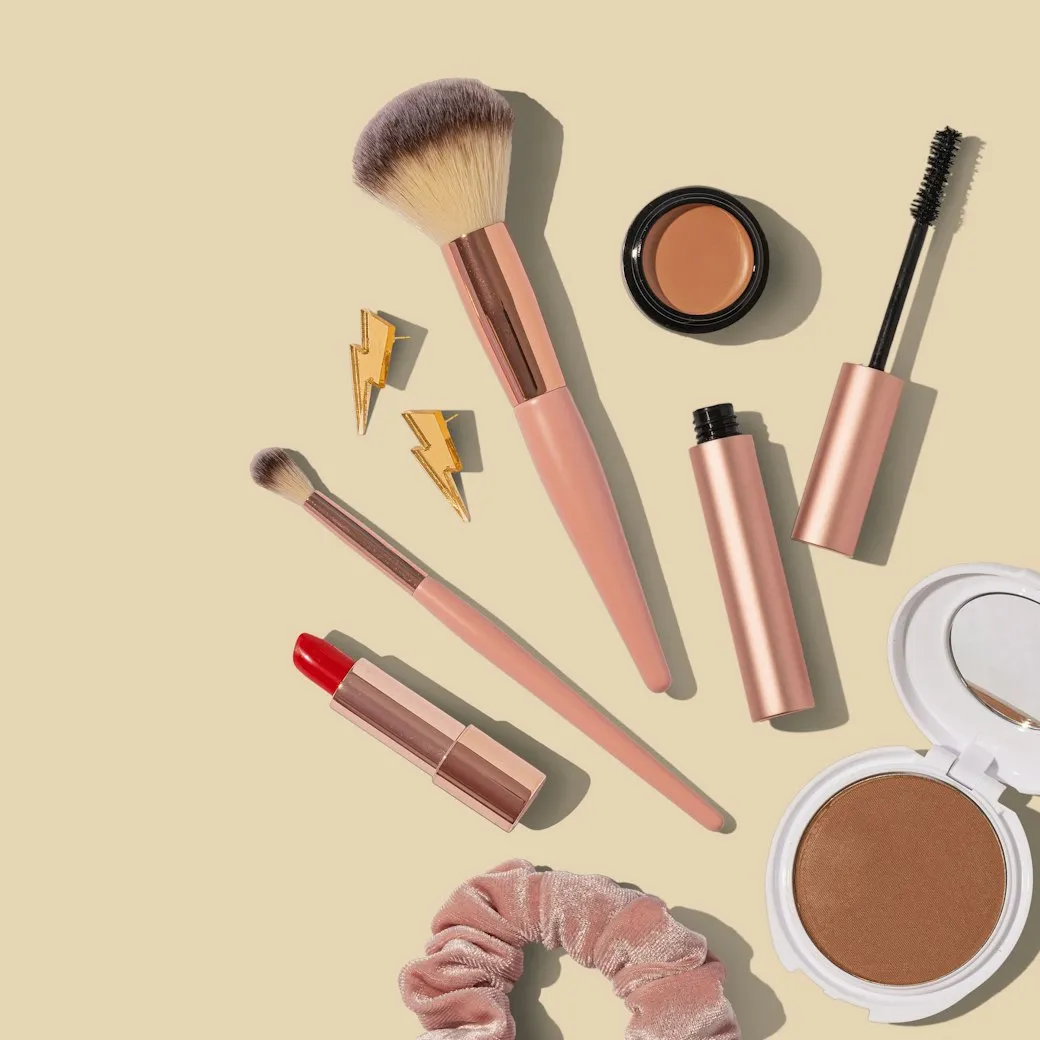
An AI social media image pack is a reusable set of visuals made from one source idea. Instead of generating one isolated image, creators can produce a YouTube thumbnail, TikTok cover, Instagram post, ecommerce hero, and blog image from the same product, topic, or campaign.
Use the SnapVee AI image generator to create the pack, then keep the best result in history for later edits or image-to-video continuation.
Direct answer
A good AI social media image pack generator should preserve the source material, adapt each visual to the platform ratio, leave clean title-safe areas, and make the strongest result reusable as a future image reference or AI video first frame.
Pack structure
| Asset | Ratio | Goal |
|---|---|---|
| YouTube thumbnail | 16:9 | Strong hook, readable title area, clear subject |
| TikTok cover image | 9:16 | Vertical composition, large subject, safe top and bottom zones |
| Instagram feed image | 1:1 or 4:5 | Clean product or creator visual with flexible caption support |
| Ecommerce hero | 1:1 or 4:5 | Product clarity, trustworthy lighting, minimal distractions |
| Blog or X header | 16:9 | Wider composition and space for headline overlay |
Workflow
- Choose the source: product photo, creator portrait, article topic, or previous generated image.
- Define the publishing channels before prompting.
- Pick the image model: GPT Image 2 for the default path, Nano Banana Pro for polish, Seedream v4 for ecommerce and social scenes.
- Generate the first pack.
- Select the strongest image and continue editing instead of restarting from zero.
- Use the final still as the first frame for AI video when the campaign needs motion.
Prompt template
Create a social media image pack from this source image.
Generate directions for YouTube thumbnail, TikTok cover, Instagram post, ecommerce hero, and blog header.
Keep the subject recognizable, reserve clean title-safe areas, avoid random text, and adapt the composition to each ratio.
How to write better prompts
A reliable image-pack prompt usually has five parts. Write them in order and the model is more likely to nail it on the first try:
- Subject: describe the person, product, or focal point concretely — "a woman holding an insulated bottle," not "a person."
- Scene and style: lighting, background, color, mood — e.g. "warm light, shallow depth of field, clean background."
- Composition and ratio: state the platform ratio and subject position — e.g. "16:9, subject on the left, negative space on the right."
- Title-safe area: ask the model to reserve a clean zone for the headline or price instead of rendering the text itself.
- Negative constraints: say what to avoid — "no random text, no extra hands, no cluttered background."
Example (YouTube thumbnail):
Subject: a creator mid-explanation, clear expression, looking at camera.
Style: high contrast, bright, clean background, subject stands out.
Composition: 16:9, person on the right, large title-safe area on the left.
Constraints: no rendered text, no extra fingers, no clutter.
Tip: don't ask the AI to render the exact headline text — it's error-prone. Reserve the space and overlay the real title in an editor. When iterating, keep editing the best result instead of rewriting the prompt from scratch each time.
Making images for different scenarios
| Scenario | Prompt focus | Suggested model |
|---|---|---|
| Tutorial / knowledge thumbnail | Clear subject, high contrast, large title-safe area | GPT Image 2 |
| Talking-head / creator cover (vertical) | Preserve source person, vertical framing, safe top/bottom | Seedream v4 |
| Ecommerce hero | Product clarity, clean background, trustworthy light, low clutter | Seedream v4 / v5 Pro |
| Promo / campaign banner | Reserve copy and price space, emphasize brand color | GPT Image 2 |
| Gaming / entertainment cover | High saturation, dramatic mood, bold composition | Nano Banana Pro |
Reuse one source subject and just swap the ratio and scene description to fill several channels fast. For people or products, prefer a model that accepts a reference image (like Seedream) for stronger subject consistency.
How to choose a model
SnapVee's AI image generator offers several models. Pick by goal instead of at random:
| Model | Best for | Notes |
|---|---|---|
| GPT Image 2 | Default, general, complex instructions | Strong instruction following, stable quality |
| ByteDance Seedream v4 | Ecommerce, social, keeping the source subject | Fast, recommended, good reference consistency |
| ByteDance Seedream v5 Pro | Higher-end ecommerce / social finals | Pro-grade quality |
| Google Nano Banana Pro | Final polish, texture detail | Premium finish |
| Google Nano Banana 2 | Multi-style exploration, flexible composition | Quality plus flexibility |
Simple rule: draft the first version with GPT Image 2; switch to Seedream when you need to preserve a source person or product; do final polish with Nano Banana Pro or Seedream v5 Pro. Explore directions with quick drafts, then render the final with a higher-quality model to save time and credits.
Why this beats one-off generation
One-off generation is fast but hard to reuse. A pack workflow keeps the subject, campaign tone, and visual language consistent across channels. It also makes approval easier because the team can compare several publishing assets at once.
FAQ
Can one image really cover every platform?
Not directly. The source idea can be shared, but each platform needs its own ratio, crop, and safe area.
Can this workflow create ecommerce images?
Yes. When the source is a product photo, the same workflow becomes an ecommerce image generator that also creates social variants for promotion.
What is the next step after an image pack?
Use the best still as the first frame in the AI video generator. This turns the same campaign direction into short video assets without rebuilding the concept.
About the author
Jason Jiang
Product and engineering lead
Maintains SnapVee's core product features, ships platform support and product updates, and writes official tutorials and comparison content.