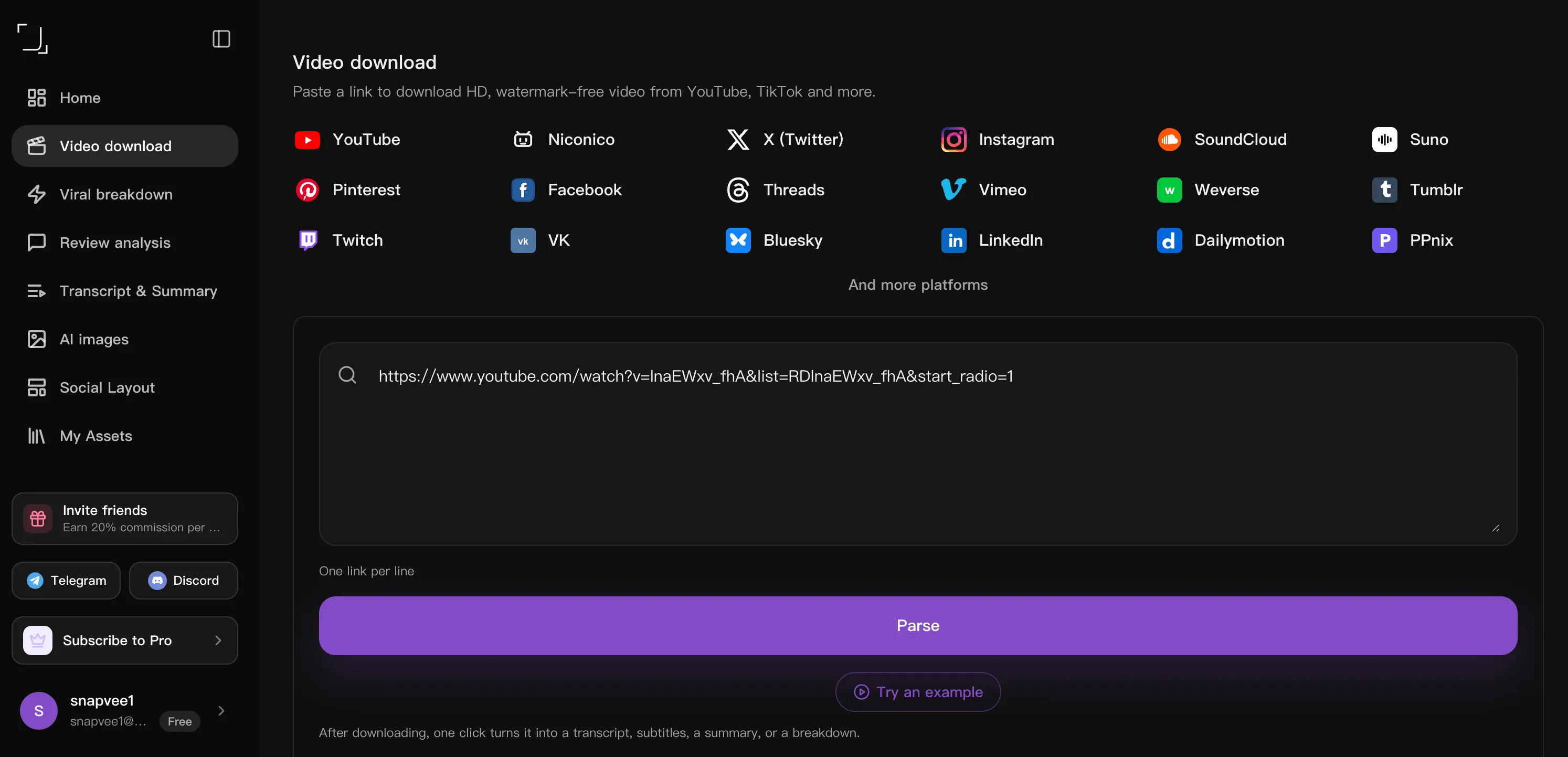
Copy the video link
Open the post you want and tap Share → Copy link. Any public video URL works, on desktop or mobile.
Threads online downloaden. Sla openbare Threads-posts en -video's in HD op als dat beschikbaar is. Plak een openbare link in je browser — geen software, geen account.
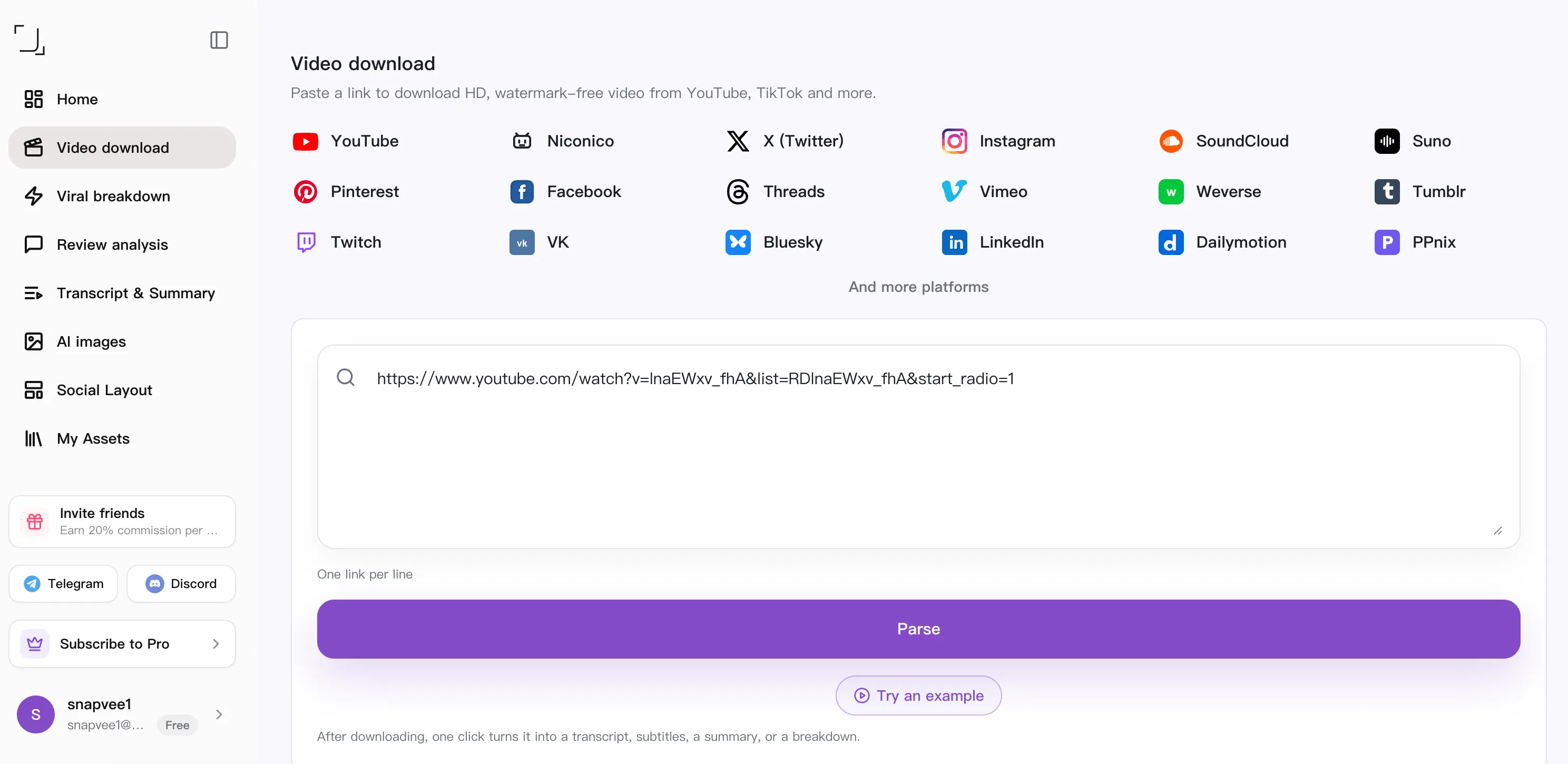
Video's downloaden - SnapVee Universele Videodownloader
After downloading, one click turns it into a transcript, subtitles, a summary, or a breakdown.
Geen taken
It works in any browser on desktop or mobile — nothing to install, and no account needed to start.
Open the post you want and tap Share → Copy link. Any public video URL works, on desktop or mobile.
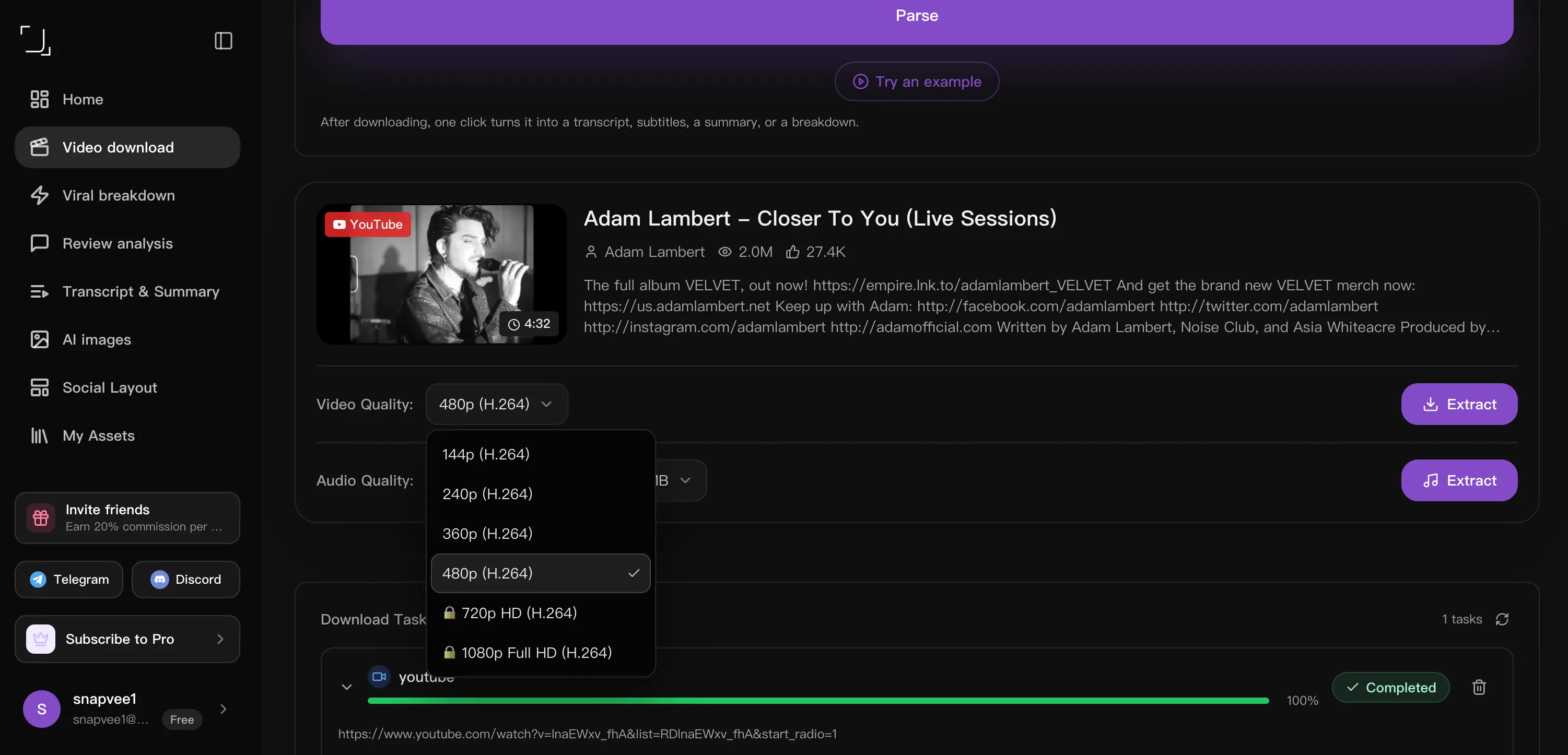
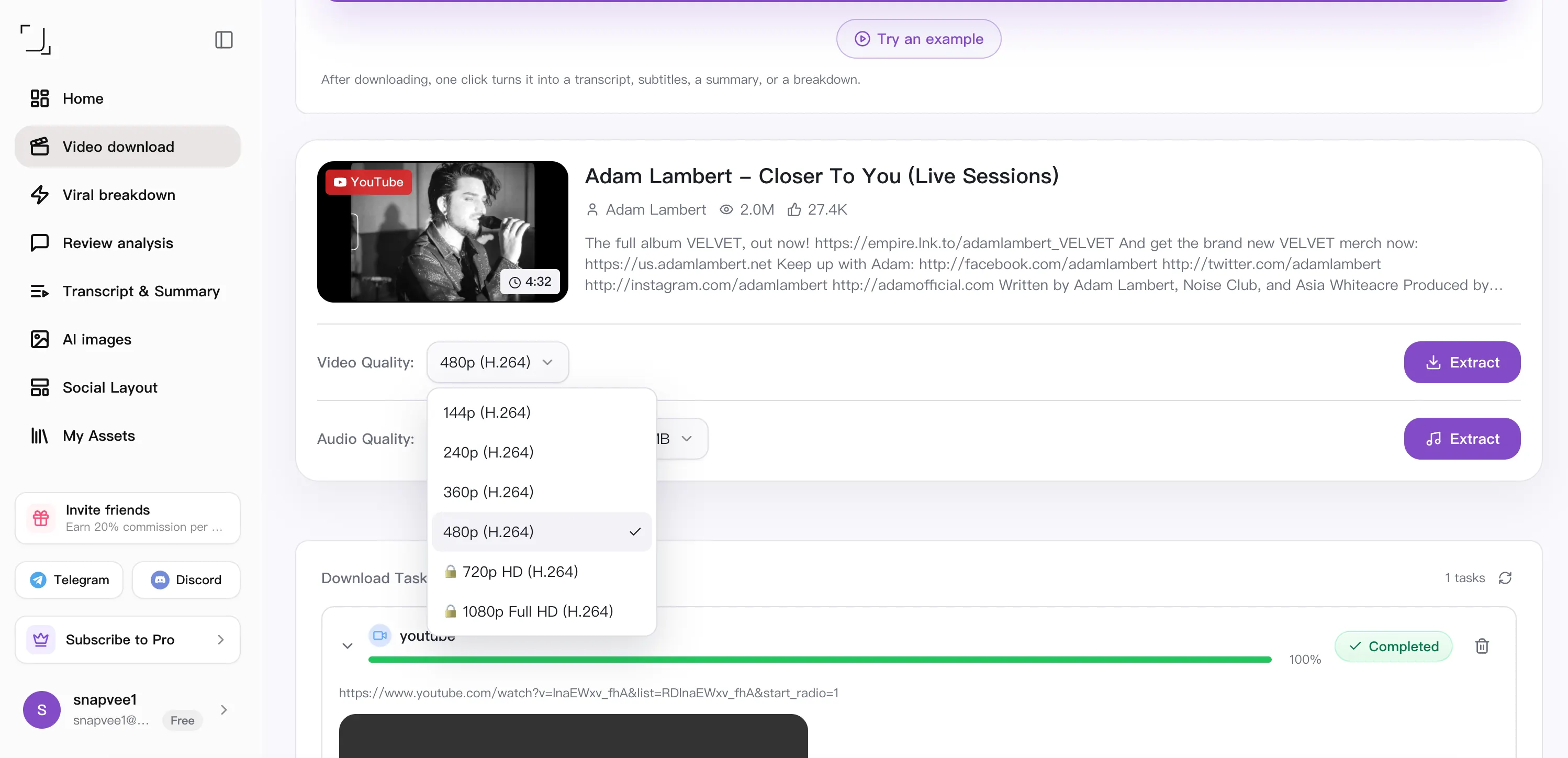
Paste the URL above. SnapVee reads the title, duration and every quality the source offers, then lets you choose MP4 video or MP3 audio.
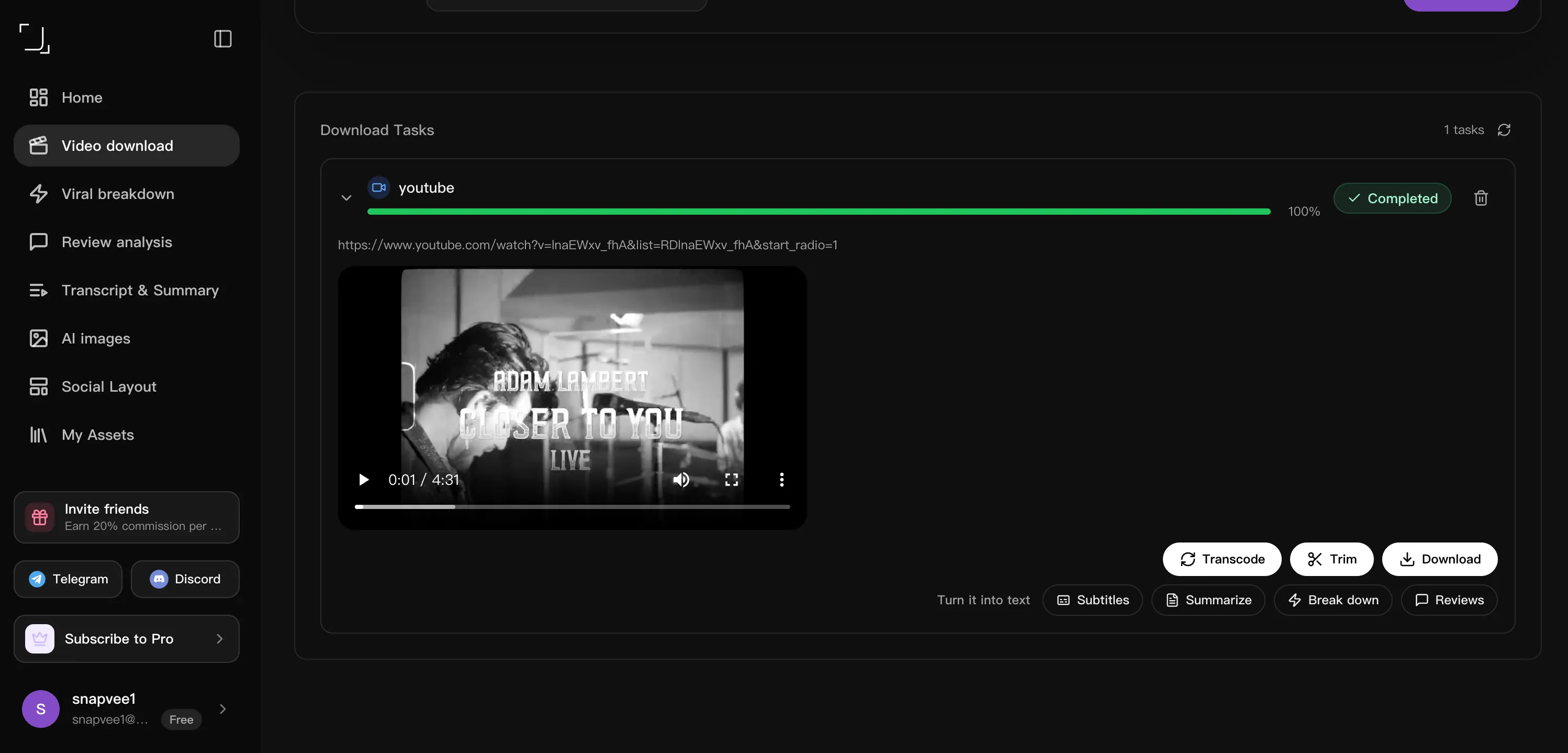
Hit download and the file saves straight to your device. Task history keeps every link, so you can re-download or batch more without pasting twice.
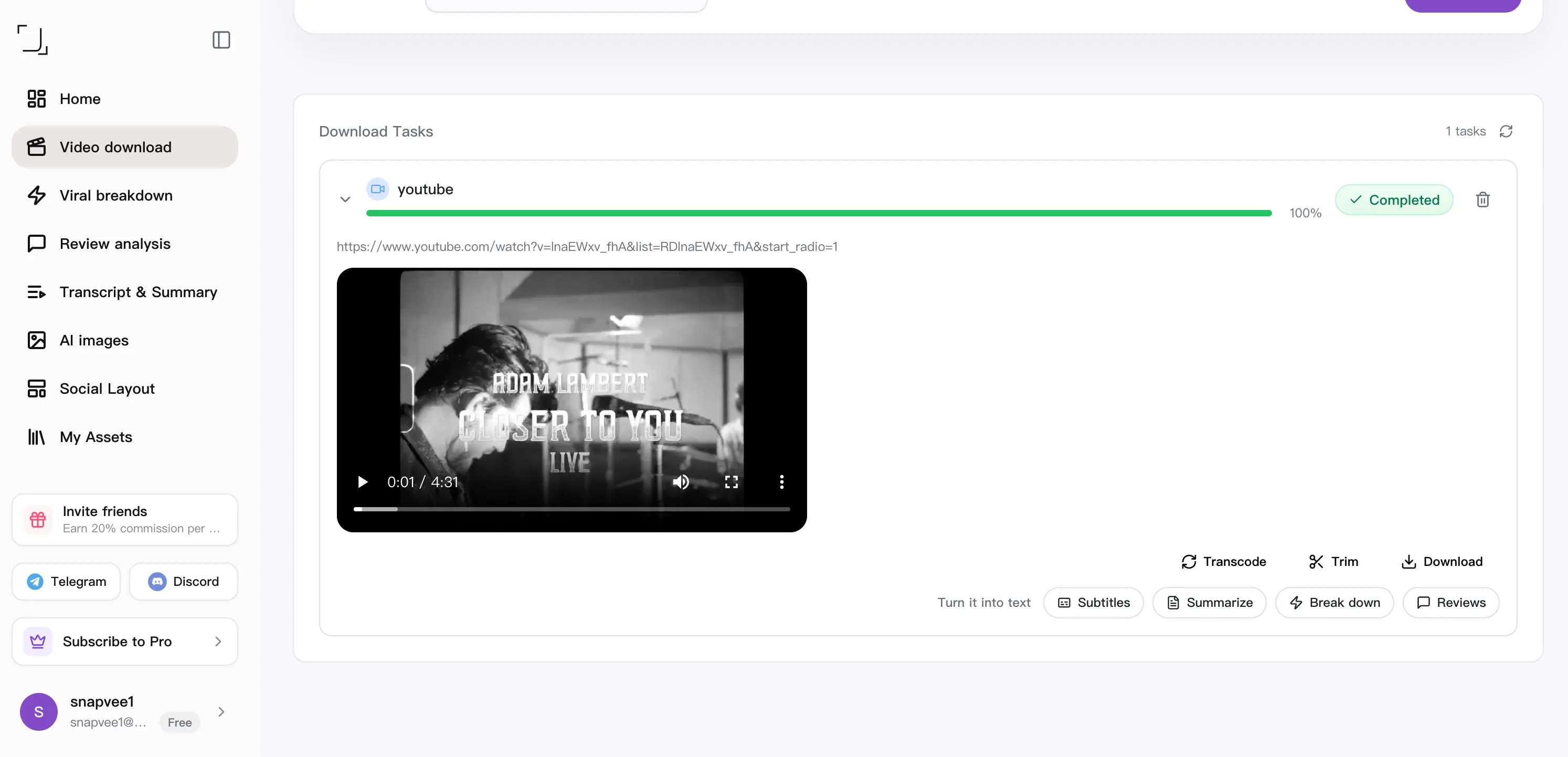
Downloaded it. Now what?
Downloading is step one. The same link can become subtitles, a summary, a fresh script, or your next content idea — without leaving SnapVee.
Side by side
How a downloader that lives in the browser compares with a desktop app (4K Video Downloader), a Windows download manager (IDM) and the URL-trick sites (SSYouTube).
| What matters | SnapVee | 4K Video Downloader | IDM | SSYouTube |
|---|---|---|---|---|
| Getting started | Paste a link in the browser | Install a desktop app | A Windows app plus a browser extension | Edit the URL, follow redirects |
| Devices | Any browser, phone included — plus a desktop app | One install per computer | Windows only, licensed per machine | Browser, depends on the redirect |
| Quality control | Pick 4K, 1080p or MP3 explicitly | Up to 4K / 8K when the source allows | Whatever stream the extension catches | Whatever the redirect target offers |
| After the download | Transcript, summary, convert, clip — same place | Local offline library | Download manager only — resume and accelerate | Download only |
| Account | Usage depends on your plan and remaining allowance | Basic tier has limited features | Paid licence after the trial | No account needed |
Compared against each product's publicly observable behaviour, checked August 2026. For offline batch downloads and playlist management, 4K Video Downloader is still a strong pick, and IDM remains the most reliable way to resume a broken large-file download.
Ratings and feedback from real creators.
“One link grabs the video and the stats — my whole reference workflow lives here now.”
 Ethan Carter · YouTuber
“Batch downloads with retries save me hours every week. Nothing else came close.”
 Olivia Bennett · Content creator
“It picks the best quality automatically and the task history keeps everything tidy.”
 Liam Walsh · Video editor
“Audio-only export straight to MP3 is exactly what I needed for my show.”
 Sophia Reyes · Podcaster
“Fast, clean, and it just works across every platform I throw at it.”
 Noah Bishop · Marketer
“The engagement data next to each clip helps me decide what's worth keeping.”
 Emma Lindqvist · Filmmaker
Copy the Threads post link, paste it into SnapVee, and download the video in its original quality.
Yes, SnapVee saves public Threads videos cleanly, with no watermark added.
Paste the post link into SnapVee, tap download, and the video saves to your iPhone or Android — no app needed.
Yes, you can save both videos and photos from public Threads posts.
Download availability and limits depend on your plan and remaining allowance. Check the pricing page for details.