AI Video Generator Guide: Models, Image-to-Video, Storyboards, Continuation, and Shot Improvement
Learn what AI video generation can do, which model types to choose, how to use it for ecommerce, shoppable videos, IP characters, and platform-safe adult-style content, plus image-to-video, storyboarding, continuation, and quality fixes.
AI video generation is no longer just a one-line prompt. Reliable results come from a production workflow: define the use case, choose a model, describe the subject, action, camera, and timing, generate short shots, then connect them with storyboards, image-to-video, continuation, and editing.
Start with the SnapVee AI video generator, or open the AI video workbench if you already have a shot idea.
1. What AI video generation is good for
AI video works best when the shot is short, clear, and focused. Do not ask for a complete commercial in one prompt. Break it into shots.
| Use case | What to generate | Key requirement |
|---|---|---|
| Ecommerce | Product hero shots, texture shots, unboxing, usage scenes | Accurate product shape, clean background, slow camera |
| Shoppable content | B-roll, product benefit demos, pain-point scenes | One selling point per shot, clear action, subtitle space |
| IP and characters | Virtual influencers, brand characters, short drama shots | Stable character design, consistent outfit and location |
| Education | Concept animation, process demo, article companion clips | Simple visuals, minimal embedded text |
| Adult-style content | Clearly adult 18+ fashion, fitness, influencer, sensual mood clips | Platform-safe, non-explicit, no minors or minor-coded content |
| Ads | Hook variations, atmosphere clips, backgrounds, transitions | Multiple tests, strong first second |
Adult-style creation should stay clearly adult 18+, non-explicit, and platform-safe. Avoid nudity, explicit sexual acts, minors, minor-coded characters, and sexualized school or campus settings.
2. Which video models to use
Different video models are good at different jobs. Choose by shot requirements, not only by model popularity.
| Model family | Best for | Practical use |
|---|---|---|
| ByteDance Seedance | Fast short videos, image-to-video, shoppable B-roll, continuity testing | Good first pass for direction and speed |
| Runway Gen series | Cinematic shots, advertising mood, stronger motion control | Good for polished visual direction |
| Google Veo series | High-quality narrative video, natural motion, audio-aware directions | Good for commercial and story-driven shots |
| OpenAI Sora series | Text-to-video, complex scene understanding, imaginative clips | Good for concept validation and creative scenes |
| Kling | Character motion, ecommerce, Chinese social-video style | Good for people, product, and creator content |
| Luma Ray series | Camera movement, realism, image extension | Good for animating strong first frames |
| Pika / PixVerse / Hailuo | Social clips, effects, fast creative testing | Good for quick variation batches |
| Grok Imagine Video | Adult-labeled style and influencer mood | Use only for non-explicit, platform-safe adult direction |
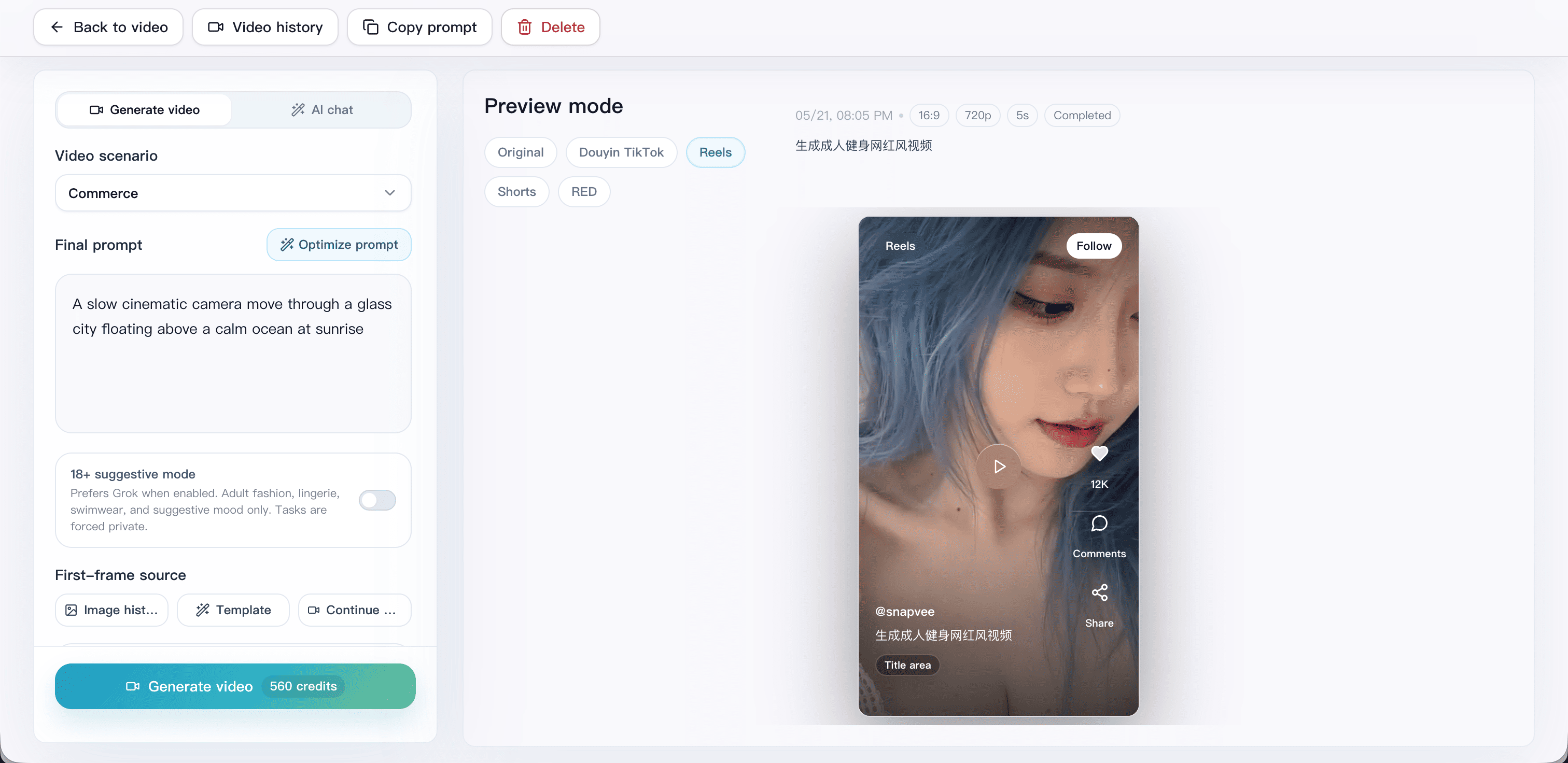
In SnapVee, video models are shown by capability: text-to-video, image-to-video, first frame, last frame, duration, aspect ratio, resolution, and audio support. Check those capabilities before choosing.
3. Text-to-video or image-to-video
Text-to-video is best for exploring from zero. It is flexible, but subject details can drift.
Image-to-video is best when you already have a strong image. Create a product visual or character image first, then use it as the first frame. This keeps the subject, composition, and visual style more stable.
Choose this way:
- Need creative direction: use text-to-video.
- Already have a product, character, or cover image: use image-to-video.
- Need character consistency: create the character image first, then animate it.
- Need continuation: use the last frame of the previous shot as the next first frame.
- Need product accuracy: start from a real or edited product image.
4. How to write AI video prompts
A video prompt needs three things an image prompt does not: action, camera, and time.
Create a [aspect ratio], [duration] video for [use case].
The subject is [person/product/scene] in [environment].
The action is [subject action], and the camera [pushes in / pulls back / orbits / pans / stays locked].
The style is [realistic / cinematic / ecommerce commercial / creator short video].
The pacing is [slow / medium / fast]. Keep [subtitle / title / product info] safe area clear.
Avoid [warping, watermarks, random text, extra people, violence, explicit content].
Do not overload one shot. If you need product arrival, usage, proof, and final CTA, make four shots.
5. Ecommerce and shoppable video workflow
Ecommerce video should make the product feel clear and trustworthy.
- Product entrance: clean hero shot.
- Texture detail: material, liquid, reflection, packaging, or close-up.
- Usage scene: hands, model, desk, room, or lifestyle context.
- Benefit visualization: waterproof, lightweight, brightening, storage, warmth.
- Ending space: leave room for title, price, brand, and CTA.
Prompt example:
9:16 ecommerce B-roll, one transparent skincare serum bottle on a light gray stone counter, slow camera push-in, soft morning light from the left, bottle remains clear and complete, premium clean background, safe subtitle space at top and bottom, no watermark, no random text.
If product accuracy matters, use image-to-video with a real or polished product image.
6. IP characters and short-series content
Character content needs a character bible:
- Adult age and role.
- Hair, outfit, accessories, colors.
- Fixed location.
- Signature gesture, expression, or camera habit.
- Things that must not change: face, outfit, hair color, number of people.
Generate a character still first, then animate it. Each shot should contain one action: turn, walk closer, pick up the product, look at camera, sit down. Do not try to create an entire series in one prompt.
7. How to storyboard
Storyboarding reduces model load. A 20-second video can become four 4 to 6 second shots.
| Shot | Purpose | Visual |
|---|---|---|
| 1 | Hook | Character or product enters with a strong first moment |
| 2 | Context | Show the environment, pain point, or before state |
| 3 | Change | Product action, character reaction, or benefit |
| 4 | Finish | Mood hold, brand moment, subtitle-safe ending |
Write one subject action and one camera motion per shot. Generate, select, then edit together.
8. How to continue a video
Continuation works when the next shot inherits the previous one.
- Export the last frame of the previous video.
- Use it as the next first frame.
- Repeat character, outfit, lighting, location, and camera direction.
- Add only one natural next action.
- Avoid sudden changes in location, lighting, aspect ratio, or number of people.
If the previous shot already has bad warping, do not continue from it. Go back to a cleaner frame or regenerate that shot.
9. How to improve bad results
| Problem | Cause | Fix |
|---|---|---|
| Subject warps | Action is too complex | Reduce motion, use a first frame, emphasize subject integrity |
| Camera shakes | Conflicting camera words | Keep one camera movement |
| Product is wrong | Text-only prompt is unstable | Upload product image or edit the first frame first |
| Face changes | No reference or shot is too long | Use a character first frame, shorten duration |
| Scene feels empty | Not enough environment detail | Add background, light, props, composition |
| Platform risk | Explicit, violent, copyrighted, or sensitive direction | Rewrite as platform-safe and avoid real celebrities or protected characters |
Fix structure before style. If subject, action, and camera are unclear, more cinematic adjectives will not solve the shot.
Final workflow
- Define the use case: ecommerce, shoppable video, IP, cover extension, ad creative.
- If the subject matters, create or upload a first frame.
- Split the video into 3 to 6 second shots.
- Give each shot one action and one camera move.
- Generate variations and keep the most stable result.
- Continue from the last frame when you need a sequence.
- Add subtitles, voiceover, music, cover, and CTA in editing.
AI video generation works best as a shot-by-shot workflow. Text-to-video explores ideas, image-to-video stabilizes subjects, storyboards improve control, and continuation helps you build a reusable series.
About the author
Jason Jiang
Product and engineering lead
Maintains SnapVee's core product features, ships platform support and product updates, and writes official tutorials and comparison content.