Lifetime buyout$29.99Buy now

Онлайн-завантаження Vimeo

Онлайн-завантаження Vimeo. Зберігайте публічні відео Vimeo в HD або 4K, якщо джерело дає. Вставте публічне посилання в браузер — без програм і реєстрації.

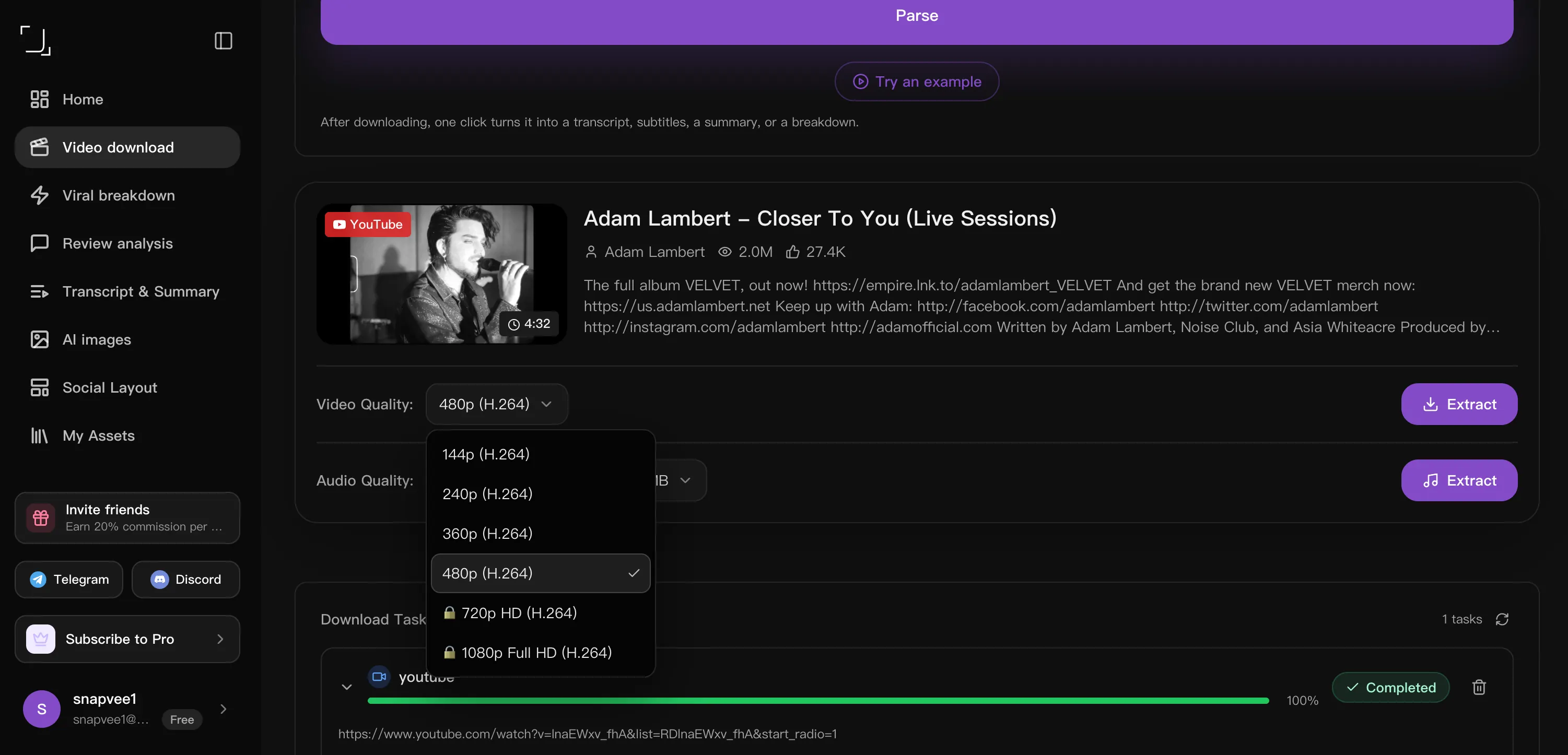
Free downloads support up to 720p and videos up to 1 hour. 1080p and 4K require a paid plan and an available source stream; paid plans support videos up to 2 hours. Check pricing for your download allowance.

Завантаження відео - Універсальний відеозавантажувач SnapVee

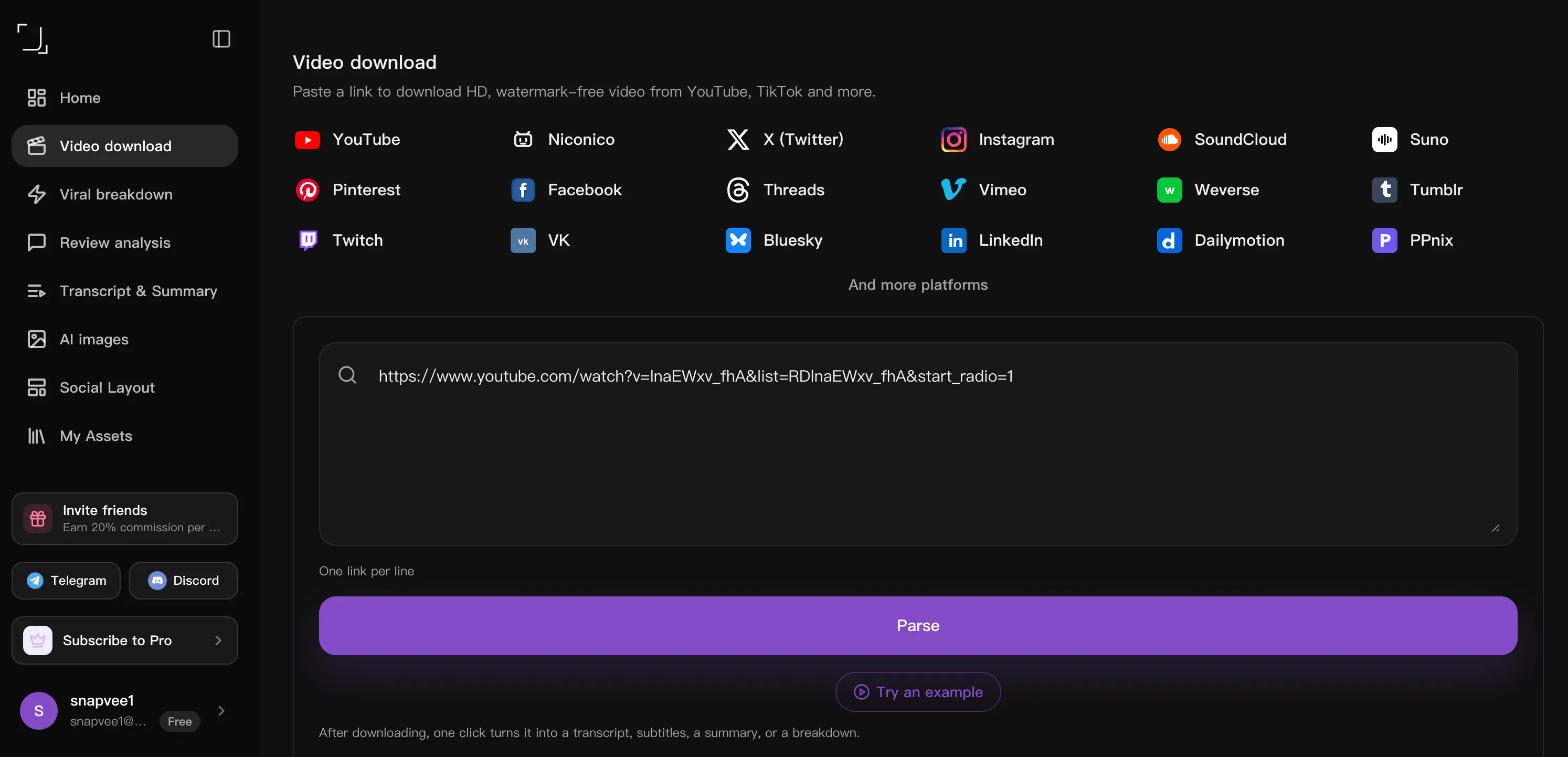
По одному посиланню в рядку

After downloading, one click turns it into a transcript, subtitles, a summary, or a breakdown.

SupportsVimeo

Як завантажити відео з Vimeo

It works in any browser on desktop or mobile — nothing to install, and no account needed to start.

01

Copy the video link

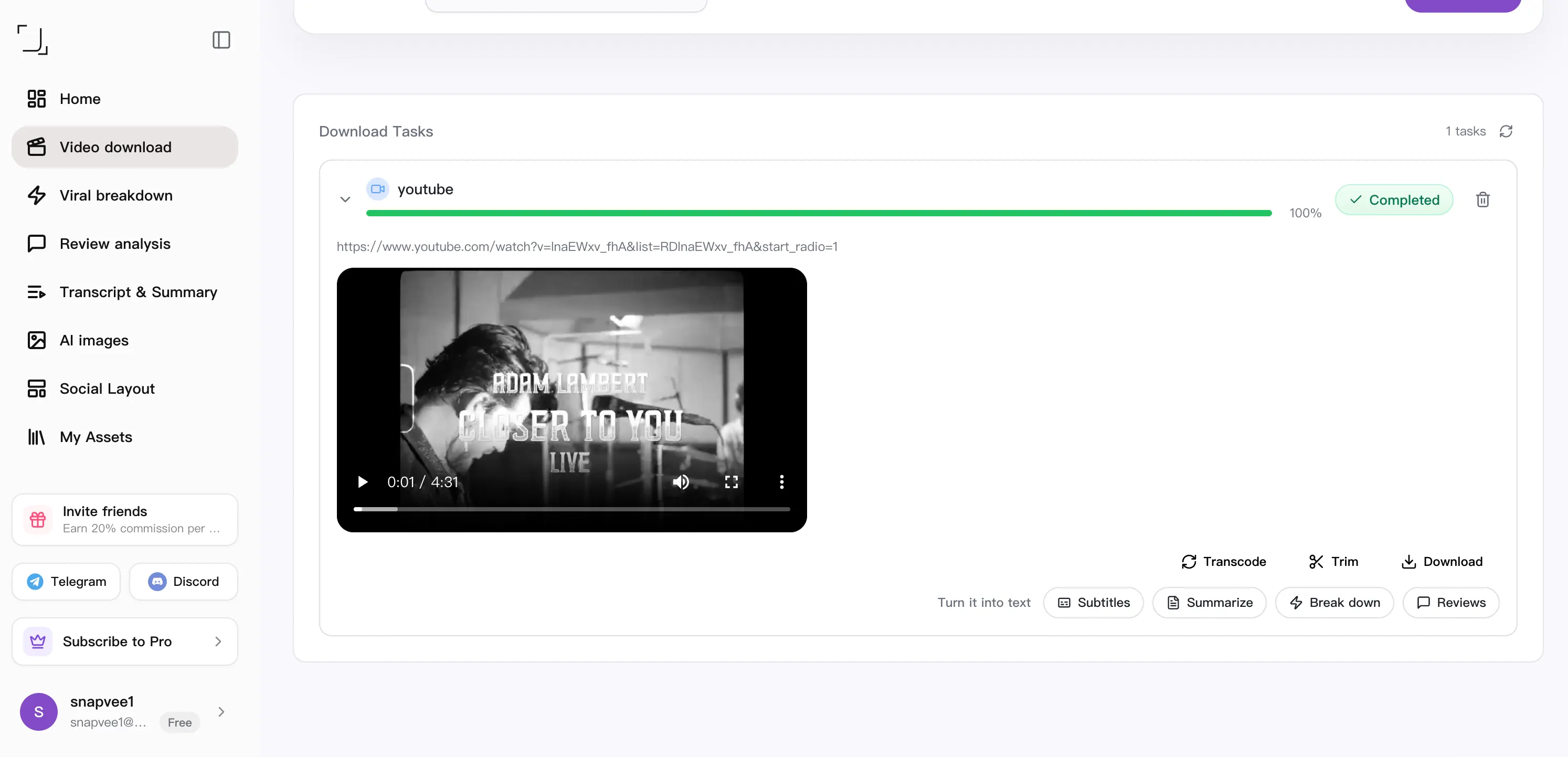
Open the post you want and tap Share → Copy link. Any public video URL works, on desktop or mobile.

02

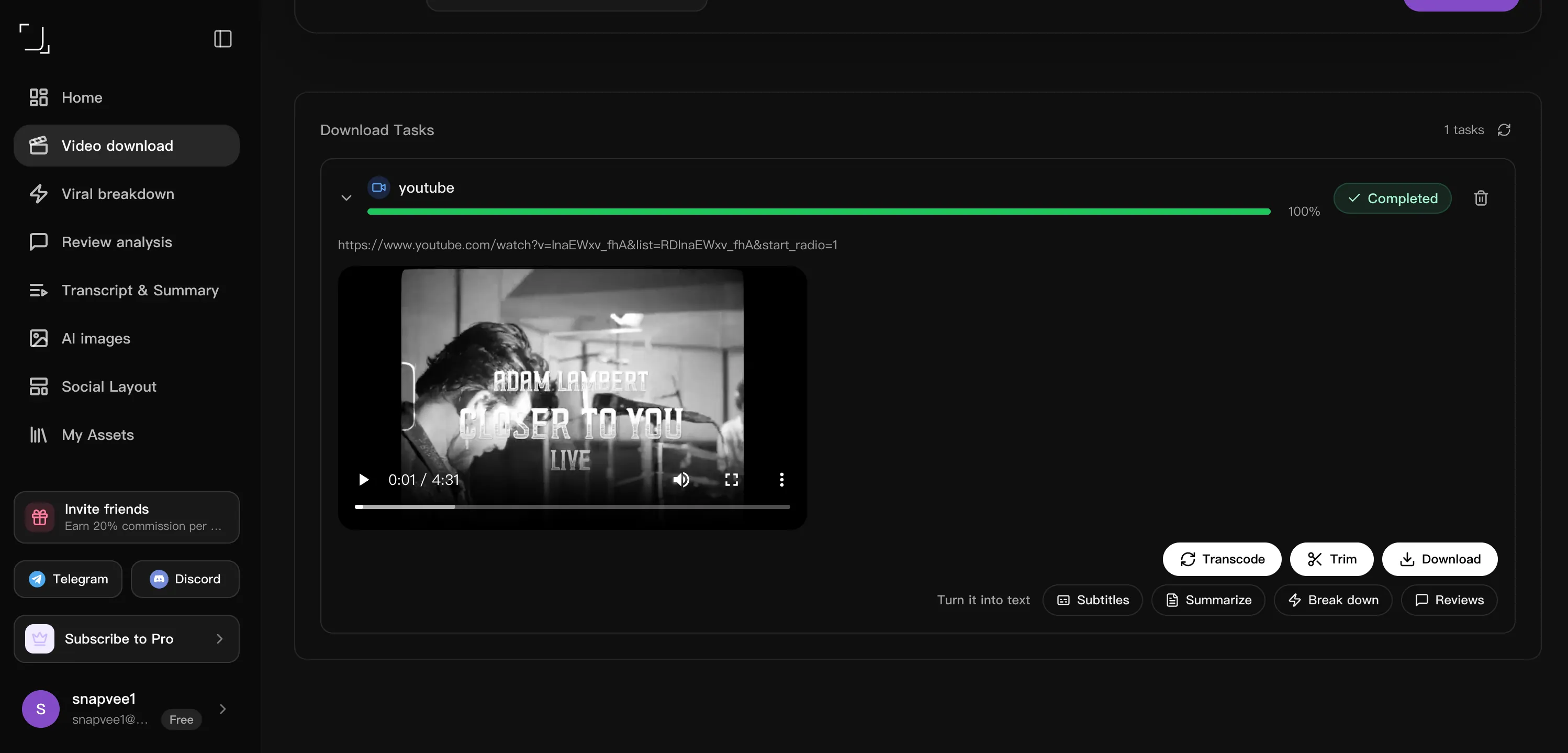
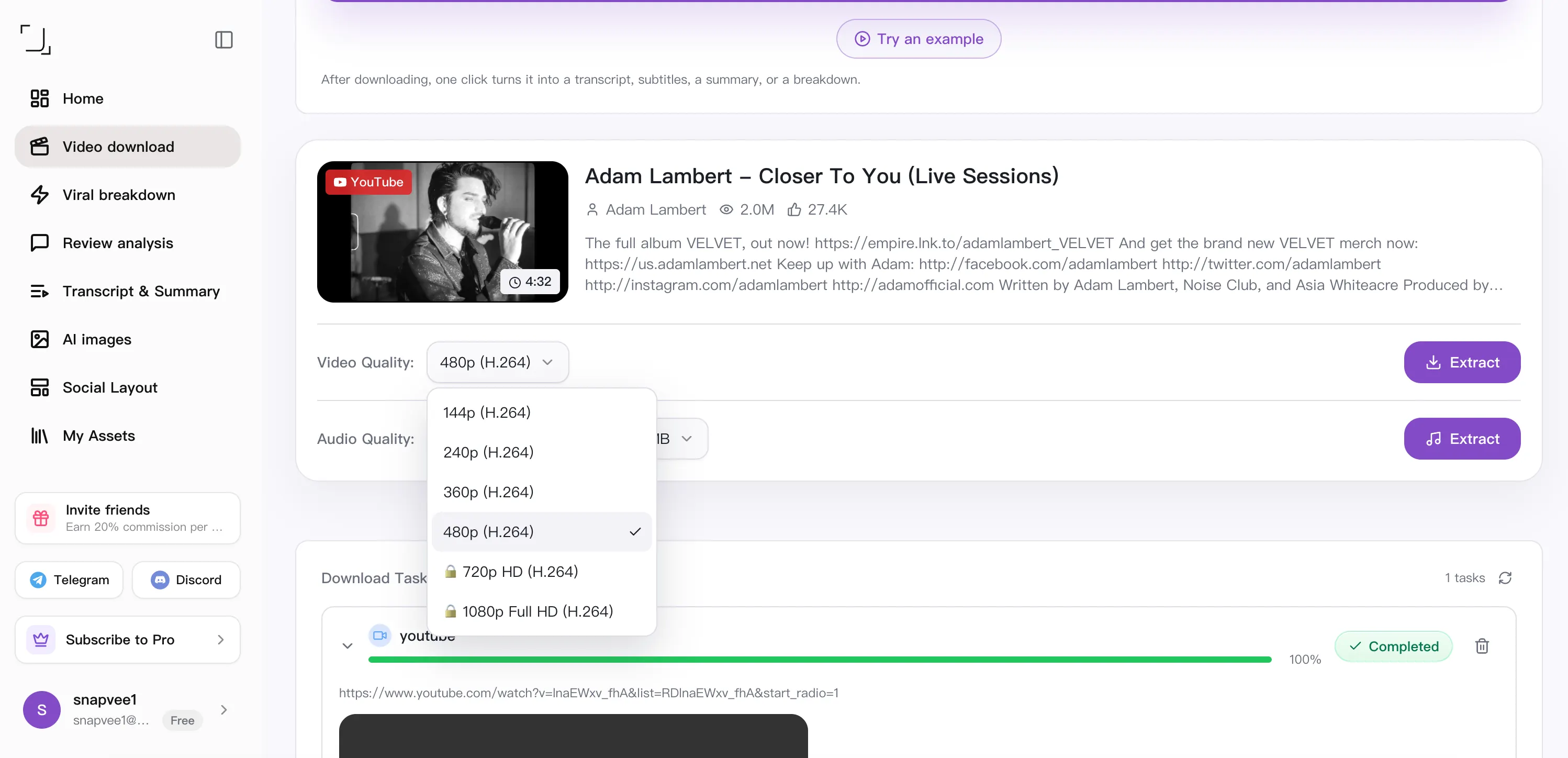
Paste it and pick a format

Paste the URL above. SnapVee reads the title, duration and every quality the source offers, then lets you choose MP4 video or MP3 audio.

03

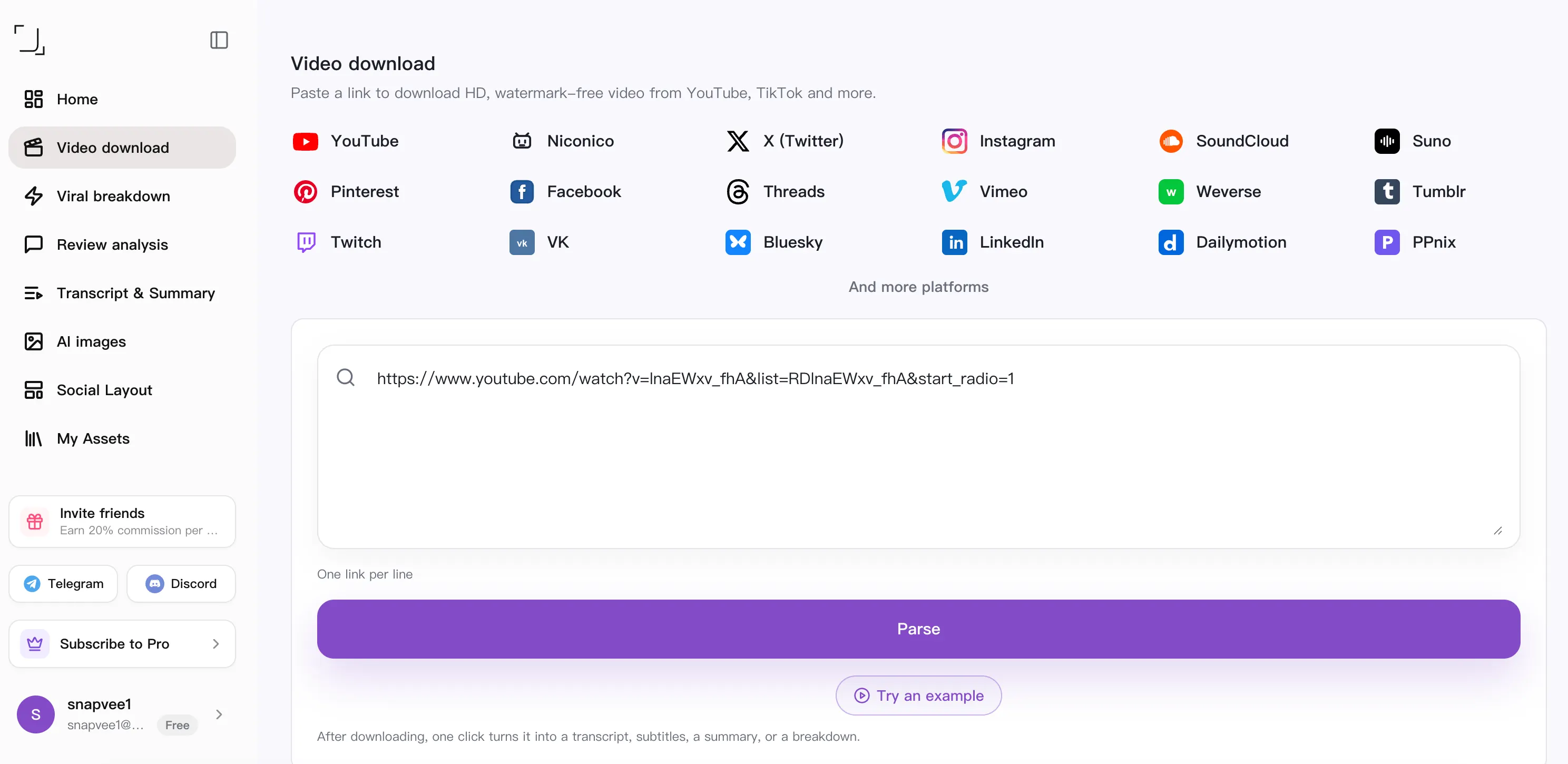
Download the file

Hit download and the file saves straight to your device. Task history keeps every link, so you can re-download or batch more without pasting twice.
Copy the video link
01

Copy the video link

Paste it and pick a format
02

Paste it and pick a format

Download the file
03

Download the file

See the numbers before you download

@studio · City nightscape timelapse · 4K
2.4M
Views
186K
Likes
3.1K
Comments
7.8%
Engagement

Download by platform

Vimeo

Downloaded it. Now what?

The rest of the workflow is right here

Downloading is step one. The same link can become subtitles, a summary, a fresh script, or your next content idea — without leaving SnapVee.

Транскрипція субтитрівПеретворюйте відео на текст, а тоді створюйте, перекладайте й експортуйте субтитриРезюме відеоПеретворюйте довгі відео на тези, розділи та нотатки MarkdownРозбір вірусних відеоРозберіть гачок, структуру й ритм вірусного відео та застосуйте у себеАналіз коментарівЗведіть коментарі до настроїв і справжніх потребКонвертуватиКонвертуйте відео, зображення та аудіо між форматамиСтисненняСтискайте відео та зображення на власному комп'ютері — без вивантаженняОб'єднати аудіо та відеоЗамініть звукову доріжку або підмішайте озвученняВидалення водяних знаківПрибирайте водяні знаки із зображень і відеоAI-зображенняТекст у зображення, обкладинки для соцмереж і візуали товарівВерстка для соцмережПеретворюйте Markdown на дописи для WeChat, Zhihu, Xiaohongshu та XFind what to make nextSee which hashtags and sounds are climbing right now, and pull the reference clips before the trend peaks.

Side by side

SnapVee vs. the downloaders you already tried

How a downloader that lives in the browser compares with a desktop app (4K Video Downloader), a Windows download manager (IDM) and the URL-trick sites (SSYouTube).

What mattersSnapVee4K Video DownloaderIDMSSYouTube
Getting startedPaste a link in the browserInstall a desktop appA Windows app plus a browser extensionEdit the URL, follow redirects
DevicesAny browser, phone included — plus a desktop appOne install per computerWindows only, licensed per machineBrowser, depends on the redirect
Quality controlPick 4K, 1080p or MP3 explicitlyUp to 4K / 8K when the source allowsWhatever stream the extension catchesWhatever the redirect target offers
After the downloadTranscript, summary, convert, clip — same placeLocal offline libraryDownload manager only — resume and accelerateDownload only
AccountUsage depends on your plan and remaining allowanceBasic tier has limited featuresPaid licence after the trialNo account needed

Compared against each product's publicly observable behaviour, checked August 2026. For offline batch downloads and playlist management, 4K Video Downloader is still a strong pick, and IDM remains the most reliable way to resume a broken large-file download.

Pricing

Simple, transparent pricing

Pro shows download points and credits separately. Downloads spend points; summaries and subtitles convert video minutes into credit spend.

Free

$0one-time trial

  • 30 media minutes
  • 20 AI credits / mo≈ 2 images · 1 review analyses
  • 1 free download per day
  • Desktop tools: convert / compress / clip / merge / de-watermark5 runs per tool per day
  • Limited social trends, free
  • Social post formatting
  • Assets kept for 7 days
  • Transcription, subtitles and summaries require an active subscription; buying a media-minute pack does not replace a subscription.

Lite

$7.99/mo

Billed yearly at $95.88

  • 600 media minutes≈ transcribe/break down 20 30-min videos
  • 400 AI credits / mo≈ 50 images · 20 review analyses
  • Full downloader included
  • No watermark · 1080p+ download
  • Profile extraction
  • Desktop tools: convert / compress / clip / merge / de-watermarkUnlimited runs
  • Trend search: 5/day
  • Unlock all social trends
  • Trend picking / sourcing / analytics / summarize & transcribe — full pipeline
  • Social post formatting
  • Can buy add-on packs
  • Assets kept forever
Recommended

Pro

$13.99/mo

Billed yearly at $167.88

  • 1,200 media minutes≈ transcribe/break down 40 30-min videos
  • 1,200 AI credits / mo≈ 150 images · 60 review analyses
  • Full downloader included
  • No watermark · 1080p+ download
  • Profile extraction
  • Desktop tools: convert / compress / clip / merge / de-watermarkUnlimited runs
  • Trend search: 20/day
  • Unlock all social trends
  • Trend picking / sourcing / analytics / summarize & transcribe — full pipeline
  • Social post formatting
  • Can buy add-on packs
  • Assets kept forever

Studio

$32.99/mo

Billed yearly at $395.88

  • 3,000 media minutes≈ transcribe/break down 100 30-min videos
  • 3,000 AI credits / mo≈ 375 images · 150 review analyses
  • Full downloader included
  • No watermark · 1080p+ download
  • Profile extraction
  • Desktop tools: convert / compress / clip / merge / de-watermarkUnlimited runs
  • Trend search: 50/day
  • Unlock all social trends
  • Trend picking / sourcing / analytics / summarize & transcribe — full pipeline
  • Social post formatting
  • Can buy add-on packs
  • Assets kept forever

"Unlimited downloads" is for normal personal use; we may throttle scripted or abnormal bulk downloading.

Frequently asked

How do I download Vimeo videos in HD?+

Paste the Vimeo link into SnapVee and download the video in the highest quality the source offers, up to HD.

Can I download Vimeo videos as MP4?+

Yes, SnapVee saves Vimeo videos as MP4 files ready to play on any device.

How do I save a Vimeo video to my computer?+

Paste the link into SnapVee, click download, and the MP4 file saves straight to your computer.

Can I convert a Vimeo video to MP3?+

Yes, choose the MP3 option to save just the audio from a Vimeo video.

What download limits apply?+

Download availability and limits depend on your plan and remaining allowance. Check the pricing page for details.
One link, a few seconds

Завантажити відео з Vimeo